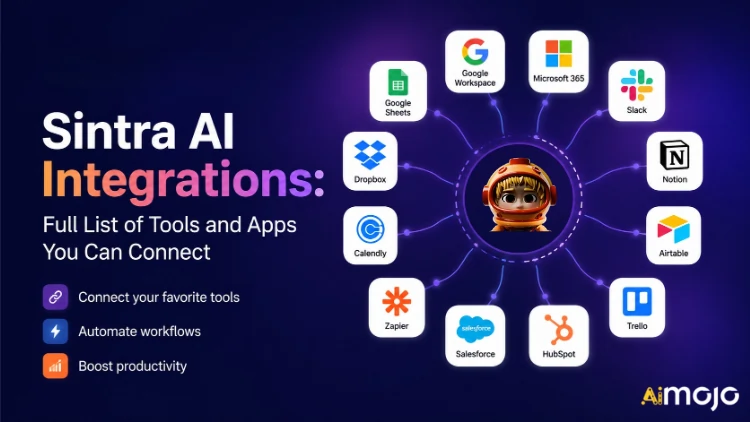
Setiap alat yang digunakan oleh perniagaan anda — Gmail, Notion, LinkedIn, Google Analytics, QuickBooks dan 1,000+ lagi — kini boleh disambungkan terus ke Sintra AI.
Di sini's pecahan lengkap tentang apa yang berkaitan, bagaimana ia berfungsi, dan apa yang anda AI pembantu sebenarnya lakukan sebaik sahaja anda menekan suis.
Apa Sebenarnya Maksud "Integrasi" dalam Sintra
Integrasi Sintra bukanlah plugin pihak ketiga yang anda buka secara manual. Ia merupakan penyambung satu klik terbina dalam yang dipasang terus ke dalam platform — tiada webhook, tiada tiket pembangun, tiada perisian tengah Zapier diperlukan (walaupun sokongan Zapier wujud untuk melanjutkan lagi).
Setelah disambungkan, Sintra anda AI Pembantu mendapat akses baca/tulis terus kepada alatan tersebut. Ini bermakna mereka bukan sahaja "melihat" data — mereka bertindak ke atasnya. Draf dan hantar e-mel dalam Gmail. Siarkan ke LinkedIn. Tarik laporan Google Analytics. Cipta halaman Notion. Semua dicetuskan dari dalam satu tetingkap sembang.
Lapisan integrasi dikuasakan oleh Composio , yang membolehkan Sintra mencapai lebih 1,000 integrasi merentasi setiap kategori perniagaan utama.

Sintra Penuh AI Senarai Integrasi (Mengikut Kategori)
Di sini's ringkasan berstruktur bagi setiap kategori dan alat yang disokong pada masa ini:
📧 E-mel
| Alat | Apa yang Boleh Dilakukan oleh Pembantu Anda |
|---|---|
| gmail | Hantar e-mel, balas thread, baca peti masuk, jalankan kempen jangkauan |
| Microsoft Outlook | Hantar, balas, baca — penuh pengurusan peti masuk untuk pengguna Microsoft |
📅 Kalendar & Penjadualan
| Alat | Apa yang Boleh Dilakukan oleh Pembantu Anda |
|---|---|
| Kalendar Google | Cipta acara, baca jadual, tetapkan peringatan, rancang kalendar kandungan |
| Kalendar MS | Keupayaan kalendar yang sama untuk pengguna Microsoft 365 |
🗂️ Penyimpanan Fail
| Alat | Apa yang Boleh Dilakukan oleh Pembantu Anda |
|---|---|
| Google Drive | Simpan laporan, tarik fail, simpan output yang dijana AI secara automatik |
| dropbox | Penyimpanan dan pengambilan fail untuk aliran kerja berasaskan Dropbox |
📱 Media Sosial
| Alat | Apa yang Boleh Dilakukan oleh Pembantu Anda |
|---|---|
| LinkedIn (Peribadi) | Jadualkan siaran, terbitkan kandungan, uruskan aktiviti profil |
| LinkedIn (Halaman Syarikat) | Urus catatan halaman, kembangkan kehadiran syarikat |
| Terbitkan siaran, lihat pandangan halaman, uruskan kandungan halaman | |
| Siarkan ke suapan (melalui pautan Facebook Business), uruskan kandungan | |
| TikTok | Terbitkan dan jadualkan kandungan video pendek |
| Youtube | Urus muat naik video dan kandungan saluran |
💬 Komunikasi Pasukan
| Alat | Apa yang Boleh Dilakukan oleh Pembantu Anda |
|---|---|
| Slack | Hantar mesej, siarkan ke saluran, automasikan pemberitahuan pasukan |
| Microsoft Pasukan | Bekerjasama dan berkomunikasi merentasi pasukan yang berpangkalan di Microsoft |
✅ Produktiviti & Pengurusan Projek
| Alat | Apa yang Boleh Dilakukan oleh Pembantu Anda |
|---|---|
| Tanggapan | Cipta halaman, kemas kini pangkalan data, atur projek |
| Trello | Urus papan, kad dan senarai tugasan |
| Asana | Cipta tugasan, jejaki kemajuan projek |
| Tugas Google | Tambah dan urus tugasan dalam Google Workspace |
| Todoist | Penciptaan tugasan dan pengurusan senarai tugasan |
| Linear | Penjejakan tugas pasukan kejuruteraan dan produk |
| Airtable | Pengurusan pangkalan data dan penjejakan projek |
💼 CRM & Jualan
| Alat | Apa yang Boleh Dilakukan oleh Pembantu Anda |
|---|---|
| HubSpot | Urus kenalan, jejaki tawaran, kemas kini entri CRM |
| Salesforce | Kemas kini CRM, penjejakan bakal pelanggan, pengurusan saluran jualan |
| Pipedrive | Pengurusan urusan dan automasi aliran kerja jualan |
📊 Analisis & Data
| Alat | Apa yang Boleh Dilakukan oleh Pembantu Anda |
|---|---|
| google Analytics | Ambil laporan trafik, pandangan permukaan, jejak prestasi |
| Kunci Google | Baca dan tulis data hamparan untuk pelaporan |
💰 Perakaunan & Kewangan
| Alat | Apa yang Boleh Dilakukan oleh Pembantu Anda |
|---|---|
| QuickBooks | Cipta/hantar invois, baca laporan kewangan, jana laporan |
| Xero | Automasi perakaunan dan pembukuan |
🛠️ Alat Pembangun
| Alat | Apa yang Boleh Dilakukan oleh Pembantu Anda |
|---|---|
| GitHub | Urus repositori, jejak isu, automasikan aliran kerja pembangunan |
| GitLab | Pengurusan kod dan interaksi saluran paip CI/CD |
| Jira | Penjejakan isu dan pengurusan pecutan |
| Supabase | Interaksi pangkalan data dan pengurusan backend |
🎨 Reka Bentuk & Kreatif
| Alat | Apa yang Boleh Dilakukan oleh Pembantu Anda |
|---|---|
| figma | Akses fail reka bentuk, aset rujukan dalam aliran kerja kandungan |
📣 Pemasaran & Pengiklanan
| Alat | Apa yang Boleh Dilakukan oleh Pembantu Anda |
|---|---|
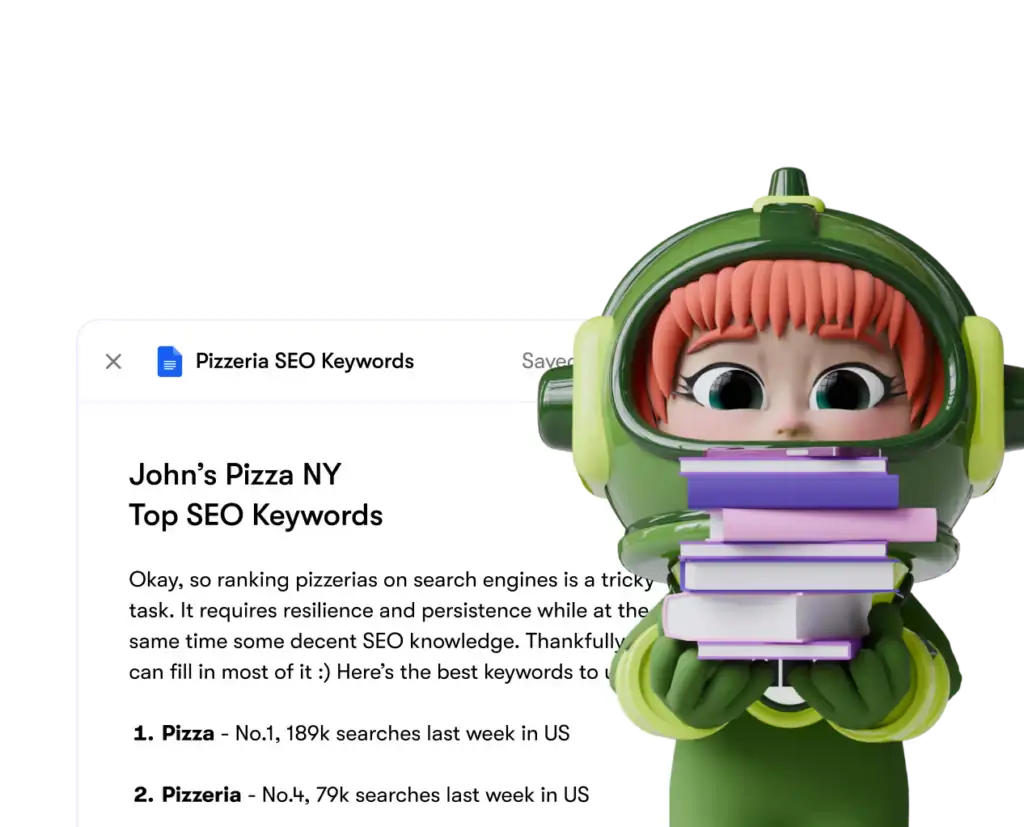
| SEMrush | Dapatkan data kata kunci, jejak kedudukan, dan peluang SEO permukaan |
| Iklan Meta | Urus kempen iklan dan data akaun iklan |
🏃 Kesihatan & Kecergasan
| Alat | Apa yang Boleh Dilakukan oleh Pembantu Anda |
|---|---|
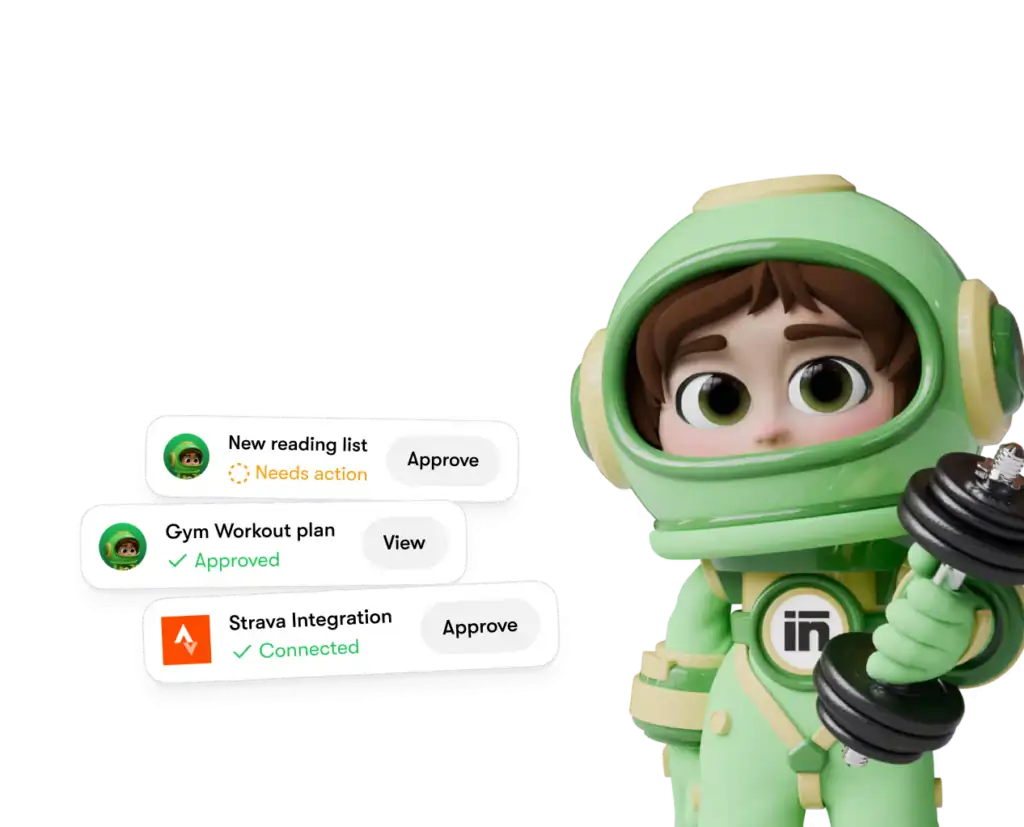
| Strava | Baca data aktiviti supaya jurulatih peribadi anda boleh menjejaki matlamat kecergasan dan melaraskan jadual anda |
🌐 CMS & E-Dagang
| Alat | Apa yang Boleh Dilakukan oleh Pembantu Anda |
|---|---|
| WordPress.com | Urus siaran, halaman dan penerbitan kandungan |
| Webflow | Laman Web dan landing page pengurusan |
| Shopify | Pengurusan produk dan pesanan e-dagang |
Cara Menyambungkan Sebarang Integrasi dalam Sintra (3 Langkah)
Tiada masalah persediaan. Keseluruhan proses mengambil masa kurang daripada dua minit setiap alat:
- Pergi ke Otak AI — Klik Otak AI butang dalam bar sisi Sintra anda untuk membuka hab integrasi anda
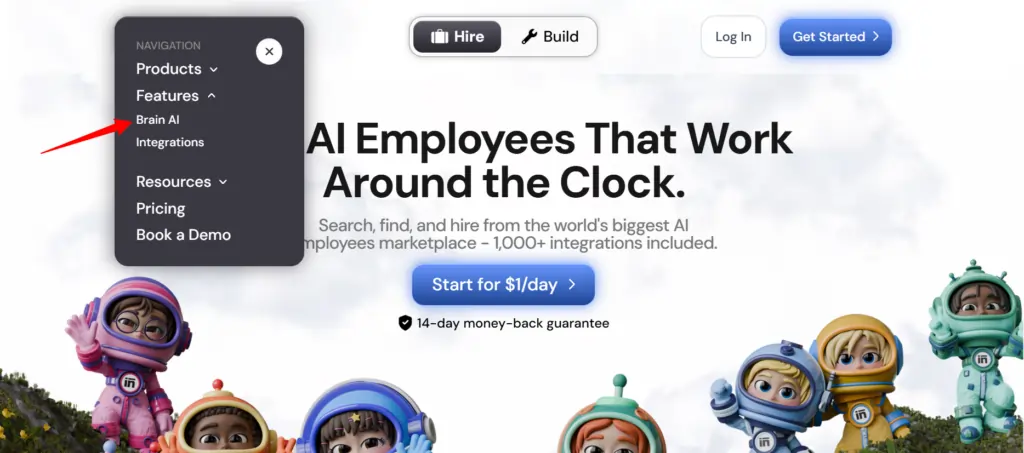
- Cari alat itu — Cari integrasi yang anda inginkan (Gmail, Notion, LinkedIn, dsb.) dan klik "Sambung"
- Benarkan akaun — Tetingkap timbul dibuka, log masuk dan berikan kebenaran — butang Sambung bertukar kepada tanda semak hijau
Itu sahaja. Mulai saat itu, pembantu yang berkaitan ( pemasar e-mel , penganalisis data, pengurus media sosial, dll.) akan berfungsi dengan data langsung daripada akaun sebenar anda — tiada salinan-tampal, tiada input manual.
💡 Petua Pantas: Perlu menambah akaun lain untuk alat yang sama (cth., Halaman Facebook kedua)? Tekan “Sambung” → “Tambah akaun baharu” di dalam Otak AI dan log masuk dengan akaun kedua terus dari sana.
Apa yang Sebenarnya Dilakukan oleh Pembantu Sintra Anda Dengan Integrasi Ini
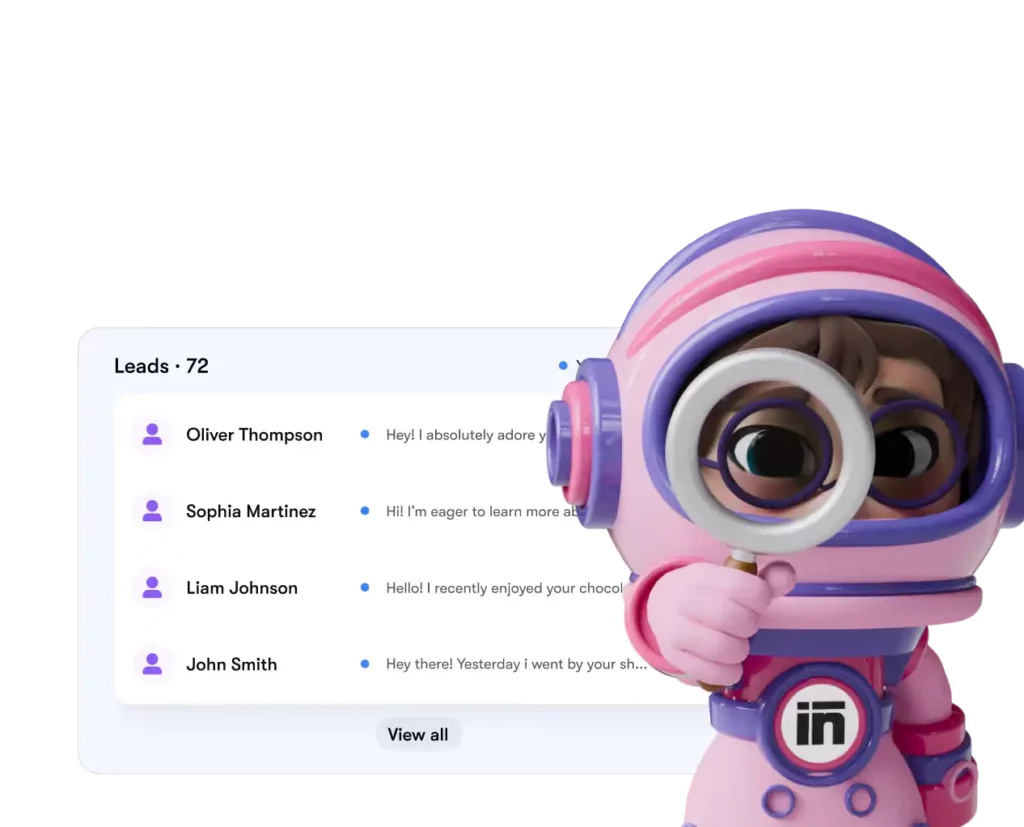
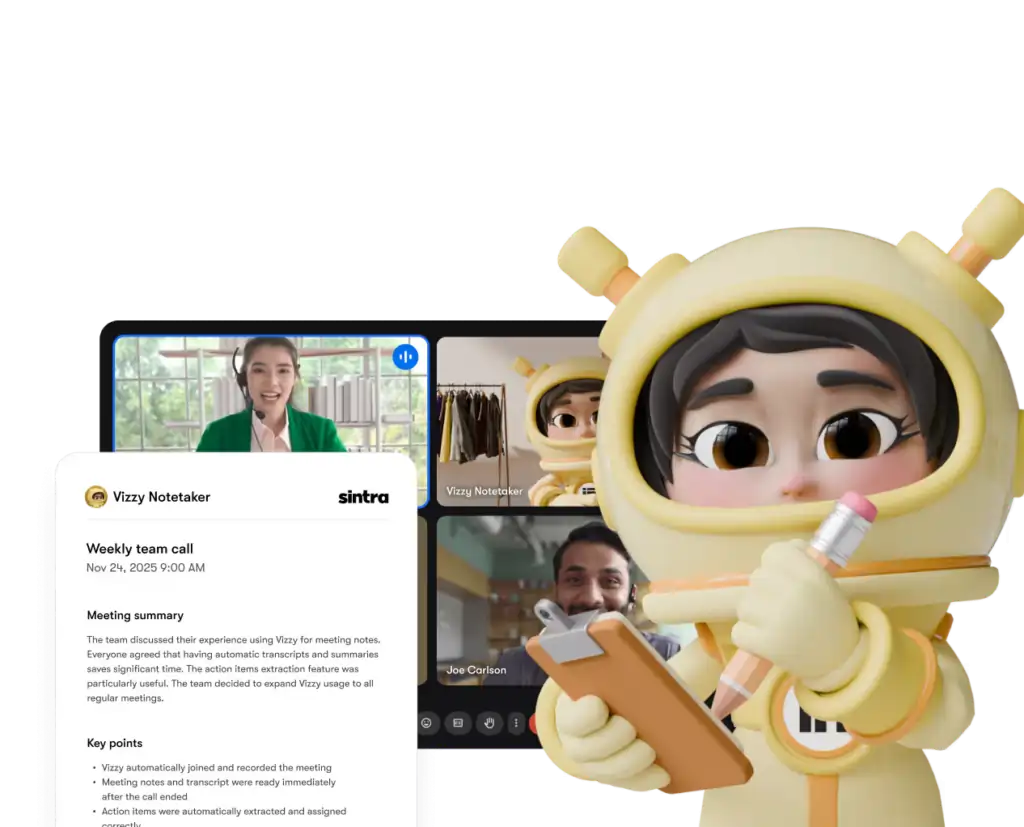
Sintra mempunyai 12 unit pra-binaan AI pakar, dan setiap satunya disambungkan kepada integrasi yang masuk akal untuk peranan mereka:
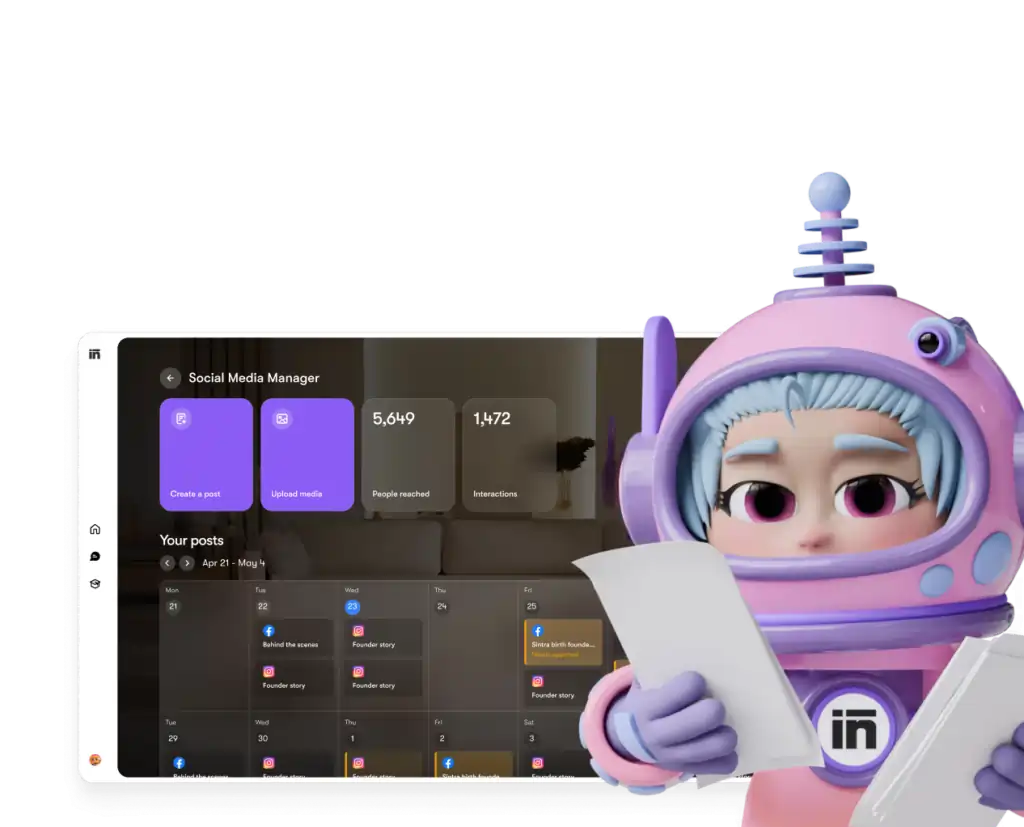
Setiap pembantu hanya mengakses alatan dan kebenaran yang anda berikan secara eksplisit — dan anda boleh memutuskan sambungan sebarang integrasi daripada papan pemuka anda pada bila-bila masa.
Sintra AI vs. Pesaing: Kedalaman Integrasi
Di sini's bagaimana Sintra's Persediaan integrasi berbanding platform serupa pada peringkat harga yang sama:
| Ciri | Sintra AI | Generik AI Chatbots | Platform Automasi (contohnya, Zapier) |
|---|---|---|---|
| Integrasi asli (tiada kod) | 1,000 + | Tiada yang minimum | Ya, tetapi tidak AI lapisan |
| AI pembantu bertindak berdasarkan data | ✅ Ya | ❌ Tidak | ❌ Tidak |
| Kerumitan persediaan | Pengesahan satu klik | Tidak Berkenaan | Sederhana–Tinggi |
| Pembantu khusus peranan perniagaan | ✅ 12 pakar | ❌ | ❌ |
| Automasi (tugasan berulang) | ✅ | ❌ | ✅ |
| Mematuhi GDPR | ✅ | Berbeza | Berbeza |
Pembeza utama: platform seperti Zapier memberi anda penyambung, tetapi di sana's tiada lapisan pintar di atas yang mentafsir dan bertindak berdasarkan data. Sintra memberikan anda kedua-duanya — integrasi dan AI yang tahu apa yang perlu dilakukan dengannya.
Dakwaan 1,000+ Integrasi — Apakah Maksudnya Sebenarnya?
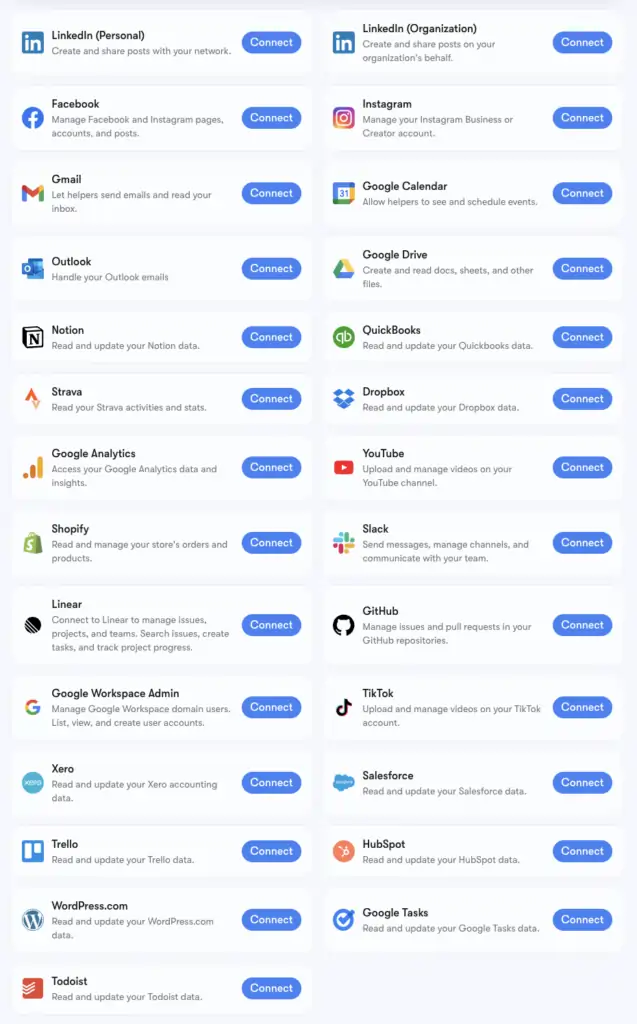
Sintra's Angka 1,000+ integrasi dikuasakan oleh Komposisi, infrastruktur penyambung yang menyokong aplikasi merentasi setiap kategori: Alat HR, platform penjadualan, e-dagang, gudang data dan alat SaaS khusus yang paling AI platform tidak bersentuhan.
Anda boleh menyemak imbas senarai lanjutan penuh di composio.dev/toolkits . Integrasi teras dengan sokongan pembantu mendalam (Gmail, LinkedIn, Notion, Google Analytics, dll.) adalah yang dibina secara asli dalam Sintra's Brain AI. Lebih 1,000 lanjutan boleh diakses oleh pengguna yang perlu mendalami aliran kerja tertentu.
Jika alat yang anda andalkan tidak disenaraikan, anda boleh memintanya terus daripada papan pemuka Sintra anda. Integrasi baharu ditambah berdasarkan permintaan pengguna secara bergilir.
Menyediakan Gmail + Kalendar Google: Langkah demi Langkah
Susunan Google Workspace ialah kumpulan yang paling kerap dihubungkan, jadi di sini's proses yang tepat:
- Klik AI Otak di bar sisi kiri
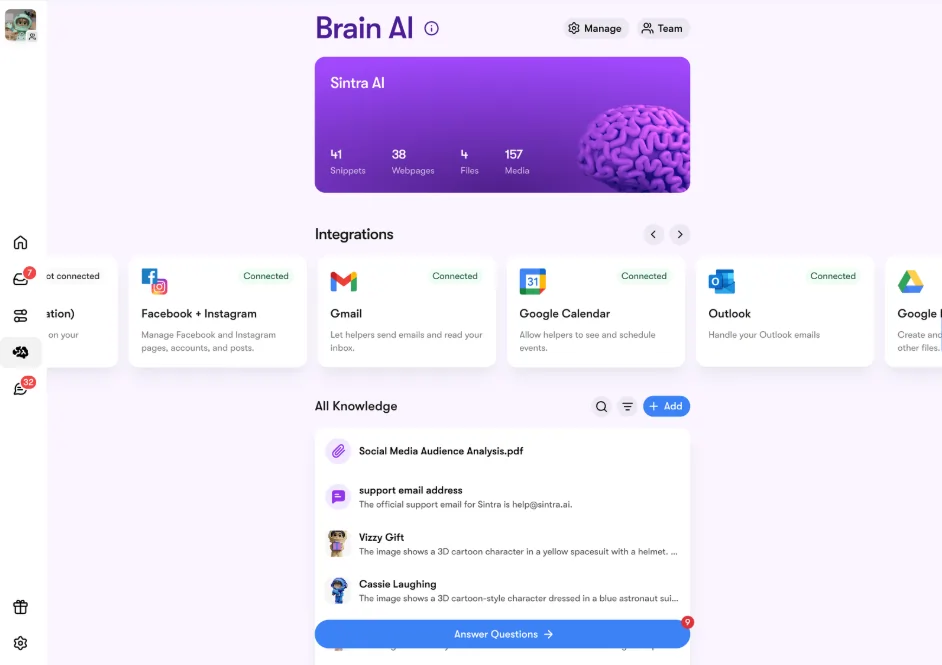
- Cari gmail, Kalendar Google, Google Drive, Atau google Analytics dalam bahagian Integrasi
- Klik Hubungi → kemudian Hubungi sekali lagi (atau Tambahkan akaun baru untuk berbilang akaun)
- Popup pelayar akan muncul — pilih akaun Google yang ingin anda gunakan
- Berikan kebenaran yang diminta kepada Aplikasi Sintra
- Butang bertukar menjadi hijau — anda sedang bersiaran langsung
Keempat-empat alatan Google boleh disambungkan secara berasingan atau bersama-sama. Sintra hanya meminta kebenaran yang diperlukan untuk setiap tugasan (cth., Kalendar hanya memerlukan baca/tulis untuk acara — bukan keseluruhan akaun Google anda).
Menyediakan Facebook & Instagram
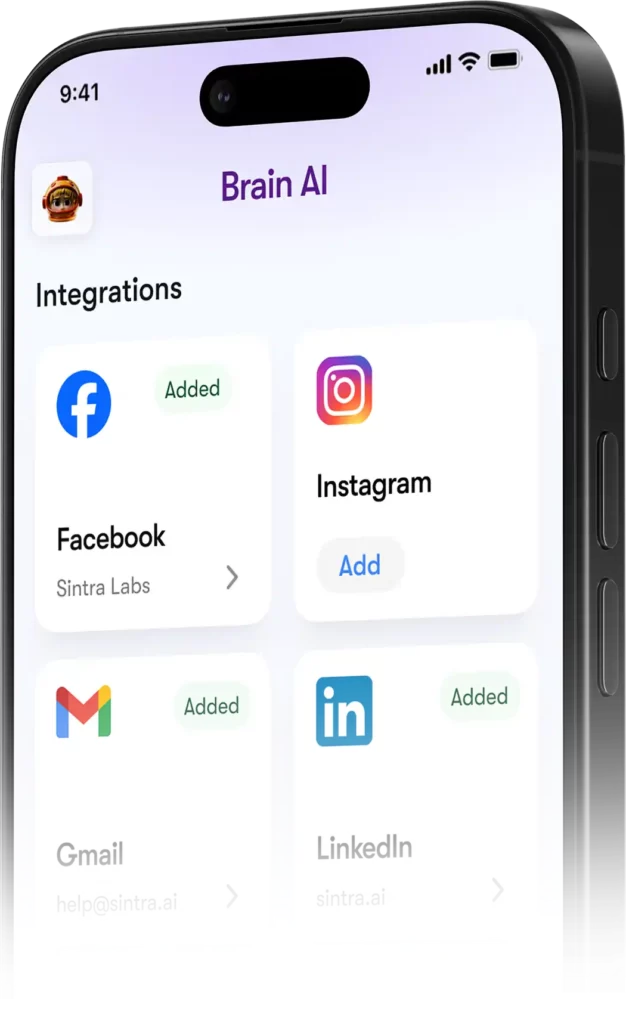
Yang ini mempunyai prasyarat kecil — Instagram anda mesti dipautkan ke Halaman Perniagaan Facebook terlebih dahulu:
- Log masuk ke Facebook → klik foto profil anda → tukar ke Halaman Perniagaan anda
- Pergi ke Tetapan & Privasi → Tetapan → Kebenaran → Akaun Terpaut
- Klik Instagram → Sambungkan akaun dan lengkapkan pautan tersebut
- Di Sintra, pergi ke Otak AI → Integrasi → Facebook/Instagram → Sambung
- Log masuk dengan kelayakan Facebook anda dan berikan kebenaran
- Tanda semak hijau = anda disambungkan pada kedua-dua platform
Sebaik sahaja disiarkan secara langsung, Soshie (pakar media sosial anda) boleh menyiarkan siaran ke Facebook dan Instagram terus daripada mesej sembang atau melalui jadual automatik.
Privasi: Apa yang Sintra Boleh dan Tidak Boleh Lihat
Soalan yang munasabah apabila menyambungkan Gmail atau Google Analytics anda kepada mana-mana AI platform. Di sini's Sintra's pendirian sebenar:
Pembantu tidak bertindak bagi pihak anda melainkan anda telah meminta mereka secara eksplisit melalui sembang atau menyediakan automasi berjadual — mereka tidak berjalan di latar belakang melakukan perkara yang anda tidak luluskan.
Soalan Lazim
Alat apa yang terdapat di Sintra rasmi AI senarai integrasi?
Integrasi teras termasuk Gmail, Outlook, Google Calendar, Google Drive, LinkedIn, Facebook, Instagram, TikTok, Slack, Notion, HubSpot, Salesforce, QuickBooks, Google Analytics, GitHub, Strava, Shopify dan banyak lagi. Senarai lengkap lebih 1,000 alatan boleh didapati di composio.dev/toolkits.
Adakah Sintra AI mempunyai API awam?
Tidak — Sintra tidak menawarkan API awam. Semua integrasi adalah penyambung sedia untuk digunakan yang dibina terus ke dalam platform melalui Composio.
Bolehkah saya menyambungkan berbilang akaun untuk alat yang sama?
Ya. Tekan “Sambung” → “Tambah akaun baharu” di dalam Brain AI untuk memautkan akaun tambahan untuk platform yang sama. Setiap akaun diuruskan secara bebas.
Adakah integrasi Sintra berfungsi di dalam automasi?
Ya — alatan yang disambungkan menguasakan automasi berulang seperti ringkasan peti masuk harian, siaran sosial berjadual dan laporan analitik mingguan. Pembantu menjalankannya secara automatik tanpa anda perlu memulakan sembang.
Adakah terdapat integrasi untuk Strava?
Ya. Strava bersambung melalui Brain AI dan membolehkan pembantu jurulatih peribadi anda membaca data aktiviti anda untuk membantu menjejaki matlamat kecergasan di samping jadual kerja anda.
Berapa lama masa yang diperlukan untuk menyediakan integrasi Sintra?
Kurang daripada dua minit. Keseluruhan proses berasaskan OAuth — klik Sambung, log masuk, luluskan kebenaran, selesai. Tiada kunci API atau persediaan teknikal diperlukan.
Bagaimana jika alat yang saya gunakan tidak disenaraikan dalam Sintra's integrasi?
Minta terus daripada papan pemuka Sintra anda — integrasi baharu ditambah berdasarkan permintaan pengguna secara bergilir. Anda juga boleh menyemak imbas senarai lanjutan penuh di composio.dev/toolkits.
Adakah Sintra AI integrasi selamat digunakan dengan data perniagaan?
Ya — Sintra mematuhi GDPR, tidak melatih data anda dan hanya mengakses apa yang's diperlukan untuk tugasan khusus yang anda minta. Setiap integrasi boleh diputuskan sambungan daripada papan pemuka pada bila-bila masa.
AiMojo Mengesyorkan:


 BONUS: Dapatkan $200 kamiAI Mastery Toolkit” PERCUMA apabila anda mendaftar!