

GitMind-ის ძირითადი ინფორმაცია
რა არის GitMind?
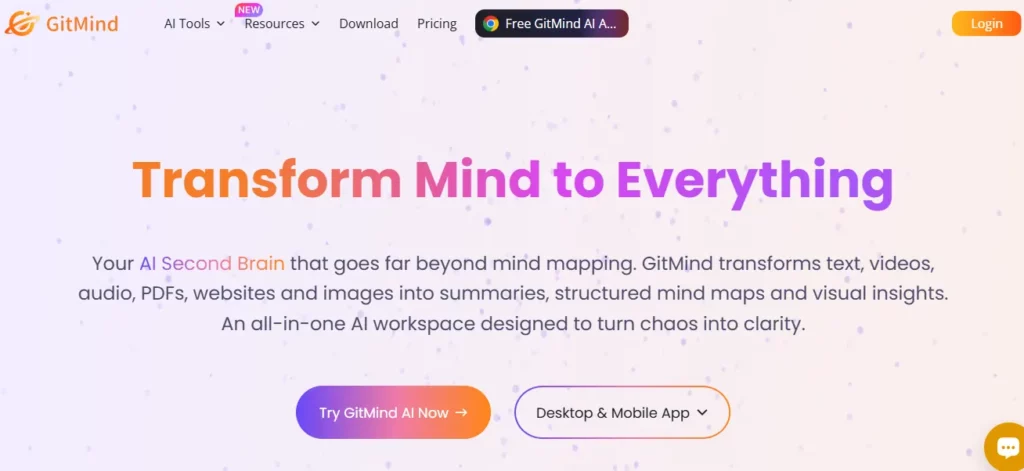
GitMind არის ხელოვნური ინტელექტით მართული ვიზუალური სამუშაო სივრცე, რომელიც შემუშავებულია WANGXU TECHNOLOGY (HK) CO., LIMITED-ის მიერ, გამოშვებული 2019 წელს და ამჟამად გამოიყენება 10 მილიონზე მეტი პროფესიონალის მიერ 160 ქვეყანაში. მისი არსი მდგომარეობს იმაში, რომ ის გარდაქმნის ნედლ შეყვანებს, მათ შორის ტექსტურ მოთხოვნებს, PDF ფაილებს, აუდიოჩანაწერებს, YouTube ვიდეოებს და სურათებს სტრუქტურირებულ გონებრივ რუკებად, დიაგრამებად, UML დიაგრამებად და ორგანიზაციულ დიაგრამებად მთლიანად... AI ავტომატიზაცია.
ბიზნეს გუნდებისთვის ეს ნიშნავს, რომ პროექტის მენეჯერს შეუძლია ატვირთოს სპეციფიკაციის დოკუმენტი და მიიღოს სრულად სტრუქტურირებული ვიზუალური გეგმა ერთ წუთზე ნაკლებ დროში, რითაც გამორიცხავს ხელით დიაგრამების აგების საათობით დროს. GitMind მოიცავს პროდუქტიულობის სრულ პროცესს, იდეების აღქმიდან და იდეების გენერირებიდან დაწყებული ვიზუალურ პრეზენტაციებით დამთავრებული , რაც მას ცოდნის ორგანიზების ნამდვილ, ყოვლისმომცველ პლატფორმად აქცევს და არა საბაზისო გონებრივი რუკის შემქმნელად.
GitMind's ყველაზე ძლიერი შესაძლებლობა თითქმის ნებისმიერი შეყვანის ფორმატის დამუშავებისა და სტრუქტურირებული ვიზუალური რუკის დაბრუნების შესაძლებლობაა. შეგიძლიათ ჩასვათ YouTube URL, ატვირთოთ აუდიო ფაილი, ჩააგდოთ PDF ფაილი ან აკრიფოთ ერთსტრიქონიანი მოთხოვნა და GitMind-ი.'s AI განშტოებული გონებრივი რუკის გენერირებას 10 წამზე ნაკლებ დროში შეძლებს. კონსულტანტებისა და პროექტის მენეჯერებისთვის, რომლებიც დიდ დოკუმენტაციასთან მუშაობენ, მხოლოდ ეს ფუნქცია კვირაში კვანძებში ხელით შეყვანას საათობით ანაცვლებს.
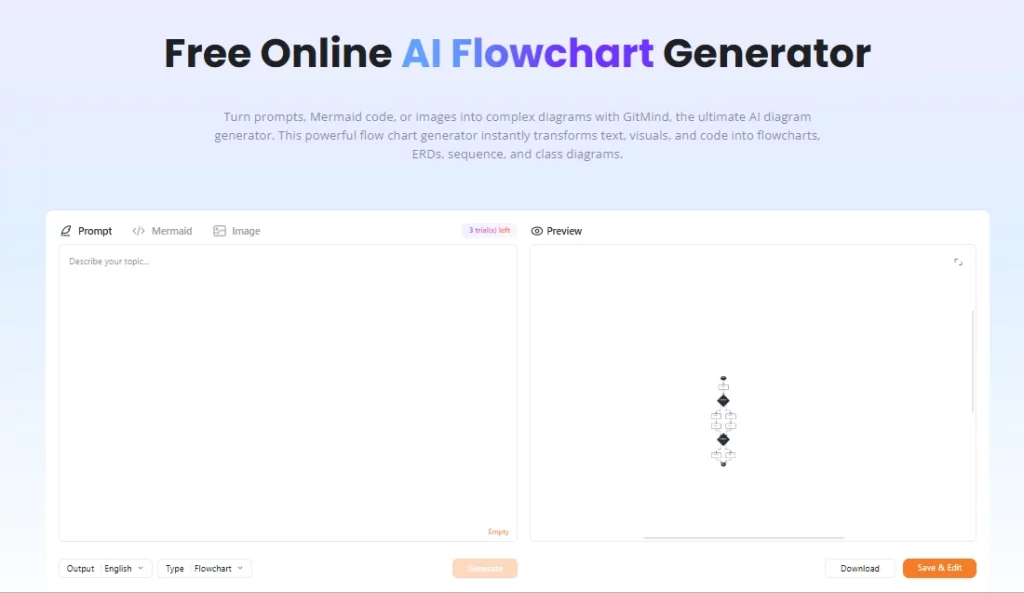
გონებრივი რუკების გარდა, GitMind მხარს უჭერს ბლოკ-სქემებს, თეთრ დაფებს, UML დიაგრამებს, ორგანიზაციულ დიაგრამებს, იშიკავას (თევზის ძვლის) დიაგრამებს და ერთეულ-ურთიერთობის დიაგრამებს. ეს მნიშვნელოვანია ტექნიკური გუნდებისთვის, რომლებსაც სჭირდებათ მეტი, ვიდრე... იდეების გენერირების ტილოპროგრამული უზრუნველყოფის ინჟინერს შეუძლია შექმნას AI პროექტის ჩანაწერებიდან ბლოკ-სქემის შექმნა, სისტემის დამოკიდებულებების ვიზუალიზაცია და დიაგრამის პრეზენტაციის სახით გაზიარება ერთ ჯერზე.
GitMind გუნდური სამუშაო სივრცეებს აწყობს ერთეულებად, რომლებსაც „პლანეტებს“ უწოდებს, რომელთაგან თითოეული ფუნქციონირებს როგორც საერთო თანამშრომლობის გარემო. რამდენიმე მომხმარებელს შეუძლია რუკების ერთობლივი რედაქტირება რეალურ დროში, კომენტარების დატოვება და ცვლილებების თვალყურის დევნება, რაც მას პრაქტიკულს ხდის განაწილებული გუნდებისთვის, რომლებიც ატარებენ Agile დაგეგმვის სესიებს ან პროდუქტის აღმოჩენის სემინარებს. უფასო გეგმა მხარს უჭერს ერთ პლანეტას, ფასიანი გეგმები ხსნის მეტს, ხოლო ბიზნეს დონე ხსნის შეუზღუდავ პლანეტებს შეუზღუდავი რაოდენობის წევრებით.
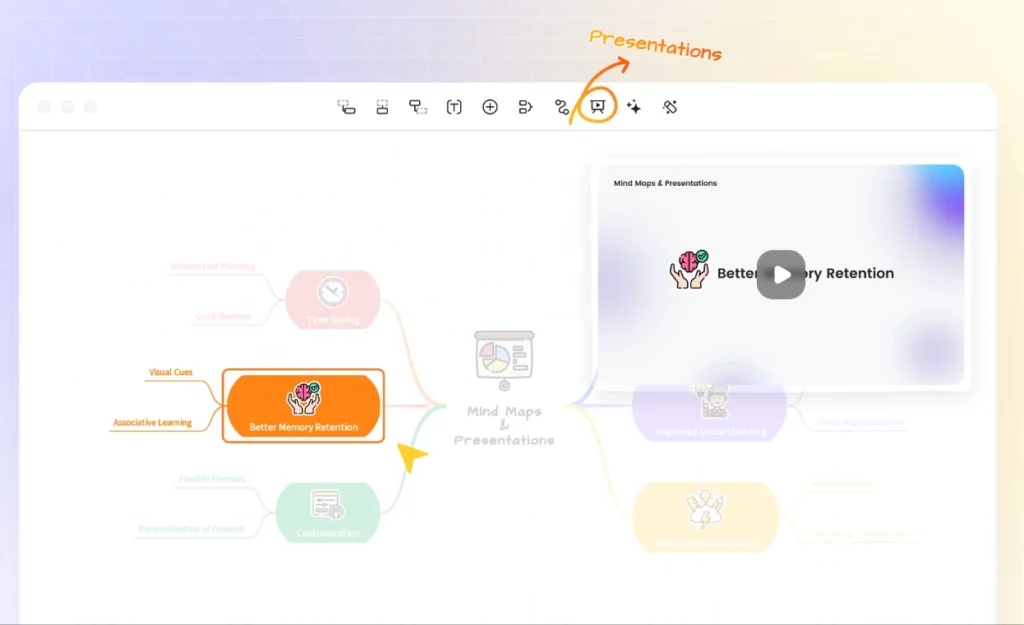
GitMind-ში არსებული ყველა გონებრივი რუკის პრეზენტაციად გადაკეთება შესაძლებელია ერთი დაწკაპუნებით, ჩაშენებული პრეზენტაციის რეჟიმის გამოყენებით. მასწავლებლები, ტრენერები და კონსულტანტები ამ ფუნქციას იყენებენ პლატფორმიდან გაუსვლელად, ნედლი იდეიდან საკონფერენციო დარბაზისთვის მზა სლაიდებად გადასასვლელად. ექსპორტის ვარიანტები მოიცავს PNG, JPG, PDF და TXT ფორმატებს, ხოლო HD ექსპორტი ხელმისაწვდომია ძირითადი გეგმიდან ზემოთ.
GitMind მუშაობს როგორც ვებ აპლიკაცია და ასევე აქვს დესკტოპ კლიენტები Windows-ისა და Mac-ისთვის, ასევე მობილური აპლიკაციები iOS-ისა და Android-ისთვის. რადგან ყველა მონაცემი სინქრონიზდება ღრუბლოვანი სისტემით, ლეპტოპიდან პლანშეტზე სესიის შუაში გადასვლას არანაირი პრობლემა არ მოჰყვება. შესვლა მუშაობს Google-ის, Apple-ის, Facebook-ის ან ელექტრონული ფოსტის საშუალებით, რაც ახალი გუნდის წევრებისთვის სწრაფ ინტეგრაციას უზრუნველყოფს.
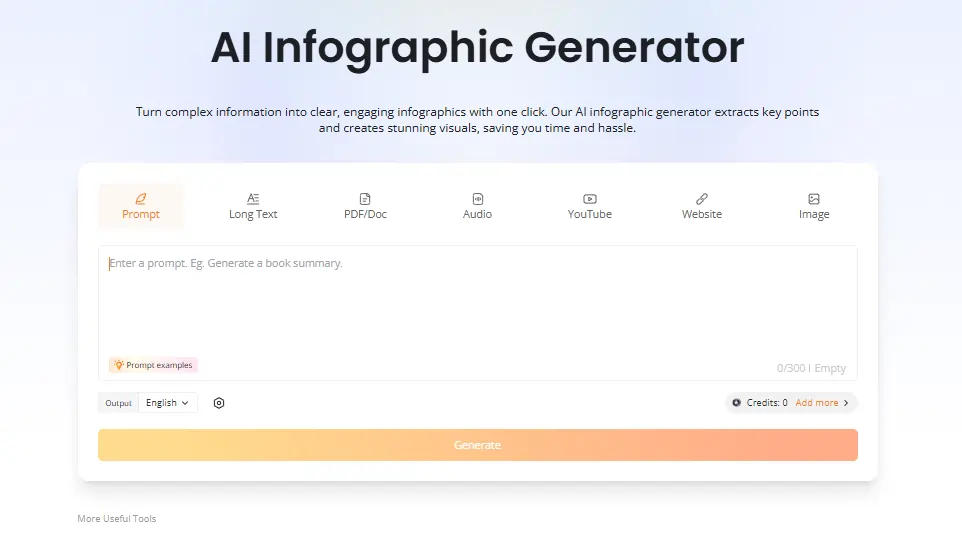
ფასიანი გეგმები ხსნის ჩაშენებულს AI chatbot ატვირთული დოკუმენტების სამუშაო სივრცეში პირდაპირ შესამოწმებლად, პლუს AI ინფოგრაფიკის გენერატორი, რომელიც მონაცემებსა და კონტენტს ვიზუალურ რეზიუმეებად გარდაქმნის. ინჟინრები და მკვლევარები ჩატის ფუნქციას განსაკუთრებით სასარგებლოდ მიიჩნევენ დოკუმენტაციაში არსებული ხარვეზების გამოსავლენად, რუკების გარემოდან გაუსვლელად. ორივე ფუნქცია მოიხმარს AI კრედიტები ყოველთვიური გეგმის შემწეობიდან.
GitMind ფასების გეგმები
| გეგმა | ღირებულება (წლიური) | AI კრედიტები | Cloud Storage | სურათები რუკაზე | პლანეტები | წევრები თითო პლანეტაზე |
|---|---|---|---|---|---|---|
| უფასო | $0 | შეზღუდული | Მითითებული არ არის | ძირითადი | 1 | შეზღუდული |
| ძირითადი | $ 4.92 / თვე | არა | 10 GB | 50 | 1 | 5 |
| პოსტი | $ 5.75 / თვე | თვეში / თვეში | 10 GB | 100 | 1 | 5 |
| Ultra | $ 11.58 / თვე | თვეში / თვეში | 30 GB | 500 | 1 | 20 |
| Business | 17.42 აშშ დოლარი თვეში ერთ ადგილზე | თვეში / თვეში | 50 GB | 800 | ულიმიტო | ულიმიტო |
GitMind ბიზნეს გუნდებისთვის
GitMind-ს ნამდვილად სასარგებლო პოზიცია უკავია ბიზნეს გუნდებისთვის, რომლებიც დიდი მოცულობის ინფორმაციას ამუშავებენ. ჩაწერილი შეხვედრის, კლიენტისთვის განკუთვნილი გრძელი ინსტრუქციის ან PDF ფაილების დასტის აღების და მათი ვიზუალურ რუკებად გადაქცევის შესაძლებლობა მნიშვნელოვნად ამცირებს დაგეგმვის ციკლებს.
მარკეტინგული გუნდებისთვის, კონტენტ სტრატეგებიდა პროდუქტის მენეჯერებისთვის, რუკის შექმნის მოთხოვნის სამუშაო პროცესი ნიშნავს, რომ პროექტის საწყისი ჩარჩო რამდენიმე წუთში ხდება დაფაზე ერთსაათიანი სესიის ნაცვლად. ბიზნეს გეგმა's რეალურ დროში AI თითოეული წევრისთვის კრედიტების თვალყურის დევნება რესურსების მართვის პრაქტიკულ ფენას მატებს, რასაც მზარდი გუნდები დააფასებენ.
დადებითი და უარყოფითი მხარეები
- გარდაქმნის ვიდეოს, აუდიოს და PDF ფაილებს გონების რუკებად.
- სწრაფი AI რუკის გენერირება 10 წამზე ნაკლებ დროში.
- კროსპლატფორმული, მათ შორის დესკტოპის და მობილურის ჩათვლით.
- ჩაშენებულია რეალურ დროში გუნდური თანამშრომლობა.
- დიაგრამის მრავალი ტიპი ერთ ინსტრუმენტში.
- პრეზენტაციის რეჟიმი ზოგავს დამატებით პროგრამულ უზრუნველყოფას.
- უფასო გეგმას ფაილების შეზღუდული რაოდენობა აქვს.
- AI კრედიტები სწრაფად იწურება ინტენსიური გამოყენებისას.
- არ არსებობს მშობლიური Slack-ის ან Notion-ის ინტეგრაცია.
- მომხმარებელთა მხარდაჭერის რეაგირება შეიძლება ნელი იყოს.
GitMind პედაგოგებისა და მკვლევარებისთვის
GitMind-მა ძლიერი პოზიცია დაიმკვიდრა პედაგოგებში, სტუდენტებსა და მკვლევარებში, განსაკუთრებით ლექციების ჩანაწერების, აკადემიური ნაშრომებისა და სახელმძღვანელოების შინაარსის გადასახედად მზა ვიზუალურ სტრუქტურებად დამუშავების უნარის გამო. სტუდენტები მხოლოდ YouTube ტრანსკრიპტების შემაჯამებელს იყენებენ ლექციების შინაარსის ამოსაღებად და რუკის შესაქმნელად ხელით ჩანაწერების გარეშე.
მასწავლებლები სტატიების შეჯამების ფუნქციას და პრეზენტაციის რეჟიმს იყენებენ ერთი ინსტრუმენტიდან გაკვეთილების მოსამზადებლად და ჩასატარებლად. მათთვის, ვინც რეგულარულად მუშაობს მკვრივ წყაროებზე, Pro გეგმა, რომლის წლიური გადასახადი თვეში 5.75 აშშ დოლარია, საკმაოდ მომგებიანია.
GitMind-ის საუკეთესო ალტერნატივები
| AI გონებრივი რუკისა და ვიზუალური სამუშაო სივრცის ინსტრუმენტი | AI რუკის გენერირების სიჩქარე | ღირებულება საკრედიტო ლიმიტების გარეშე |
|---|---|---|
| edrawmind | სწრაფი, გულუხვი AI ფასიან გეგმებზე შეზღუდვები | ძლიერი ღირებულება შეუზღუდავი ფასისთვის AI გამოყენება |
| XMind | ზომიერი, AI ნაკლებად ქმედითია, ვიდრე GitMind | სტრუქტურისთვის კარგია, სუსტი AI თაობის |
| მირო | არ არის ძირითადი ფუნქცია, ორიენტირებულია თეთრ დაფაზე | საუკეთესოა საწარმოთა თანამშრომლობის დაფებისთვის |
| Lucidchart | შეზღუდული AI რუკის გენერირება | უფრო ძლიერია ტექნიკური დიაგრამების სამუშაო პროცესებისთვის |



