Building software is difficult, but getting prospects to instantly grasp its value without a live call is often harder. Many teams get stuck in a loop of recording screen captures, editing timelines, and re-doing everything whenever a feature updates. It consumes time you simply don’t have.
The fix lies in automation, not just more effort. This article compares the ყველაზე 6 AI Product Demo Generators to help you identify which platform fits your specific workflow.
If you need interactive walkthroughs or video narration, these options allow your product to do the selling for you.
როგორ შევაფასოთ AI Product Demo Generator: 5 Non-Negotiable Criteria
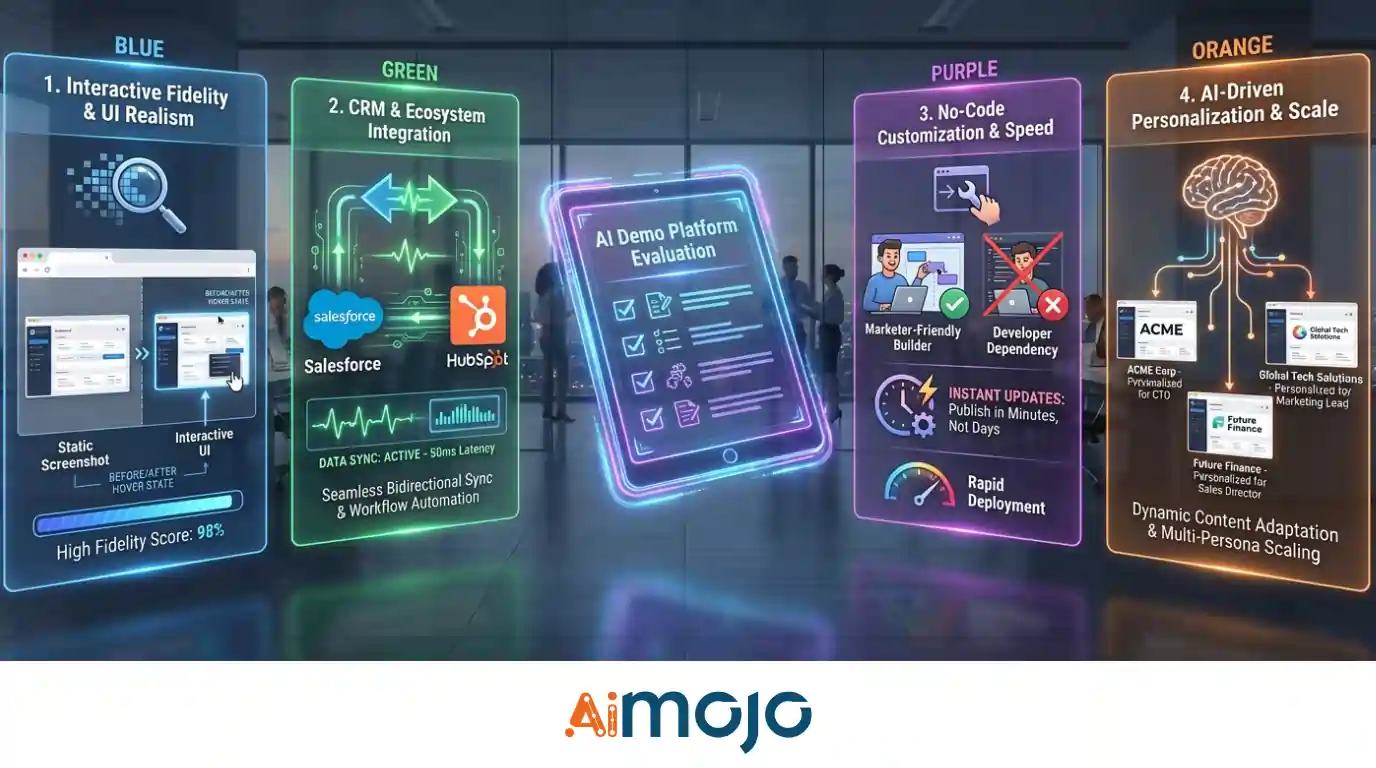
არჩევანის უფლება AI product demo generator isn't about chasing flashy features; it's about finding a platform that actually scales with your გაყიდვების სამუშაო პროცესი. A poor choice creates technical debt and frustration, while the right tool accelerates deal velocity immediately.
To filter your options effectively, prioritize these five technical standards during your trial:
With these benchmarks set, here are the top platforms that meet the standard.
AI Product Demo Generators That Convert Viewers Into Buyers
| ყველაზე AI Product Demo Generators | საუკეთესო გამოყენების შემთხვევა | ძირითადი AI მხატვრული |
|---|---|---|
| ეკრანის სტუდია | Mac product demos | Auto zoom, smooth cursor |
| VEED.IO | Personal sales clips | Eye contact correction |
| Pictory AI | კონტენტის ხელახალი დანიშნულება | Webinar highlight extraction |
| Trupeer AI | Help docs | Auto-zoom & highlights |
| სუპადემო | Interactive guides | Auto-click tracking |
| Loom AI | გუნდის განახლებები | შემავსებლის სიტყვების ამოღება |
1. ეკრანის სტუდია

Screen Studio positions itself as a macOS-based AI product demo generator designed for creating visually stunning screen recordings with zero manual editing. Unlike traditional screen recorders that leave you with raw, static footage, it captures high-quality video from your Mac, webcam, or iOS device and applies automated, professional-grade enhancements like automatic intelligent zooming, cursor movement smoothing, and background noise removal.
The tool appeals to founders, marketers, and content creators who need to produce polished software walkthroughs and tutorials rapidly. Its automated editing engine applies cinematic motion blur, automatically hides static cursors, and generates local transcripts for instant subtitles, preventing hours of tedious post-production work.
Screen Studio Pros & Cons
2. VEED.io
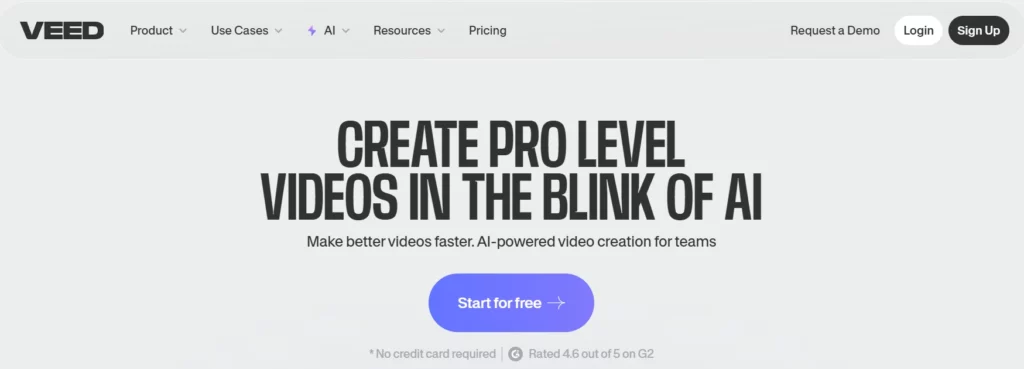
VEED.io positions itself as a browser-based AI product demo generator designed for straightforward screen recording combined with post-production enhancement tools.
Unlike pure interactive platforms, it captures traditional video footage from your browser, webcam, or desktop and applies AI-powered cleanup features like automatic subtitle generation, background noise removal, and filler word elimination.
The tool appeals to customer success managers and training coordinators who need to produce polished software walkthroughs rapidly. Its demo creator mode allows you to record multiple scenes with pause-and-resume functionality, preventing time-wasting retakes.
VEED.io also includes AI dubbing for translating product demos into 29 languages whilst preserving the original speaker's vocal characteristics, making it suitable for global პროდუქტის იწყებს.
VEED.io Pros & Cons
3. Pictory AI

ნახატი AI specialises in converting long-form written content—such as blog posts, product documentation, or knowledge base articles—into short-form video demonstrations automatically. This AI product demo generator analyses text structure, extracts key points, and pairs them with relevant stock footage from its integrated library.
შინაარსის მარკეტოლოგები repurposing existing product articles for social media or sales enablement find Pictory particularly efficient. The platform's text-to-video engine eliminates manual timeline editing by generating scene transitions, text overlays, and background music synchronisation automatically.
ნახატი AI დადებითი და დადებითი
4. Trupeer AI

ტრუპიერი AI differentiates itself by transforming rough, unedited screen recordings into studio-quality product demonstration videos through post-recording AI გაძლიერება. Unlike real-time recorders, Trupeer analyses your captured footage, removes filler words, corrects grammar in your narration, and applies automated zoom effects to highlight critical interface actions.
ეს AI product demo generator serves presales engineers and product education teams who need professional output without multiple retakes. Its avatar feature adds synthetic presenters to narrate walkthroughs, whilst the brand customisation engine applies consistent logos, colours, and wallpapers across all videos.
Trupeer AI Pros & Cons
5. სუპადემო
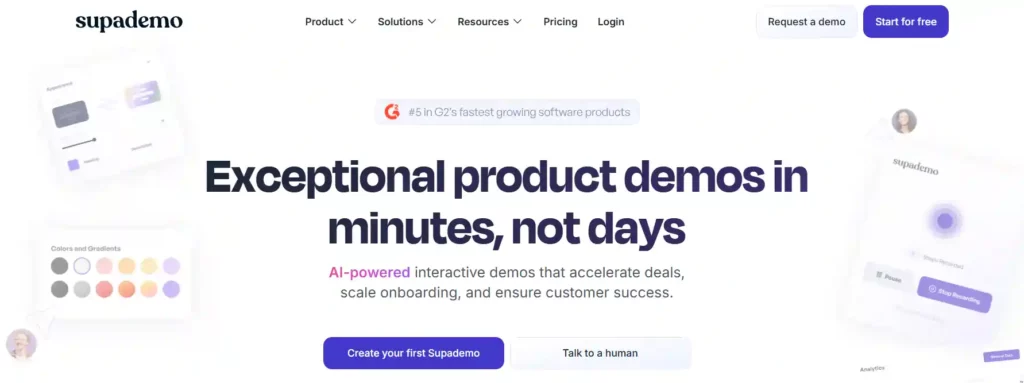
Supademo creates interactive, clickable product demonstrations rather than linear video files, making it a distinct category within AI product demo generators. The platform captures HTML elements directly from your web application, allowing prospects to navigate demos at their own pace with real UI interaction rather than passive video playback.
პროდუქტის მარკეტინგი teams use Supademo for self-serve demo centres embedded within websites, where visitors can explore different feature paths through branching scenarios. Its AI capabilities include synthetic voiceovers, automated text generation for tooltips, and dynamic variable personalisation that inserts prospect-specific data into demos at scale.
Supademo Pros & Cons
6. იკვეთება (Loom AI)
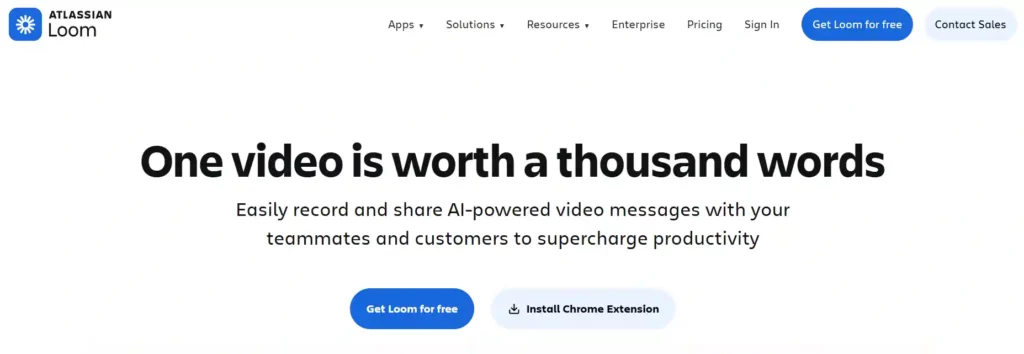
ჩვენი სიის დამრგვალება AI product demo generators, Loom has grown into a powerful solution for sales and product teams. It streamlines post-production by automatically refining raw ეკრანის ჩანაწერები into polished demos. Loom intelligently removes filler words such as “um” and “ah,” trims awkward pauses, and smooths the overall flow, resulting in a professional-quality video without the need for manual editing.
იყიდება developers and product managers, იკვეთება AI generates auto-summaries, chapters, and tailored titles based on the video transcript, making lengthy technical demos easy to navigate. Its “Edit by Transcript” feature allows users to trim video footage simply by deleting text from the generated script—perfect for quick updates to feature walkthroughs.
Loom Pros & Cons
How to Build Your First AI-Generated Product Demo in Under 10 Minutes
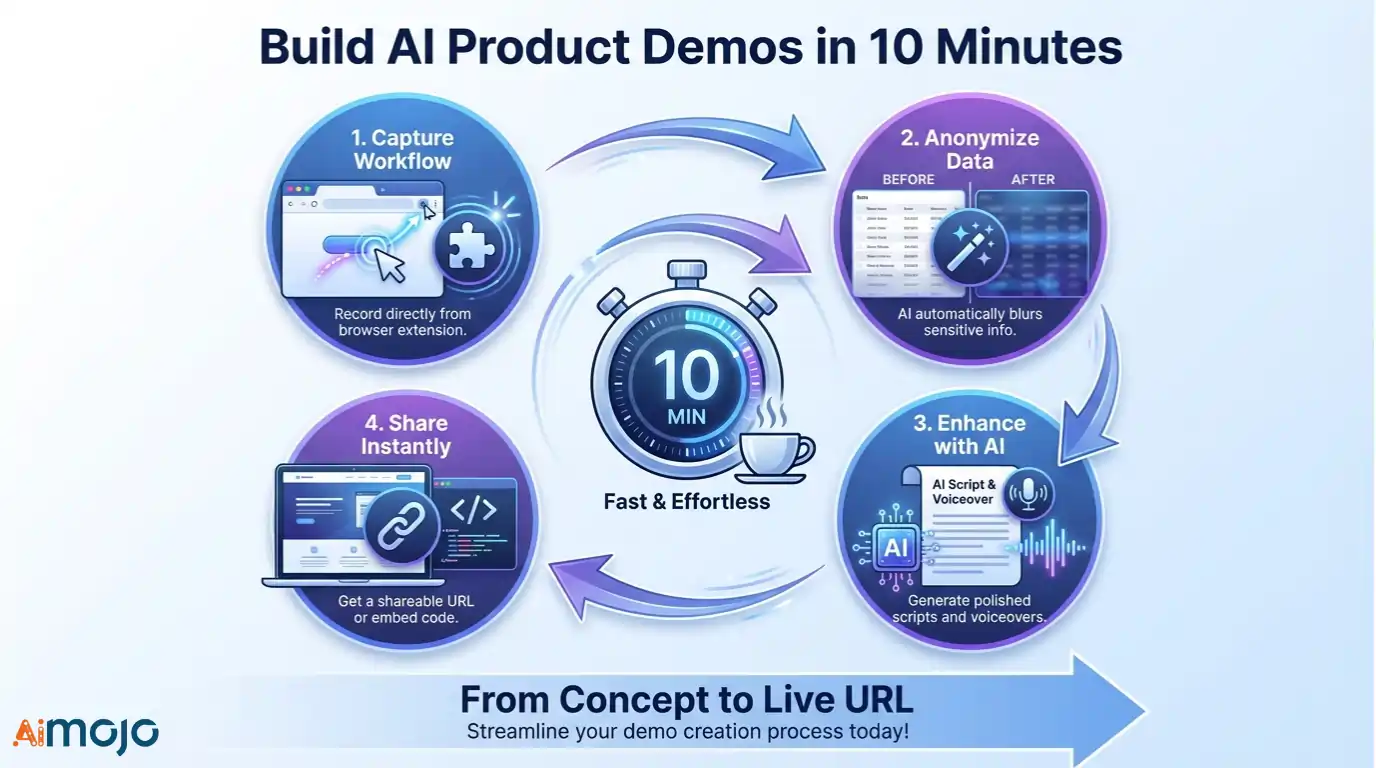
Creating a high-converting asset doesn’t require a video production team or hours of editing. Modern tools streamline the process by capturing the code behind your clicks rather than just a video feed.
Follow this rapid workflow to go from concept to live URL:
Once you master this loop, you can spin up personalized assets for every prospect before your morning coffee is cold.
The Right Demo Tool Makes All the Difference
The right tool for your team depends entirely on who needs to see your product and why. Some workflows demand polished, ინტერაქტიული ტურები that sit permanently on your website, while others just need a quick, personal video to explain a new feature to a client.
Adopting one of these AI product demo generators isn't just about saving hours of recording time; it is about respecting your buyer’s time. When you make your product easier to understand, you remove the friction that kills deals. Start with the platform that solves your biggest bottleneck today, and let the results speak for themselves.
AiMojo გირჩევთ:


 BONUS: მიიღეთ ჩვენი 200 დოლარიAI „ოსტატობის ინსტრუმენტების ნაკრები“ უფასოა რეგისტრაციის შემდეგ!