
Claude Key Insights
クロードとは?
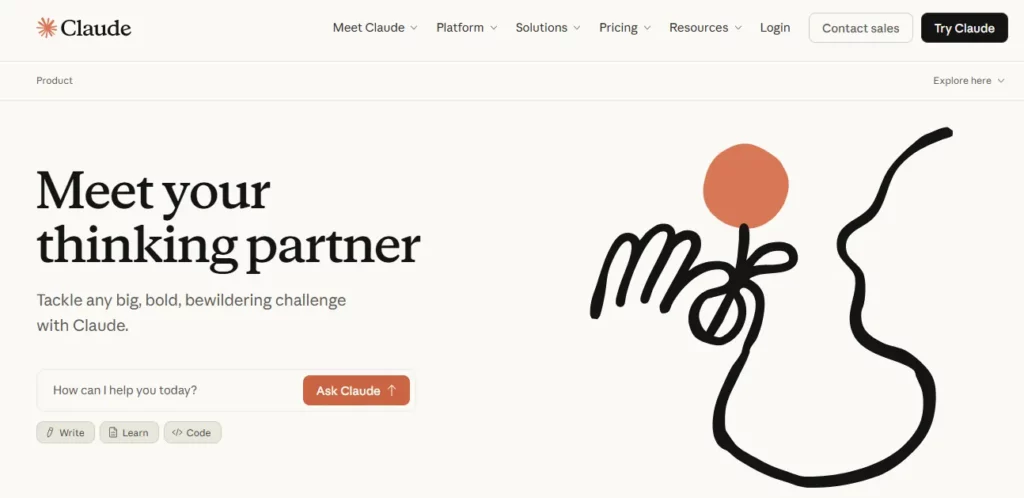
クロード 人間的である's 生々しい AI chatbot, built on a family of large language models that read text, images, audio and documents, then respond with genuinely useful answers rather than generic filler. Think of it as ChatGPT's more careful sibling, one that was trained using a method called Constitutional AI, which pushes the model to reason through its own responses before it hands them over. That extra layer of self-checking shows up in practical ways, like fewer hallucinated facts when summarising a dense report or a legal contract.
For a business owner, this translates into an assistant you can actually hand a 100-page brief to and trust it will pull out what matters, not just what sounds plausible. It writes, codes, researches and organises, all inside one conversation window.
Instead of dumping code or copy as plain text, Claude opens a live side panel and renders it, a webpage, a chart, a working script, so you see the finished thing instead of imagining it. Anyone ランディングページの作成 or quick prototypes will feel the time saved almost instantly.
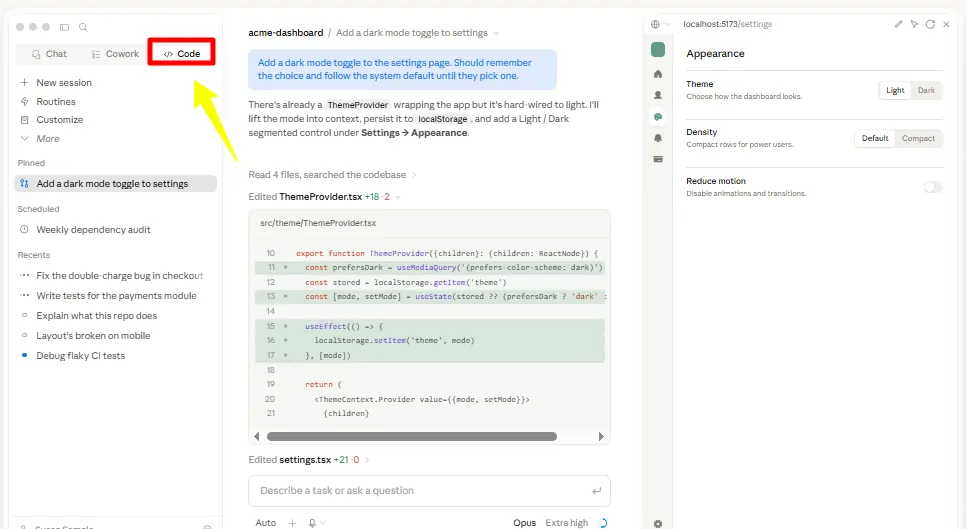
This is a terminal-based coding agent that developers can point at a repository and let loose on repetitive tasks, refactors, bug fixes, boilerplate generation. It behaves less like an autocomplete tool and more like a junior engineer who never gets tired.
With a 200,000 token context window, Claude can keep an entire style guide, product spec, or client brief in view for the whole conversation, so it stops re-asking questions you already answered three messages ago.
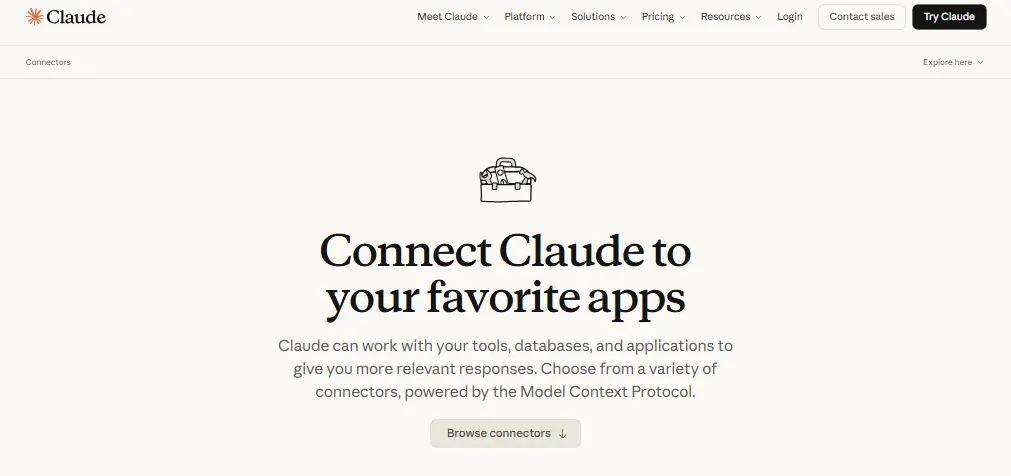
Gmail, Google Calendar, 概念 and Slack can all plug directly into Claude, letting it read a thread or pull a calendar slot without you copying and pasting anything. This is the difference between an AI that talks about your work and one that touches it.
Claude Pricing Plans
| 計画 | 費用 | 主な制限/機能 |
|---|---|---|
| Free | $0 | Web chat, basic code execution, capped daily messages |
| Pro | $ 17 /月 | Claude Code, Cowork, unlimited projects, higher usage |
| 最大値 | 月額$ 100から | 5x or 20x the usage of Pro, priority access |
| チーム | $20 to $100/seat | Central billing, SSO, shared workspace |
Getting Started with Claude
- へヘッド クロード・アイ and sign up using an email address or Google login.
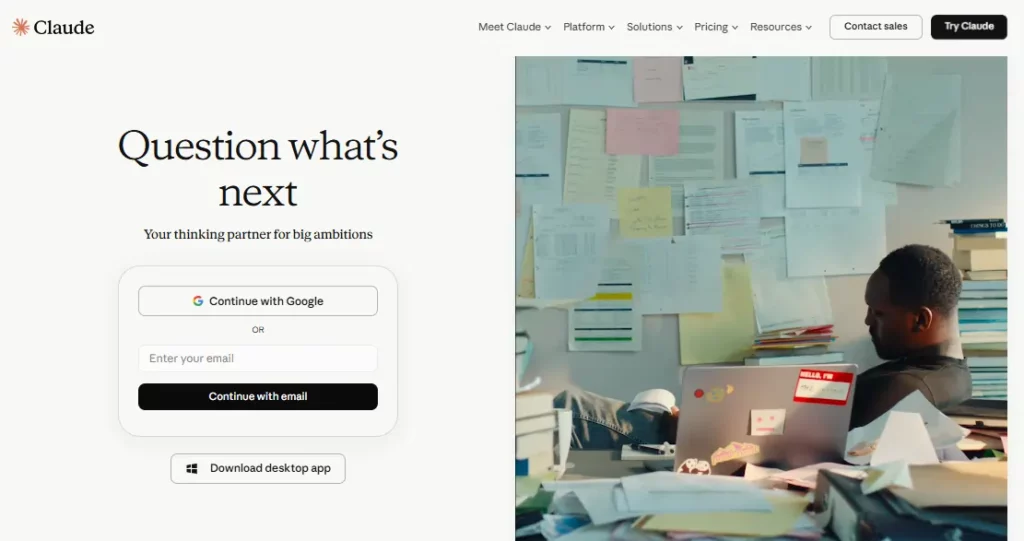
- Start on the Free plan first, it's enough to judge whether the model fits your writing or coding style.
- Create a Project folder so related chats, files and instructions stay in one place instead of scattered across separate threads.
- Link Connectors like Gmail or Notion if you want Claude pulling real data instead of relying only on what you paste in.
- Move to Claude Code once you're past casual use and actually need it inside a development workflow.
Why Content Teams Use Claude for Research?
Anyone running multiple niche sites knows the real bottleneck is reading, not writing. Claude's document analysis lets you drop in a competitor's guide or a client's brand voice document and get a usable summary back in seconds instead of minutes of manual skimming. The long context window is the quiet workhorse here, holding an entire keyword brief and style guide together without losing the thread halfway through a draft.
It also handles side by side comparisons well, so pulling tone or structure differences across several competitor articles becomes a single prompt instead of five separate tabs. For teams managing several properties at once, that kind of speed compounds fast across a content calendar.
Claude Limitations Worth Knowing
そこに's no built in image or ビデオジェネレーター, so anyone doing visual content still needs a separate tool bolted on. The free tier also runs out of patience quickly, daily caps reset fast during heavy research sessions, nudging serious users toward Pro sooner than they might expect.
This matters most for teams running batch content audits or long editing sessions, where the cap can interrupt a workflow mid task. Anthropic has kept these limits fairly consistent, so budgeting for Pro early avoids the friction of hitting a wall halfway through a project.
長所と短所
- Handles long documents well.
- Long context window.
- Reliable coding support.
- Strong privacy reputation.
- Solid team admin controls.
- No native image generation.
- Free tier caps out fast.
Built for Teams That Share More Than a Login
クロード's Team and Enterprise tiers throw in SSO, audit logs and centralised billing, which matters a lot once an agency is running five or six client accounts under one roof. Seat pricing scales cleanly, so growing from a two-person shop to a fifteen-person team doesn't mean switching platforms or losing chat history along the way.
Shared workspaces also carry over project folders and connector setups when a new member joins, cutting down onboarding time considerably.
Best Claude Alternatives
| AI Assistant / Large Language Model | コンテキスト処理 | コーディングサポート |
|---|---|---|
| AI言語モデルを活用してコードのデバッグからデータの異常検出まで、 | Strong, plugin ecosystem | Strong, widest tool support |
| 双子座 | Strong, deep Google integration | グッド |
| 困惑 | Search focused, less document depth | 限定的 |