
bijaksana AI Wawasan Penting
What is Wisecut AI?
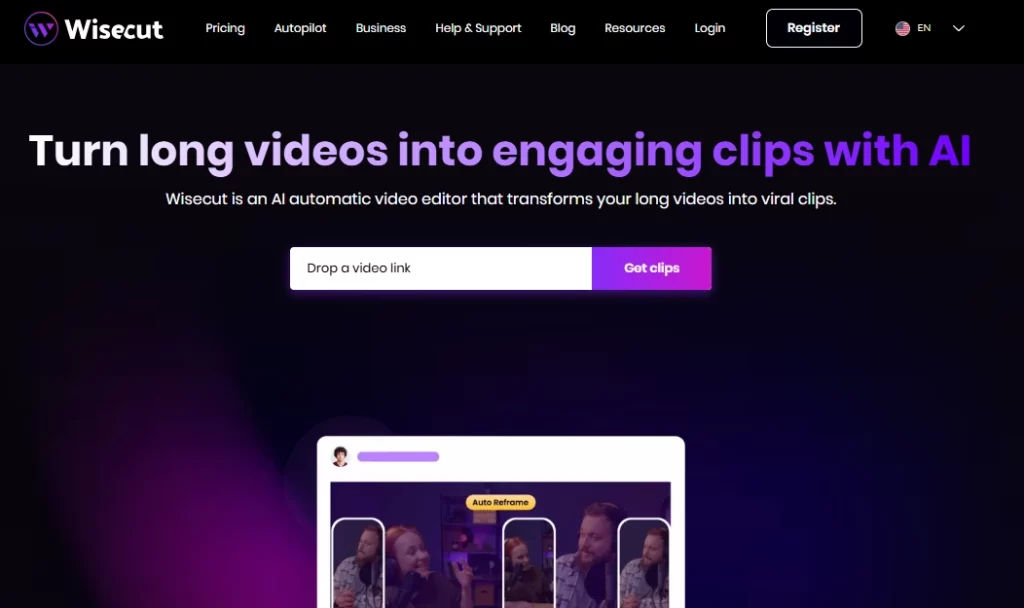
Wisecut AI is a cloud based automatic video editor that uses artificial intelligence and voice recognition to turn long form videos into short, engaging clips ready for social media. The platform is built for content creators, YouTubers, podcasters, and marketing teams who need to repurpose recordings quickly without traditional editing skills. By uploading a single video, users get AI generated highlights, teks otomatis, silence removal, and smart background music applied in minutes.
bijaksana AI removes the manual grind of timeline editing and replaces it with a text based storyboard workflow. This means anyone can produce polished short form content for TikTok, Instagram Reels, YouTube Shorts, and LinkedIn without touching a traditional editing suite. It is trusted by over one million creators and media teams worldwide.
Wisecut scans your full length footage and pinpoints the most engaging moments automatically. The AI identifies segments with strong pola bicara, emotional peaks, and topic shifts to generate clips that are primed for social sharing. This saves hours of manual scrubbing through raw recordings.
Instead of using a traditional timeline with keyframes, Wisecut generates a full transcript of your video and turns it into an editable storyboard. You rearrange or delete scenes by simply moving text blocks. This makes the editing process accessible to anyone who can read and drag, with zero technical knowledge required.
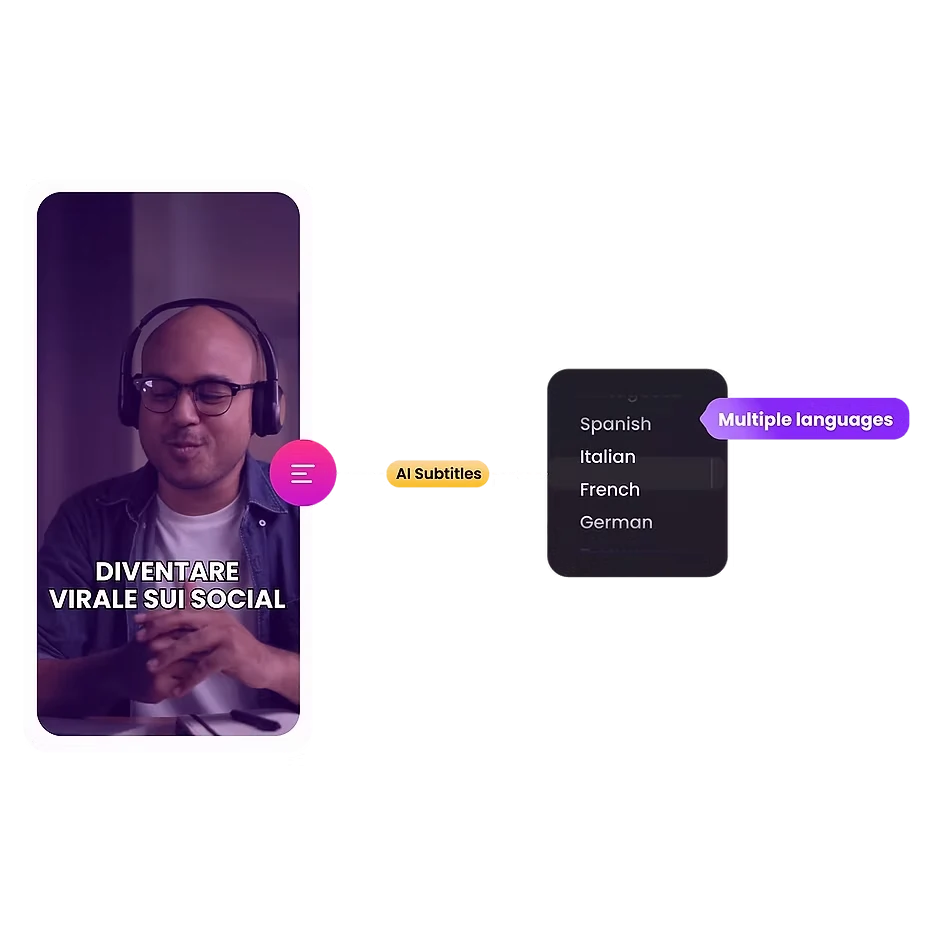
The platform generates accurate subtitles automatically and supports 13 languages for translation. Given that nearly 70% of viewers watch videos on mute in public, this feature directly boosts engagement and expands your audience reach across global markets.
Wisecut selects royalty free background music that fits the tone of your video. It then applies audio ducking automatically, lowering the music volume when someone speaks and raising it during pauses. The result is broadcast quality audio balance without any manual mixing.
Dead air kills viewer retention. Wisecut detects and removes silent pauses across your entire video in seconds. It also applies auto zoom transitions at key moments, creating punch-in effects that hold attention during longer talking head segments.
bijaksana AI Paket Harga
| Rencana Nama | Biaya | Pengolahan Waktu | Max Resolusi | Ukuran File Maks |
|---|---|---|---|---|
| Gratis | $0 | 30 menit/bulan | 720p | 4 GB |
| Pemula | $ 15.75 / bulan | 480 menit/bulan | 1080p full HD | 4 GB |
| Pemula+ | $ 23.25 / bulan | 480 menit/bulan | 1080p full HD | 4 GB |
| Profesional | $ 75.67 / bulan | 1800 menit/bulan | 4K Ultra HD | 5 GB |
| Profesional+ | $ 83.25 / bulan | 1800 menit/bulan | 4K Ultra HD | 5 GB |
| Enterprise | Kustom | Kustom | Kustom | Kustom |
Getting Started with Wisecut AI
- Langkah 1: Mengunjungi wisecut.ai dan daftarkan akun gratis menggunakan email atau login Google Anda.
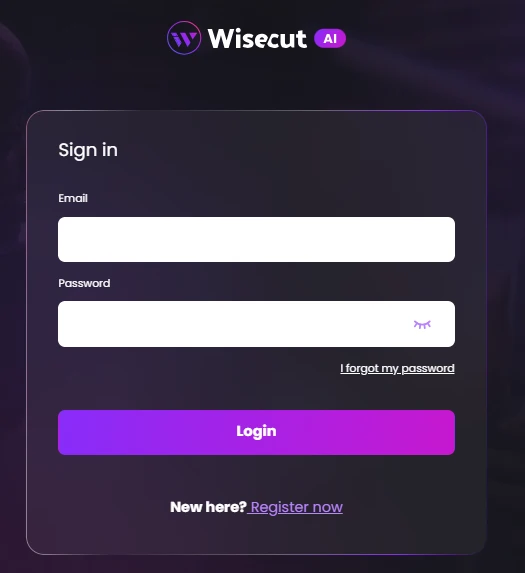
- Langkah 2: Upload your long form video file (up to 4 GB on the free plan) directly from your device.
- Langkah 3: Select your preferred output settings including language, aspect ratio (vertical, square, or horizontal), and caption style.
- Langkah 4: Biarkan AI process your video. Wisecut will generate highlights, remove silences, add captions, and apply background music automatically.
- Langkah 5: Tinjau AI generated storyboard, make any text based edits you need, and export or schedule your clips directly to social media.
Who Should Use Wisecut AI?
bijaksana AI is ideal for solo YouTubers, podcast hosts with konten video, and social media managers who handle high volumes of repurposed content. If your workflow involves recording long form interviews, vlogs, or webinars and then cutting them into bite sized clips for platforms like TikTok or Reels, this tool will save you significant time.
Marketing agencies managing multiple client accounts will also benefit from the social media scheduling and auto posting features. That said, professional editors who need multi track timelines, colour grading, or VFX should look elsewhere.
How Wisecut AI Handles Audio Processing
Audio quality often separates amateur content from professional output. Wisecut addresses this with built in noise reduction that strips background hiss and hum from your recordings. The peningkatan audio feature refines voice clarity to sound closer to a studio recorded podcast or broadcast.
Combined with the auto ducking system for background music, the platform delivers polished audio without requiring a separate DAW or mixing software. For creators recording in imperfect environments, this alone can justify the subscription.
Pro dan kontra
- One click video to clips conversion.
- Text based editing needs no skill.
- 13 language auto caption support.
- Smart background music with ducking.
- Built in social media scheduling.
- Noise reduction and audio enhancement.
- No multi camera editing support.
- Kontrol pengeditan manual terbatas.
- Projects expire after 30 days.
bijaksana AI for Content Repurposing at Scale
The real strength of Wisecut AI shows when you need volume. A single one hour recording can produce dozens of short clips without revisiting the raw footage manually. The AI highlight detection paired with auto reframing means your vertical TikTok clips and horizontal YouTube thumbnails come from the same upload.
For content teams running weekly or daily publishing schedules across multiple platforms, this speed advantage compounds over time. The “+” tier plans with auto posting make the entire workflow from recording to publishing almost entirely hands free.
Best Wisecut AI Alternatif
| AI Video Editor / Video Repurposing Tool | Auto Silence Removal | Bahasa yang Didukung |
|---|---|---|
| Klip Karya | ✅ | Bahasa 8 |
| Deskripsikan | ✅ | 23+ bahasa |
| LIHAT | ✅ | 125+ bahasa |
| Kapwing | ✅ | 75+ bahasa |


