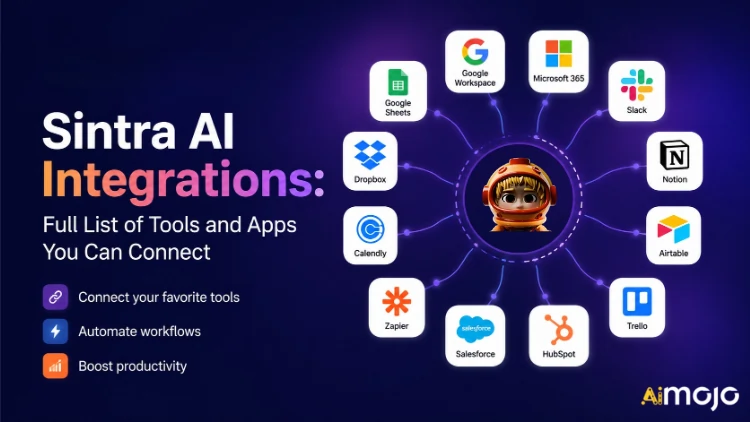
Tous les outils utilisés par votre entreprise — Gmail, Notion, LinkedIn, Google Analytics, QuickBooks et plus de 1 000 autres — peuvent désormais se connecter directement à Sintra AI.
Ici's l'explication complète des connexions, de leur fonctionnement et de ce que votre AI les aides en fait Faites-le une fois que vous aurez actionné l'interrupteur.
Ce que signifie réellement le terme « intégrations » à Sintra
Les intégrations Sintra ne sont pas des plugins tiers à ajouter manuellement. Ce sont des connecteurs intégrés, accessibles en un clic, directement intégrés à la plateforme : aucun webhook, aucun ticket de développeur, aucun middleware Zapier requis (bien que la compatibilité avec Zapier soit possible pour étendre encore davantage les fonctionnalités).
Une fois connecté, votre Sintra AI Les assistants bénéficient d'un accès direct en lecture/écriture à ces outils. Autrement dit, ils ne se contentent pas de « voir » les données : ils les exploitent. Rédiger et envoyer un e-mail dans Gmail. Publier sur LinkedIn. Générer un rapport Google Analytics. Créer une page Notion. Le tout depuis une seule fenêtre de conversation.
La couche d'intégration est assurée par Composio , ce qui permet à Sintra d'atteindre plus de 1 000 intégrations dans toutes les principales catégories d'entreprises.

Le Sintra complet AI Liste des intégrations (par catégorie)
Ici's un aperçu structuré de chaque catégorie et outil actuellement pris en charge :
📧 Courriel
| Outil | Ce que votre assistant peut faire |
|---|---|
| Gmail | Envoyer des e-mails, répondre aux discussions, consulter la boîte de réception, mener des campagnes de sensibilisation |
| Microsoft Outlook | Envoyer, répondre, lire — complet gestion de la boîte de réception pour les utilisateurs Microsoft |
📅 Calendrier et planification
| Outil | Ce que votre assistant peut faire |
|---|---|
| Google Agenda | Créer des événements, consulter le planning, définir des rappels, planifier le calendrier de contenu |
| Calendrier MS | Les mêmes fonctionnalités de calendrier sont disponibles pour les utilisateurs de Microsoft 365. |
🗂️ Stockage de fichiers
| Outil | Ce que votre assistant peut faire |
|---|---|
| Google Drive | Enregistrez automatiquement les rapports, extrayez les fichiers et stockez les résultats générés par l'IA. |
| Dropbox | Stockage et récupération de fichiers pour les flux de travail basés sur Dropbox |
📱 Médias sociaux
| Outil | Ce que votre assistant peut faire |
|---|---|
| LinkedIn (Personnel) | Programmer des publications, publier du contenu, gérer l'activité du profil |
| LinkedIn (Page entreprise) | Gérer les publications de la page, développer la présence de l'entreprise |
| Publier des articles, consulter les statistiques de la page, gérer le contenu de la page | |
| Publier sur le fil d'actualité (via le lien Facebook Business), gérer le contenu | |
| TikTok | Publier et programmer du contenu vidéo court |
| YouTube | Gérer les mises en ligne de vidéos et le contenu de la chaîne |
💬 Communication d'équipe
| Outil | Ce que votre assistant peut faire |
|---|---|
| Slack | Envoyer des messages, publier sur les chaînes, automatiser les notifications d'équipe |
| Microsoft Teams | Collaborer et communiquer entre les équipes Microsoft |
✅ Productivité et gestion de projet
| Outil | Ce que votre assistant peut faire |
|---|---|
| Notion | Créer des pages, mettre à jour des bases de données, organiser des projets |
| Trello | Gérer les tableaux, les cartes et les listes de tâches |
| Asana | Créer des tâches, suivre l'avancement du projet |
| Google Tasks | Ajoutez et gérez des tâches dans Google Workspace. |
| Todoist | Création de tâches et gestion des listes de tâches |
| luminaires Néon Del | Suivi des tâches des équipes d'ingénierie et de produit |
| Airtable | Gestion de bases de données et suivi de projets |
💼 CRM et ventes
| Outil | Ce que votre assistant peut faire |
|---|---|
| HubSpot | Gérer les contacts, suivre les transactions, mettre à jour les entrées CRM |
| Salesforce | Mises à jour CRM, suivi des prospects, gestion du pipeline des ventes |
| Pipedrive | Automatisation de la gestion des transactions et du flux de travail des ventes |
📊 Analyse et données
| Outil | Ce que votre assistant peut faire |
|---|---|
| Google Analytics | Obtenez des rapports de trafic, des informations contextuelles et suivez les performances. |
| Google Sheets | Lire et écrire des données de tableur pour la production de rapports |
💰 Comptabilité et finance
| Outil | Ce que votre assistant peut faire |
|---|---|
| QuickBooks | Créer et envoyer des factures, consulter les données financières, générer des rapports |
| Xero | Automatisation de la comptabilité et de la tenue des livres |
🛠️ Outils de développement
| Outil | Ce que votre assistant peut faire |
|---|---|
| GitHub | Gérer les dépôts, suivre les problèmes, automatiser les flux de travail de développement |
| gitlab ce | Gestion du code et interaction avec le pipeline CI/CD |
| Jira | Suivi des problèmes et gestion des sprints |
| Supbase | Interaction avec la base de données et gestion du backend |
🎨 Conception et création
| Outil | Ce que votre assistant peut faire |
|---|---|
| Figma | Accédez aux fichiers de conception et aux ressources de référence dans les flux de travail de contenu. |
📣 Marketing et publicité
| Outil | Ce que votre assistant peut faire |
|---|---|
| SEMrush | Extraire les données des mots clés, suivre les classements, identifier les opportunités SEO |
| Annonces-Meta | Gérer les campagnes publicitaires et les données des comptes publicitaires |
🏃 Santé et bien-être
| Outil | Ce que votre assistant peut faire |
|---|---|
| Strava | Consultez vos données d'activité pour que votre coach personnel puisse suivre vos objectifs de remise en forme et adapter votre programme. |
🌐 Systèmes de gestion de contenu et commerce électronique
| Outil | Ce que votre assistant peut faire |
|---|---|
| WordPress.com | Gérer les articles, les pages et la publication de contenu |
| Webflow | Site web et page de destination gestion |
| Shopify | Gestion des produits et des commandes en e-commerce |
Comment connecter n'importe quelle intégration dans Sintra (3 étapes)
Aucune installation complexe. L'ensemble du processus prend moins de deux minutes par outil :
- Accédez à Brain AI — Cliquez sur le cerveau AI bouton dans la barre latérale Sintra pour ouvrir votre hub d'intégration
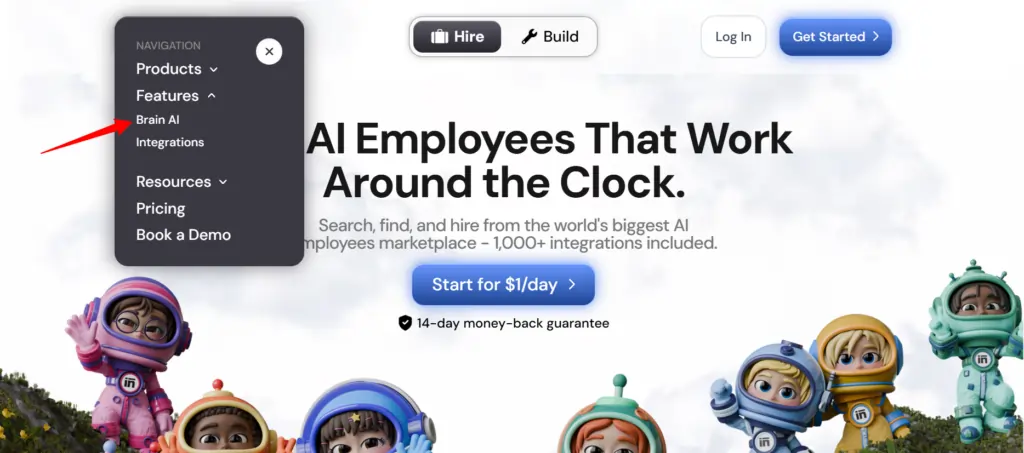
- Trouver l'outil — Repérez l'intégration souhaitée (Gmail, Notion, LinkedIn, etc.) et cliquez "Connect"
- Autoriser le compte Une fenêtre contextuelle s'ouvre ; connectez-vous et accordez les autorisations. Le bouton « Se connecter » se transforme en coche verte.
Voilà. À partir de ce moment-là, le collaborateur concerné ( spécialiste du marketing par e-mail , analyste de données, gestionnaire de médias sociaux, etc.) travaille avec les données en direct de votre compte — sans copier-coller ni saisie manuelle.
💡 Conseil rapide: Besoin d'ajouter un autre compte pour le même outil (par exemple, une deuxième page Facebook) ? Appuyez sur « Se connecter » → « Ajouter un nouveau compte » à l'intérieur du cerveau AI et connectez-vous directement avec le deuxième compte à partir de là.
Que font réellement vos assistants Sintra avec ces intégrations ?
Sintra dispose de 12 pré-construits AI des spécialistes, et chacun est connecté aux intégrations qui correspondent à son rôle :
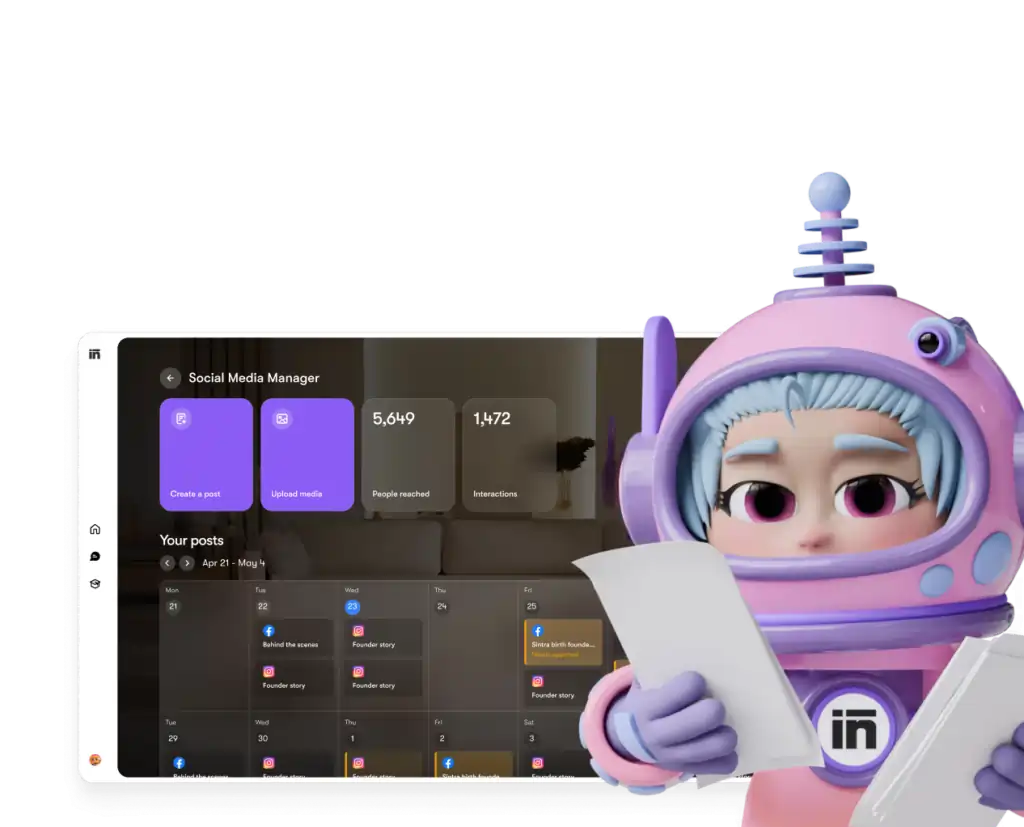
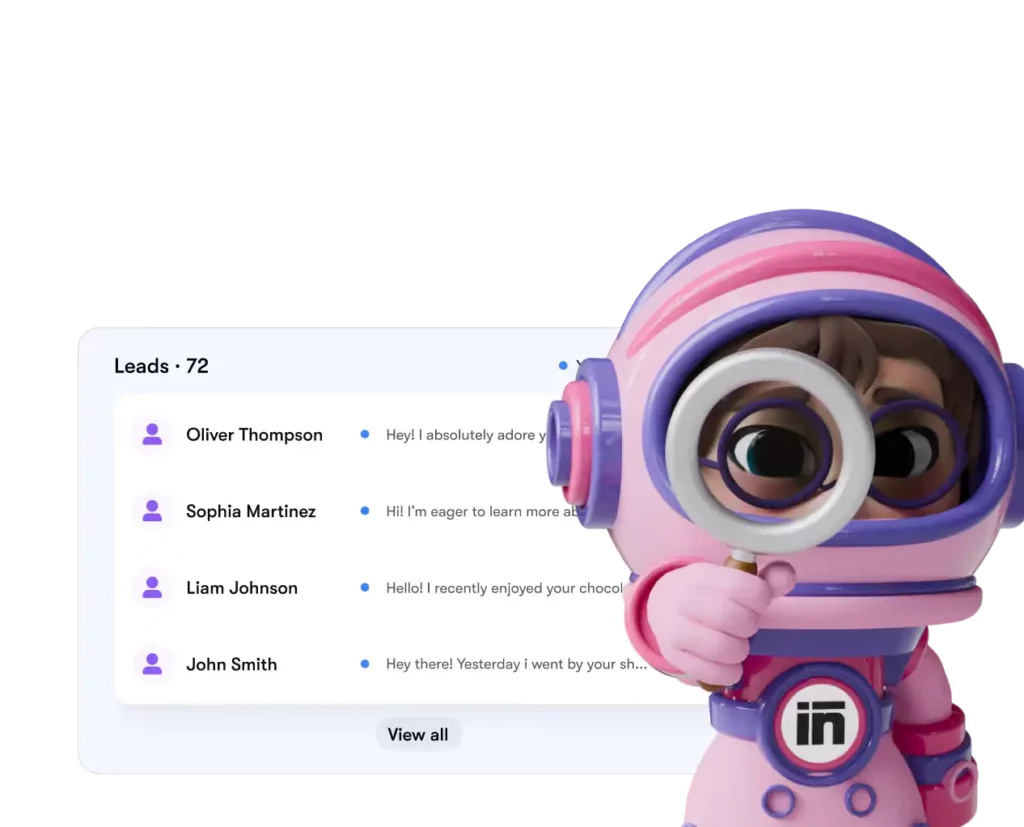
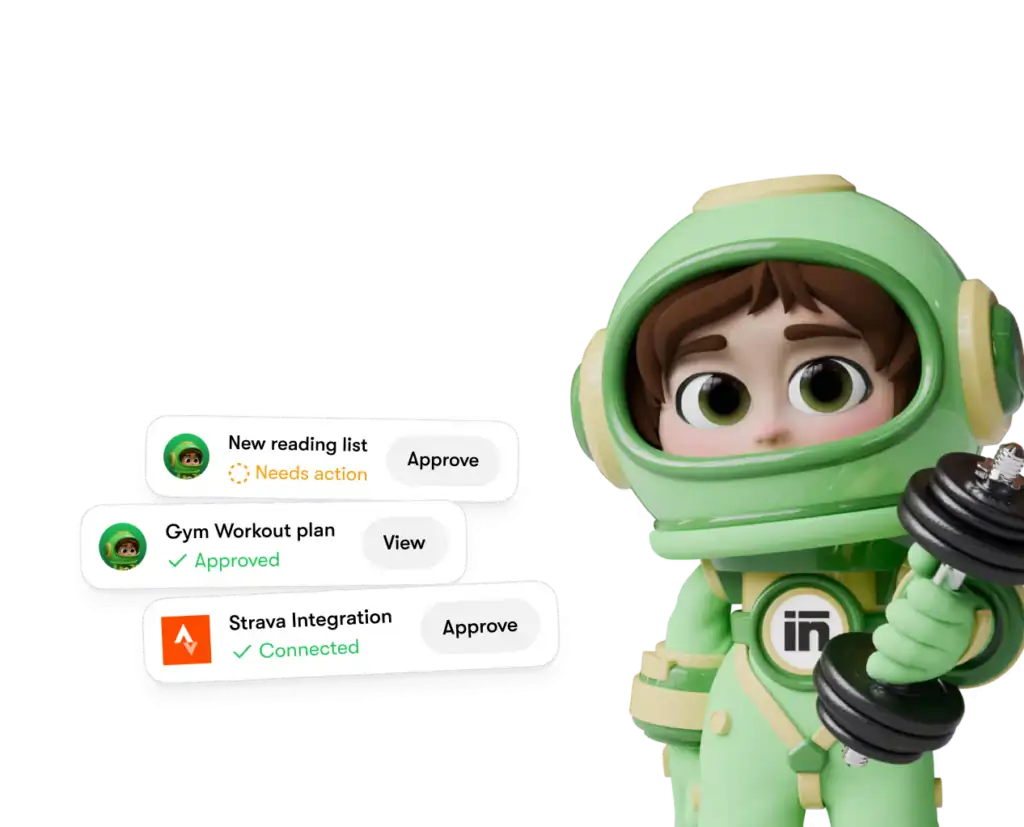
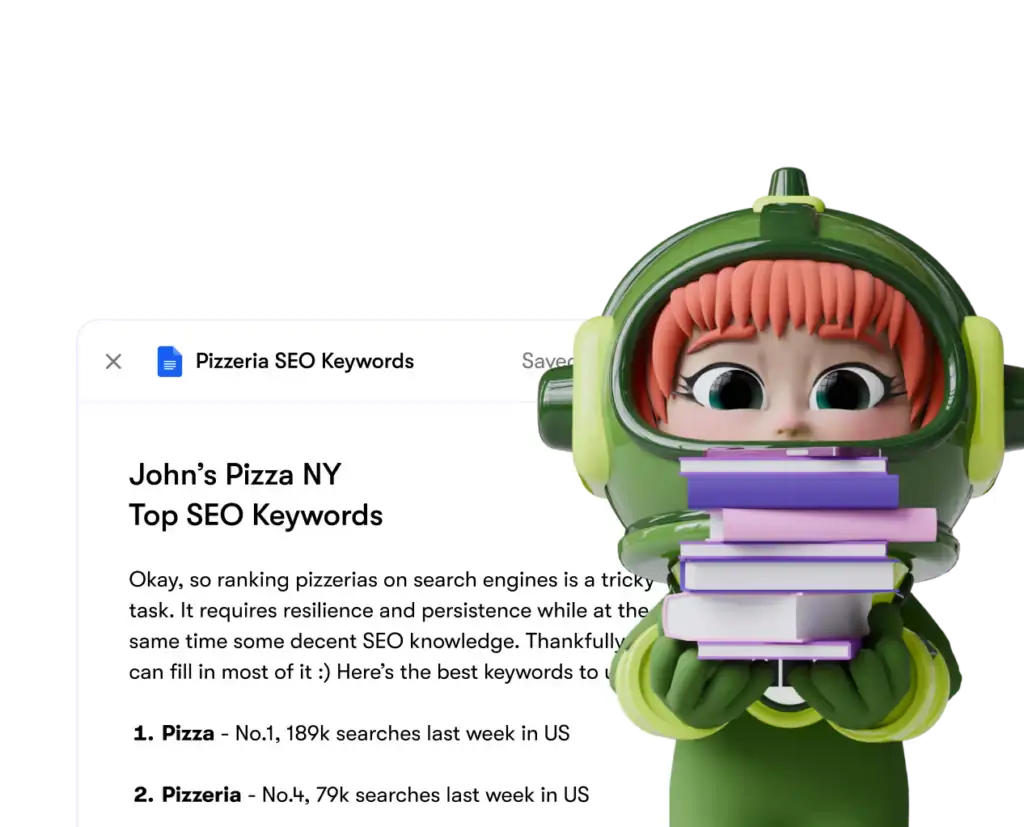
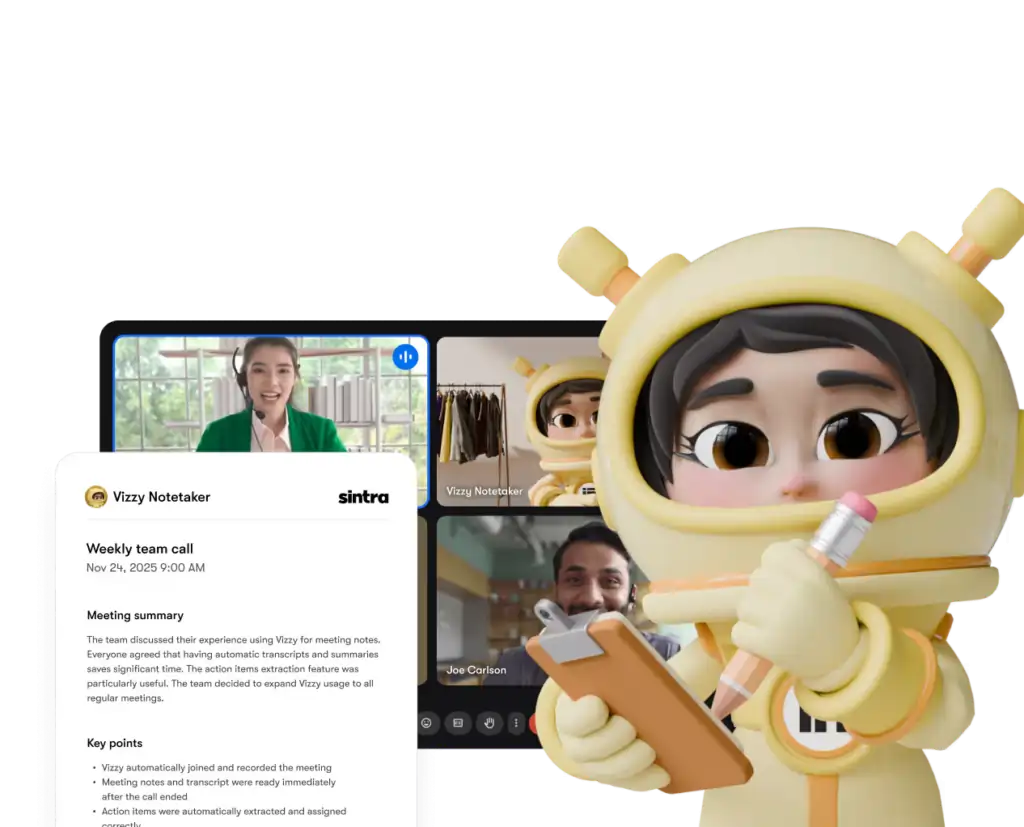
Chaque assistant n'accède qu'aux outils et aux autorisations que vous lui accordez explicitement — et vous pouvez déconnecter n'importe quelle intégration de votre tableau de bord à tout moment.
Sintra AI par rapport aux concurrents : niveau d’intégration
Ici's comment Sintra's La configuration de l'intégration se compare à celle de plateformes similaires dans la même gamme de prix :
| Fonctionnalité | Sintra IA | Générique AI Chatbots | Plateformes d'automatisation (ex. : Zapier) |
|---|---|---|---|
| Intégrations natives (sans code) | 1,000 | Aucune à minimale | Oui, mais non AI couche |
| AI L'assistant agit sur les données | ✅ Oui | ❌ Non | ❌ Non |
| Complexité de configuration | Authentification en un clic | N/D | Moyen-élevé |
| assistants spécifiques au rôle métier | ✅ 12 spécialistes | ❌ | ❌ |
| Automatisation (tâches récurrentes) | ✅ | ❌ | ✅ |
| En conformité avec la réglementation RGPD | ✅ | Variable | Variable |
Le principal facteur de différenciation : Des plateformes comme Zapier vous permettent de connecteurs, mais là's Aucune couche intelligente supplémentaire n'intervient pour interpréter et exploiter les données. Sintra vous offre les deux : l'intégration et une… AI qui sait quoi en faire.
L'affirmation « Plus de 1 000 intégrations » : qu'est-ce que cela signifie réellement ?
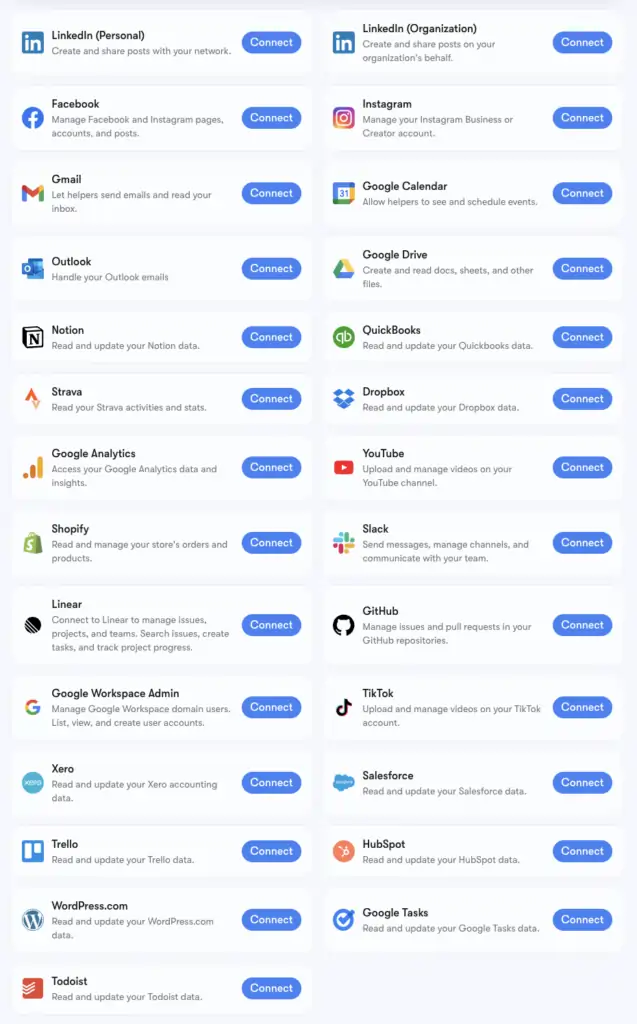
Sintra's Le chiffre de plus de 1 000 intégrations est fourni par Composition, une infrastructure de connecteurs qui prend en charge les applications de toutes les catégories : Outils RH, les plateformes de planification, le commerce électronique, les entrepôts de données et les outils SaaS de niche la plupart AI Les plateformes ne se touchent pas.
Vous pouvez consulter la liste complète sur composio.dev/toolkits . Les intégrations principales, dotées d'une assistance avancée (Gmail, LinkedIn, Notion, Google Analytics, etc.), sont intégrées nativement à Brain AI de Sintra. Plus de 1 000 intégrations supplémentaires sont disponibles pour les utilisateurs souhaitant explorer plus en détail des flux de travail spécifiques.
Si un outil que vous utilisez régulièrement n'est pas listé, vous pouvez le demander directement depuis votre tableau de bord Sintra. De nouvelles intégrations sont ajoutées progressivement en fonction de la demande des utilisateurs.
Configurer Gmail et Google Agenda : Guide étape par étape
La suite Google Workspace est le groupe le plus fréquemment connecté, donc ici's le processus exact :
- Cliquez à nouveau IA cérébrale dans la barre latérale gauche
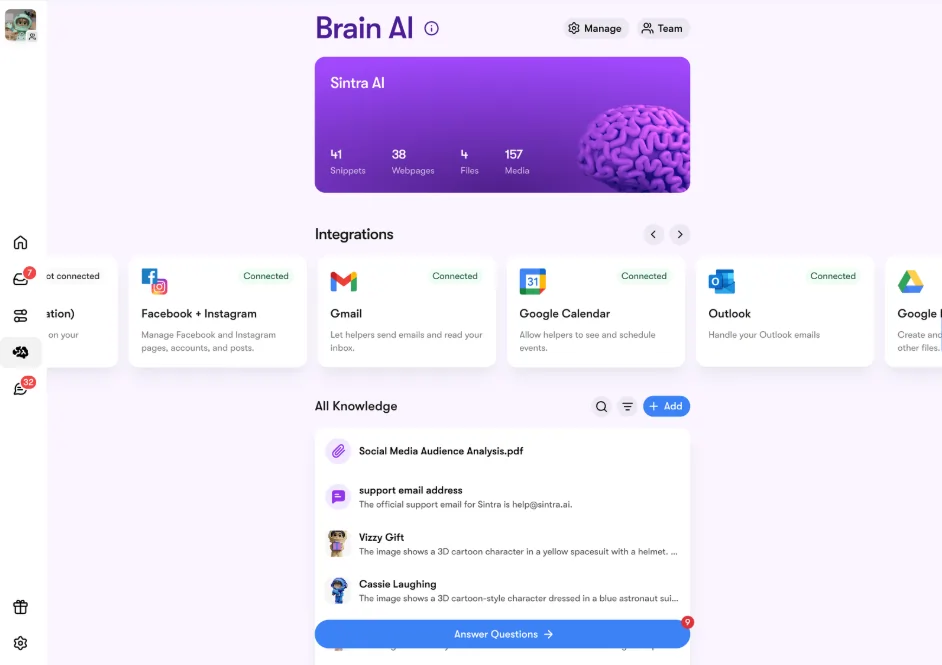
- Localiser Gmail, Google Agenda, Google Drive, Google Analytics dans la section Intégrations
- Cliquez à nouveau Connexion → puis Connexion à nouveau (ou Ajouter un nouveau compte (pour plusieurs comptes)
- Une fenêtre contextuelle apparaît dans votre navigateur ; sélectionnez le compte Google que vous souhaitez utiliser.
- Accordez à l'application Sintra les autorisations demandées
- Le bouton devient vert — vous êtes en direct
Les quatre outils Google peuvent être connectés indépendamment ou ensemble. Sintra ne demande que les autorisations nécessaires à chaque tâche (par exemple, Agenda a uniquement besoin des droits de lecture et d'écriture pour les événements, et non de l'accès à l'intégralité de votre compte Google).
Configurer Facebook et Instagram
Celle-ci nécessite une petite condition préalable : votre compte Instagram doit d’abord être lié à une page Facebook professionnelle :
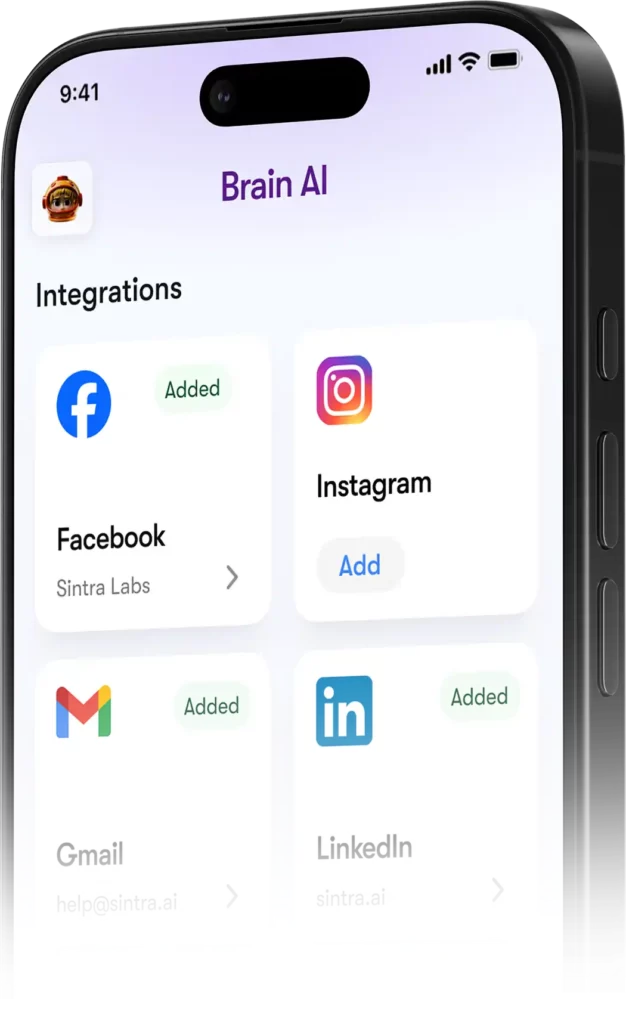
- Connectez-vous à Facebook → cliquez sur votre photo de profil → accédez à votre page professionnelle
- Allez dans Paramètres et confidentialité → Paramètres → Autorisations → Comptes associés
- Cliquez à nouveau Instagram → Connecter le compte et compléter le lien
- À Sintra, allez à Cerveau AI → Intégrations → Facebook/Instagram → Se connecter
- Connectez-vous avec vos identifiants Facebook et accordez les autorisations.
- Coche verte = vous êtes connecté sur les deux plateformes
Une fois en ligne, Soshie (votre spécialiste des médias sociaux) peut publier sur Facebook et Instagram directement depuis un message de chat ou via une programmation automatisée.
Confidentialité : ce que Sintra peut et ne peut pas voir
Une question légitime lorsqu'on connecte son compte Gmail ou Google Analytics à un autre service. AI plateforme. Ici's Sintra's position actuelle :
Les assistants n'agissent pas en votre nom à moins que vous ne le leur ayez explicitement demandé par chat ou que vous n'ayez configuré une automatisation programmée ; ils ne fonctionnent pas en arrière-plan pour effectuer des tâches que vous n'avez pas approuvées.
Questions fréquemment posées
Quels outils sont disponibles sur la Sintra officielle ? AI Liste des intégrations ?
Les intégrations principales incluent Gmail, Outlook, Google Agenda, Google Drive, LinkedIn, Facebook, Instagram, TikTok, Slack, Notion, HubSpot, Salesforce, QuickBooks, Google Analytics, GitHub, Strava, Shopify et bien d'autres. La liste complète de plus de 1 000 outils est disponible sur composio.dev/toolkits.
Sintra AI Disposez-vous d'une API publique ?
Non, Sintra ne propose pas d'API publique. Toutes les intégrations sont des connecteurs prêts à l'emploi, intégrés directement à la plateforme via Composio.
Puis-je connecter plusieurs comptes pour le même outil ?
Oui. Cliquez sur « Se connecter » → « Ajouter un nouveau compte » dans Brain. AI Pour lier des comptes supplémentaires à la même plateforme. Chaque compte est géré indépendamment.
Les intégrations Sintra fonctionnent-elles au sein des automatisations ?
Oui, les outils connectés permettent de gérer des automatisations récurrentes comme les récapitulatifs quotidiens de la boîte de réception, la programmation des publications sur les réseaux sociaux et les rapports d'analyse hebdomadaires. Ces fonctions sont exécutées automatiquement, sans que vous ayez à lancer de conversation.
Existe-t-il une intégration pour Strava ?
Oui. Strava se connecte via le cerveau. AI et permet à votre coach personnel d'analyser vos données d'activité pour vous aider à suivre vos objectifs de remise en forme en parallèle de votre emploi du temps professionnel.
Combien de temps faut-il pour configurer une intégration Sintra ?
Moins de deux minutes. L'ensemble du processus repose sur OAuth : cliquez sur « Se connecter », connectez-vous, approuvez les autorisations, et c'est tout. Aucune clé API ni configuration technique n'est requise.
Que se passe-t-il si un outil que j'utilise n'est pas répertorié dans Sintra ?'s intégrations ?
Demandez-la directement depuis votre tableau de bord Sintra ; de nouvelles intégrations sont ajoutées régulièrement en fonction de la demande des utilisateurs. Vous pouvez également consulter la liste complète sur composio.dev/toolkits.
Sont Sintra AI Les intégrations sont-elles sûres pour une utilisation avec des données d'entreprise ?
Oui, Sintra est conforme au RGPD, n'utilise pas vos données pour son entraînement et n'accède qu'à ce qui est nécessaire.'s nécessaire pour la tâche spécifique que vous demandez. Chaque intégration peut être déconnectée du tableau de bord à tout moment.
AiMojo recommande :


 BONUS: Obtenez notre 200 $ «AI « Boîte à outils de maîtrise » GRATUITE lors de votre inscription !