

GitMindi põhiteadmised
Mis on GitMind?
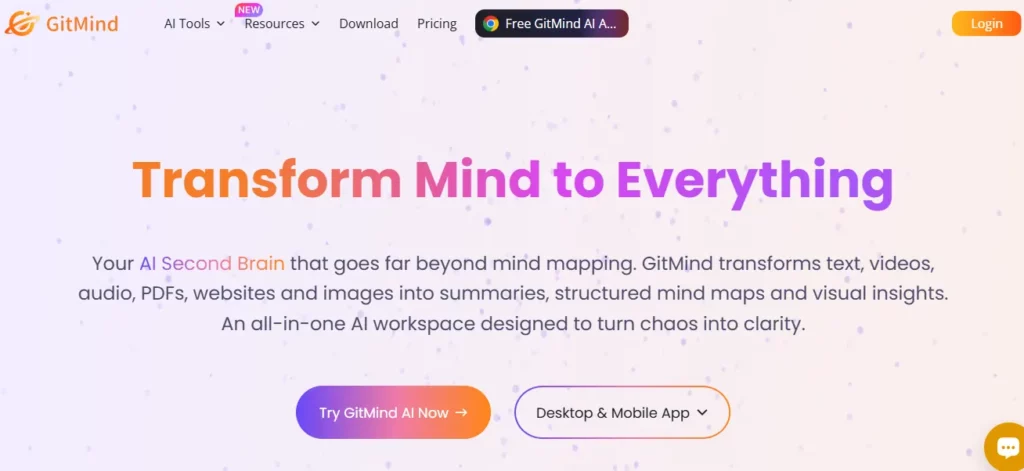
GitMind on tehisintellektil põhinev visuaalne tööruum, mille töötas välja WANGXU TECHNOLOGY (HK) CO., LIMITED, mis käivitati 2019. aastal ja mida nüüd kasutab üle 10 miljoni spetsialisti 160 riigis. Selle põhiolemus on see, et see teisendab töötlemata sisendid, sealhulgas tekstiviibad, PDF-failid, helisalvestised, YouTube'i videod ja pildid, struktureeritud mõttekaartideks, vooskeemideks, UML-diagrammideks ja organisatsiooniskeemideks täielikult läbi AI automaatika.
Ärimeeskondade jaoks tähendab see, et projektijuht saab üles laadida spetsifikatsioonidokumendi ja saada täielikult struktureeritud visuaalse plaani vähem kui minutiga, kõrvaldades tundidepikkuse käsitsi skeemide koostamise. GitMind katab kogu tootlikkuse protsessi alates ideede jäädvustamisest ja ajurünnakust kuni visuaalsete esitlusteni , muutes selle tõeliseks kõikehõlmavaks teadmiste korraldamise platvormiks, mitte lihtsaks mõttekaardi koostajaks.
GitMind's Selle võimsaim funktsioon on võime töödelda peaaegu iga sisendvormingut ja tagastada struktureeritud visuaalne kaart. Saate kleepida YouTube'i URL-i, üles laadida helifaili, sisestada PDF-faili või tippida üherealise käsurealt ja GitMind's AI loob hargnenud mõttekaardi vähem kui 10 sekundiga. Suurte dokumentatsioonikogumitega tegelevate konsultantide ja projektijuhtide jaoks asendab see ainuüksi igal nädalal tundidepikkust käsitsi sõlmede sisestamist.
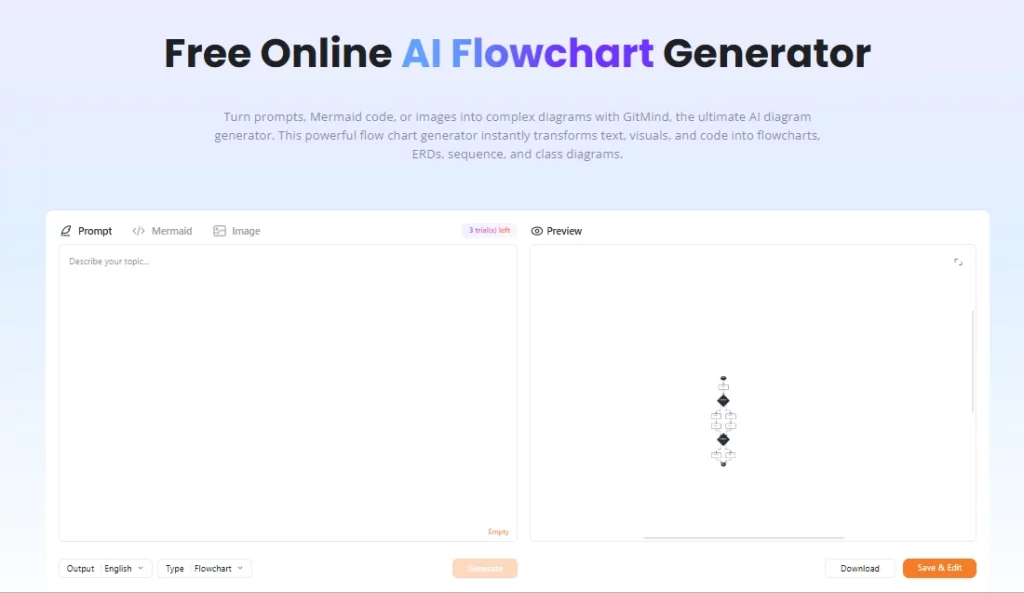
Lisaks mõttekaartidele toetab GitMind vooskeeme, tahvleid, UML-diagramme, organisatsiooniskeeme, Ishikawa (kalaluu) diagramme ja üksuste-suhete diagramme. See on oluline tehnilistele meeskondadele, kes vajavad enamat kui lihtsalt... ajurünnaku lõuendTarkvarainsener saab genereerida AI projekti märkmetest vooskeem, visualiseeri süsteemi sõltuvusi ja jaga diagrammi esitlusena ühe korraga.
GitMind korraldab meeskondade tööruumid üksusteks, mida nimetatakse „planeetideks“, millest igaüks toimib jagatud koostöökeskkonnana. Mitu kasutajat saavad kaarte reaalajas koos redigeerida, kommentaare jätta ja muudatusi jälgida, mistõttu on see praktiline hajutatud meeskondadele, kes korraldavad agiilseid planeerimisseansse või tooteavastamise töötubasid. Tasuta pakett toetab ühte planeeti, tasulised paketid avavad rohkem ja äripakett avab piiramatu arvu planeete piiramatu arvu liikmetega.
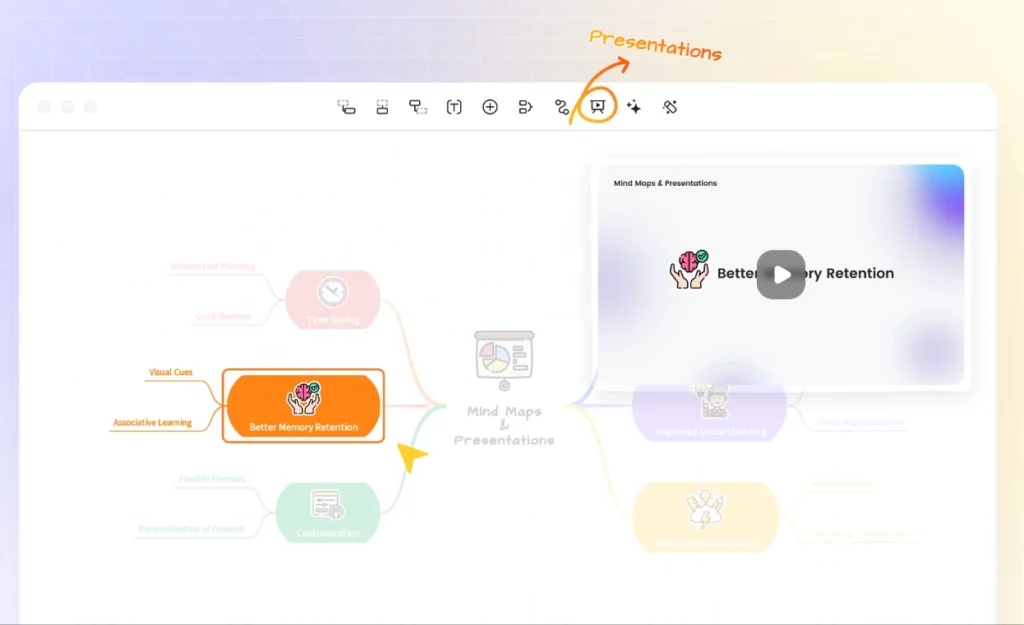
Iga GitMindi mõttekaardi saab sisseehitatud esitlusrežiimi abil ühe klõpsuga esitluseks teisendada. Õpetajad, koolitajad ja konsultandid kasutavad seda, et liikuda toorideelt koosolekuruumiks valmis slaidivoogudele platvormilt lahkumata. Ekspordivõimaluste hulka kuuluvad PNG, JPG, PDF ja TXT, HD-eksport on saadaval alates Basic-paketist.
GitMind töötab veebirakendusena ning sellel on ka töölaua kliendid Windowsi ja Maci jaoks ning mobiilirakendused iOS-i ja Androidi jaoks. Kuna kõik andmed sünkroonitakse pilve kaudu, on sülearvutilt tahvelarvutile vahetamine seansi keskel ilma probleemideta. Sisselogimine toimib Google'i, Apple'i, Facebooki või e-posti teel, mis hoiab uute meeskonnaliikmete sisseelamise kiirena.
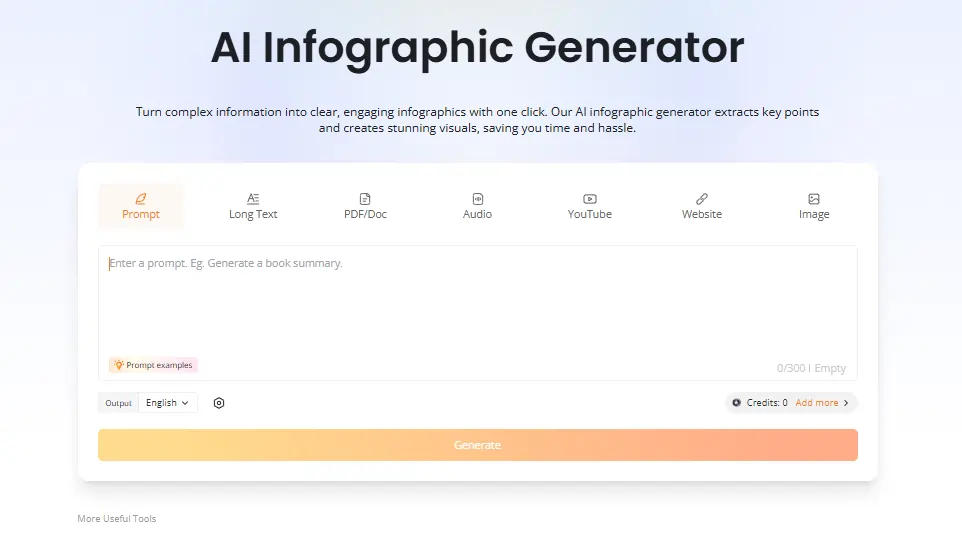
Tasulised paketid avavad manustatud AI chatbot üleslaaditud dokumentide päringute tegemiseks otse tööruumis, lisaks AI infograafikute generaator, mis muudab andmed ja sisu visuaalseteks kokkuvõteteks. Insenerid ja teadlased leiavad, et vestlusfunktsioon on eriti kasulik dokumentatsiooni lünkade leidmiseks kaardistuskeskkonnast lahkumata. Mõlemad funktsioonid tarbivad AI krediiti igakuisest plaani limiidist.
GitMindi hinnaplaanid
| kava | Maksumus (aastas) | AI Autorid | Cloud Storage | Pilte kaardil | Planets | Liikmed planeedi kohta |
|---|---|---|---|---|---|---|
| tasuta | $0 | piiratud | Pole täpsustatud | Põhi- | 1 | piiratud |
| Põhi- | $ 4.92 / kuus | mitte ükski | 10 GB | 50 | 1 | 5 |
| Pro | $ 5.75 / kuus | 2,000 / kuu | 10 GB | 100 | 1 | 5 |
| Ultra | $ 11.58 / kuus | 4,000 / kuu | 30 GB | 500 | 1 | 20 |
| Äri | 17.42 dollarit kuus istekoha kohta | 5,000 / kuu | 50 GB | 800 | piiramatu | piiramatu |
GitMind ärimeeskondadele
GitMind on tõeliselt kasulik ärimeeskondadele, kes tegelevad suure hulga infoga. Võimalus võtta salvestatud koosolek, pikk kliendiülesanne või virn PDF-faile ja muuta need praktilisteks visuaalseteks kaartideks vähendab planeerimistsükleid märkimisväärselt.
Turundusmeeskondadele sisustrateegidja tootejuhtidele tähendab kaardistamisjuhiste töövoog seda, et projekti esialgne raamimine toimub minutitega, mitte tunniajase tahvliseansi jooksul. Äriplaan's reaalajas AI Krediidi jälgimine liikme kohta lisab praktilise ressursihalduse kihi, mida kasvavad meeskonnad hindavad.
Plussid ja miinused
- Teisendab video-, heli- ja PDF-failid mõttekaartideks.
- kiire AI kaardi genereerimine alla 10 sekundi.
- Platvormideülene, sh lauaarvuti ja mobiilseadmed.
- Reaalajas meeskonnatöö sisse ehitatud.
- Mitu diagrammitüüpi ühes tööriistas.
- Esitlusrežiim säästab lisatarkvara.
- Tasuta paketil on piiratud failide arv.
- AI Krediidid kaovad intensiivse kasutamise korral kiiresti.
- Puudub natiivne Slacki või Notioni integratsioon.
- Klienditoe reageerimine võib olla aeglane.
GitMind õpetajatele ja teadlastele
GitMind on leidnud tugeva koha õpetajate, üliõpilaste ja teadlaste seas just tänu oma võimele töödelda loengute salvestisi, akadeemilisi töid ja õpikute sisu kordamisvalmis visuaalseteks struktuurideks. Ainult YouTube'i ärakirjade kokkuvõtte tegijat kasutavad üliõpilased loengute sisu eraldamiseks ja kaardistamiseks ilma käsitsi märkmeid tegemata.
Õpetajad kasutavad artiklite kokkuvõtte koostajat ja esitlusrežiimi tundide ettevalmistamiseks ja esitamiseks ühest tööriistast. Kõigile, kes regulaarselt tiheda allikmaterjaliga tegelevad, pakub Pro-pakett hinnaga 5.75 dollarit kuus ja aastaarvega kindlat väärtust.
Parimad GitMindi alternatiivid
| AI Mõttekaardid ja visuaalse tööruumi tööriist | AI Kaardi genereerimise kiirus | Väärtus ilma krediidipiiranguteta |
|---|---|---|
| edrawmind | Kiire, helde AI tasuliste plaanide piirangud | Tugev väärtus piiramatule AI kasutama |
| XMind | Mõõdukas, AI vähem võimekas kui GitMind | Hea struktuurile, nõrgem AI põlvkond |
| Miro | Mitte peamine funktsioon, keskendub tahvlile | Parim ettevõtete koostöötahvlitele |
| Lucidchart | piiratud AI kaardi genereerimine | Tugevam tehniliste diagrammide töövoogude jaoks |



