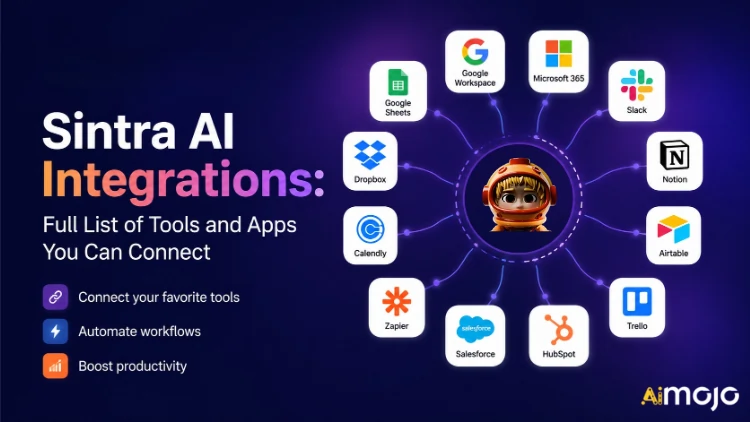
Todas las herramientas que utiliza tu empresa —Gmail , Notion, LinkedIn, Google Analytics, QuickBooks y más de 1,000 adicionales— ahora pueden integrarse directamente con Sintra AI.
Aquí's el desglose completo de lo que se conecta, cómo funciona y qué es lo que su AI ayudantes en realidad Hazlo una vez que enciendas el interruptor.
Qué significa realmente “Integraciones” en Sintra
Las integraciones de Sintra no son complementos de terceros que se añaden manualmente. Son conectores integrados que se activan con un solo clic y que vienen incorporados directamente en la plataforma; no se requieren webhooks, ni tickets de desarrollador, ni middleware de Zapier (aunque existe soporte para Zapier para ampliar aún más las funcionalidades).
Una vez conectado, su Sintra AI Los asistentes obtienen acceso directo de lectura y escritura a estas herramientas. Esto significa que no solo ven los datos, sino que también actúan en consecuencia. Redactar y enviar un correo electrónico en Gmail. Publicar en LinkedIn. Obtener un informe de Google Analytics. Crear una página en Notion. Todo desde una misma ventana de chat.
La capa de integración funciona gracias a Composio , lo que permite a Sintra alcanzar las más de 1,000 integraciones en todas las principales categorías de negocio.

El Sintra completo AI Lista de integraciones (por categoría)
Aquí's Un resumen estructurado de todas las categorías y herramientas compatibles actualmente:
📧 Correo electrónico
| Lo que tu ayudante puede hacer | |
|---|---|
| gmail | Enviar correos electrónicos, responder a hilos de conversación, leer la bandeja de entrada, ejecutar campañas de difusión. |
| microsoft Outlook | Enviar, responder, leer: completo Gestión de la bandeja de entrada Para usuarios de Microsoft |
📅 Calendario y programación
| Lo que tu ayudante puede hacer | |
|---|---|
| Calendario de Google | Crear eventos, consultar el calendario, configurar recordatorios, planificar el calendario de contenidos |
| Calendario de MS | Las mismas funcionalidades de calendario para los usuarios de Microsoft 365. |
🗂️ Almacenamiento de archivos
| Lo que tu ayudante puede hacer | |
|---|---|
| Google Drive | Guarda informes, extrae archivos y almacena automáticamente los resultados generados por IA. |
| Dropbox | Almacenamiento y recuperación de archivos para flujos de trabajo basados en Dropbox. |
📱 Redes sociales
| Lo que tu ayudante puede hacer | |
|---|---|
| LinkedIn (Personal) | Programar publicaciones, publicar contenido, gestionar la actividad del perfil |
| LinkedIn (Página de la empresa) | Gestiona las publicaciones de la página, aumenta la presencia de la empresa. |
| Publica entradas, consulta las estadísticas de la página, gestiona el contenido de la página. | |
| Publicar en el feed (a través del enlace de Facebook Business), gestionar el contenido | |
| TikTok | Publicar y programar contenido de vídeo de formato corto. |
| YouTube | Gestiona las subidas de vídeo y el contenido del canal. |
💬 Comunicación del equipo
| Lo que tu ayudante puede hacer | |
|---|---|
| Flojo | Enviar mensajes, publicar en canales, automatizar las notificaciones del equipo. |
| Microsoft Teams | Colabora y comunícate entre equipos basados en Microsoft. |
✅ Productividad y gestión de proyectos
| Lo que tu ayudante puede hacer | |
|---|---|
| Noción | Crear páginas, actualizar bases de datos, organizar proyectos |
| Trello | Gestiona tableros, tarjetas y listas de tareas. |
| Asana | Crear tareas, realizar un seguimiento del progreso del proyecto |
| Tareas de Google | Agrega y gestiona tareas dentro de Google Workspace. |
| Todoist | Creación de tareas y gestión de listas de tareas pendientes |
| Lineal | Seguimiento de tareas del equipo de ingeniería y producto |
| Airtable | Gestión de bases de datos y seguimiento de proyectos |
💼 CRM y Ventas
| Lo que tu ayudante puede hacer | |
|---|---|
| HubSpot | Gestiona contactos, realiza seguimiento de acuerdos, actualiza las entradas del CRM. |
| Salesforce | Actualizaciones de CRM, seguimiento de clientes potenciales, gestión de pipeline de ventas |
| Pipedrive | Automatización de la gestión de acuerdos y del flujo de trabajo de ventas |
📊 Análisis y datos
| Lo que tu ayudante puede hacer | |
|---|---|
| Google Analytics | Obtén informes de tráfico, visualiza información relevante y realiza un seguimiento del rendimiento. |
| Google Sheets | Leer y escribir datos de hojas de cálculo para la elaboración de informes. |
💰 Contabilidad y Finanzas
| Lo que tu ayudante puede hacer | |
|---|---|
| QuickBooks | Crear/enviar facturas, leer estados financieros, generar informes. |
| Xero | Automatización de la contabilidad y la teneduría de libros |
🛠️ Herramientas para desarrolladores
| Lo que tu ayudante puede hacer | |
|---|---|
| GitHub | Gestiona repositorios, realiza un seguimiento de los problemas y automatiza los flujos de trabajo de desarrollo. |
| GitLab | Interacción entre la gestión del código y el pipeline de CI/CD |
| Jira, | Seguimiento de incidencias y gestión de sprints |
| Supabase | Interacción con la base de datos y gestión del backend |
🎨 Diseño y creatividad
| Lo que tu ayudante puede hacer | |
|---|---|
| Figma | Acceda a los archivos de diseño y haga referencia a los recursos en los flujos de trabajo de contenido. |
📣 Marketing y publicidad
| Lo que tu ayudante puede hacer | |
|---|---|
| SEMRush | Extraer datos de palabras clave, realizar un seguimiento de las clasificaciones, identificar oportunidades de SEO |
| Metaanuncios | Gestionar campañas publicitarias y datos de cuentas publicitarias |
🏃 Salud y Bienestar
| Lo que tu ayudante puede hacer | |
|---|---|
| Strava | Lee los datos de actividad para que tu entrenador personal pueda hacer un seguimiento de tus objetivos de fitness y ajustar tu horario. |
🌐 CMS y comercio electrónico
| Lo que tu ayudante puede hacer | |
|---|---|
| WordPress.com | Gestionar entradas, páginas y publicación de contenido |
| Webflow | Sitio web y la landing page management |
| Shopify | Gestión de productos y pedidos de comercio electrónico |
Cómo conectar cualquier integración en Sintra (3 pasos)
Sin complicaciones de configuración. Todo el proceso tarda menos de dos minutos por herramienta:
- Ir a Brain AI — Haz clic en el cerebro AI Botón en la barra lateral de Sintra para abrir el centro de integración.
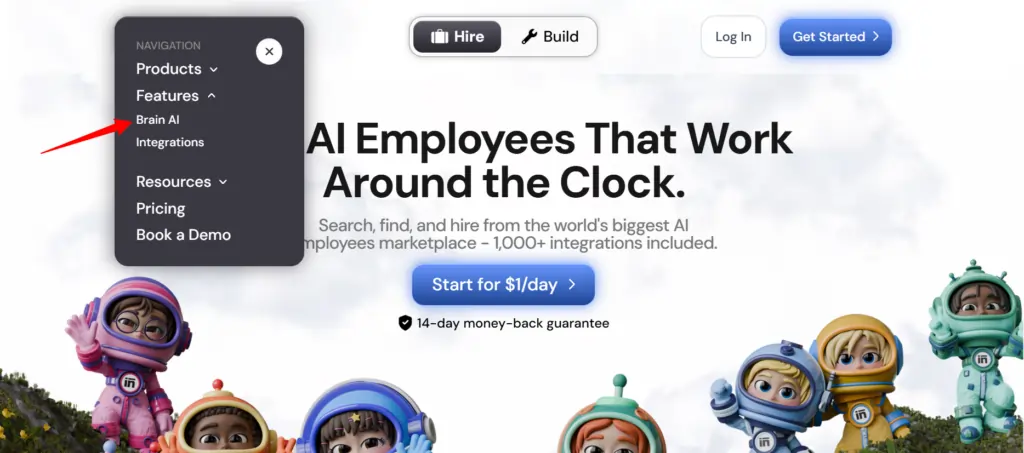
- Encuentra la herramienta — Localiza la integración que deseas (Gmail, Notion, LinkedIn, etc.) y haz clic. "Connect"
- Autorizar la cuenta — Se abre una ventana emergente, inicia sesión y otorga permisos — el botón Conectar cambia a una marca de verificación verde
Eso es todo. A partir de ese momento, el asistente correspondiente ( especialista en marketing por correo electrónico , analista de datos, gestor de redes sociales, etc.) trabaja con datos reales de tu cuenta, sin copiar y pegar ni introducir datos manualmente.
???? Consejo rapido: ¿Necesitas añadir otra cuenta para la misma herramienta (por ejemplo, una segunda página de Facebook)? Haz clic aquí. “Conectar” → “Agregar nueva cuenta” dentro del cerebro AI y acceder directamente desde allí con la segunda cuenta.
Qué hacen realmente tus asistentes de Sintra con estas integraciones
Sintra cuenta con 12 viviendas prefabricadas. AI especialistas, y cada uno está conectado a las integraciones que tienen sentido para su función:
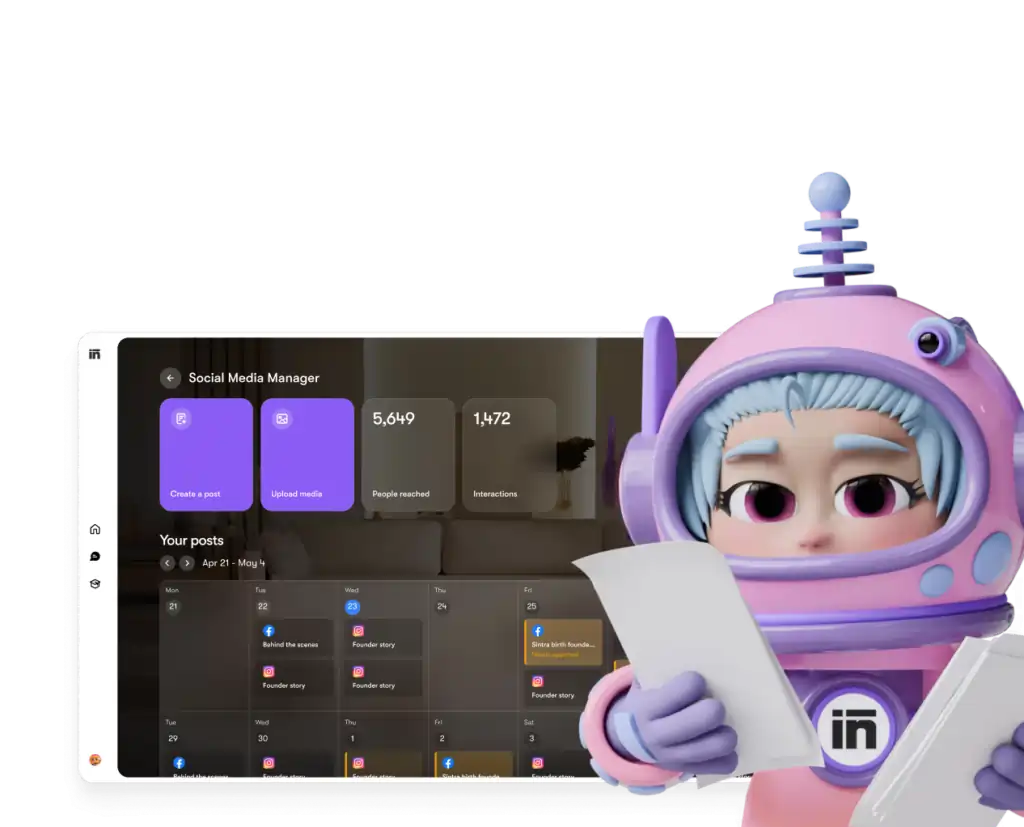
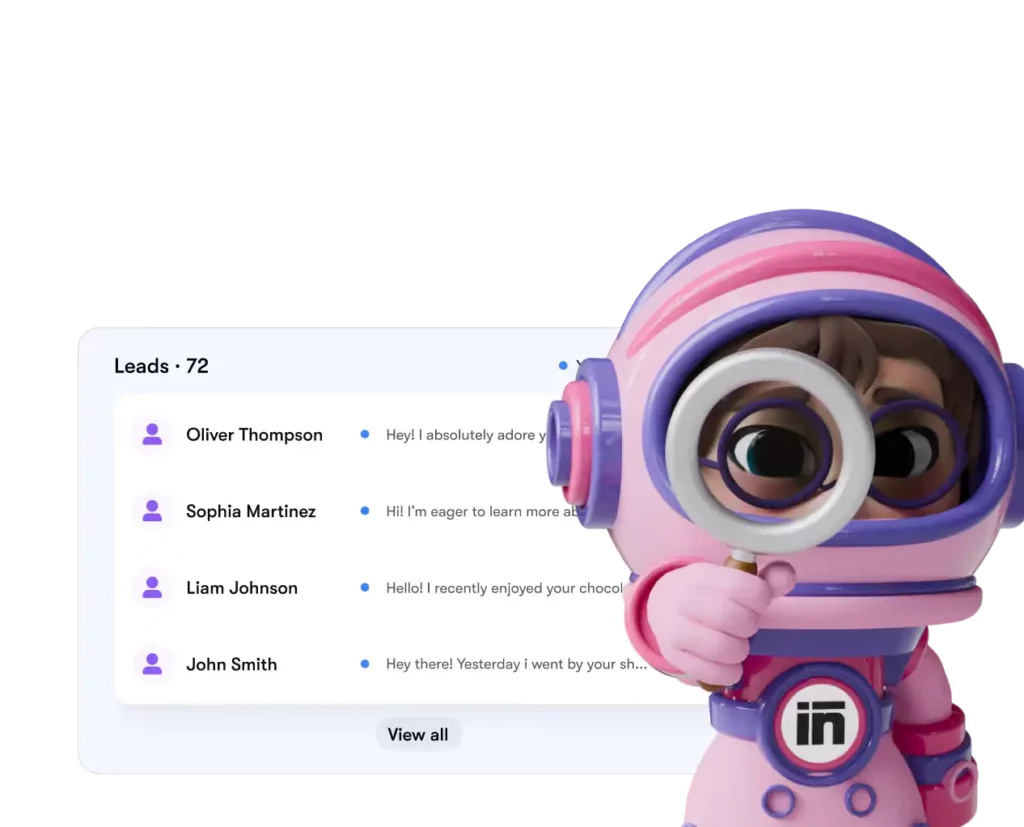
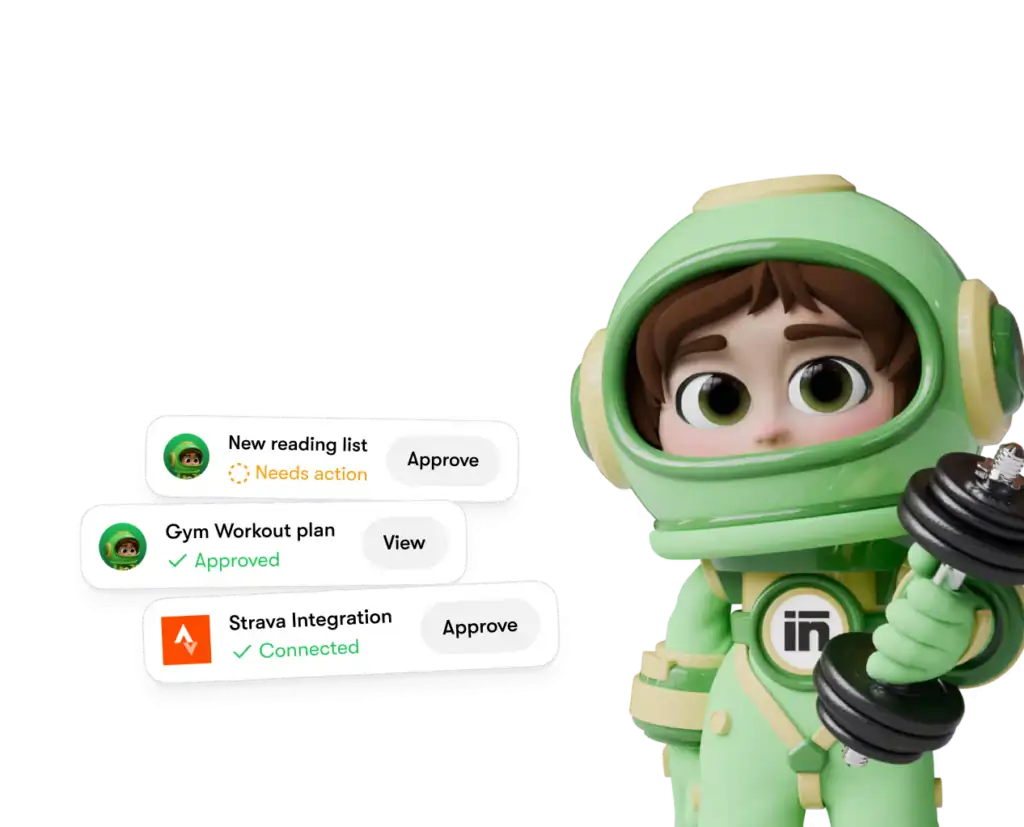
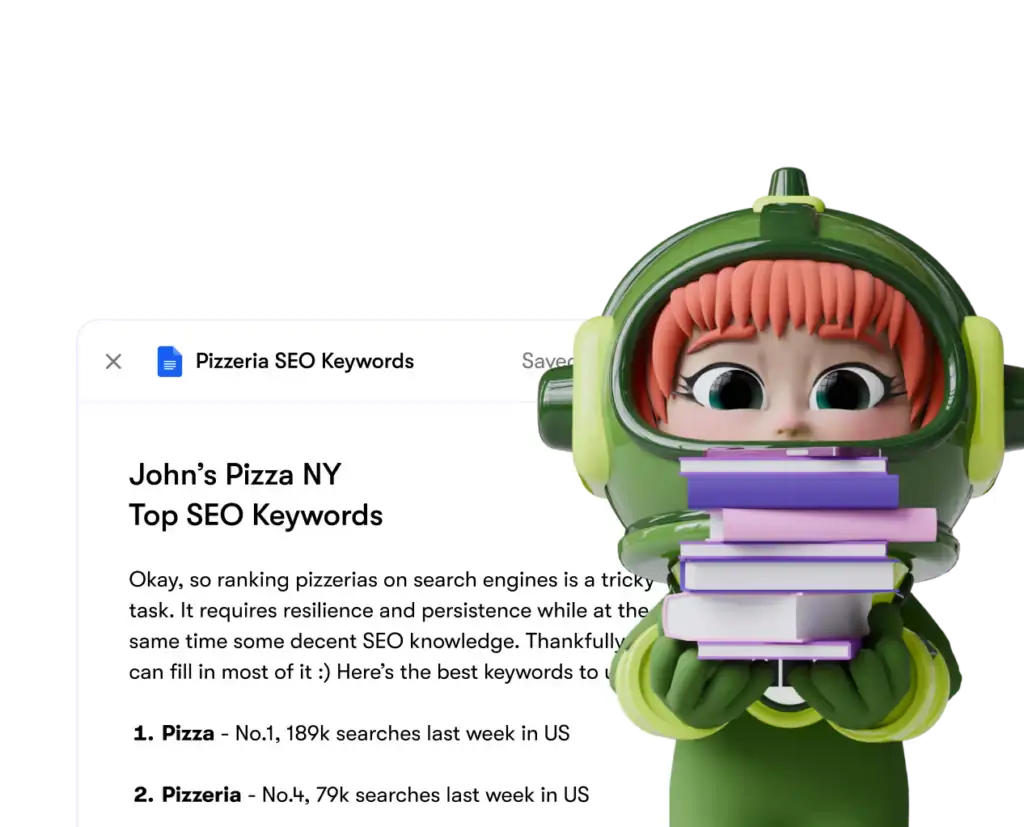
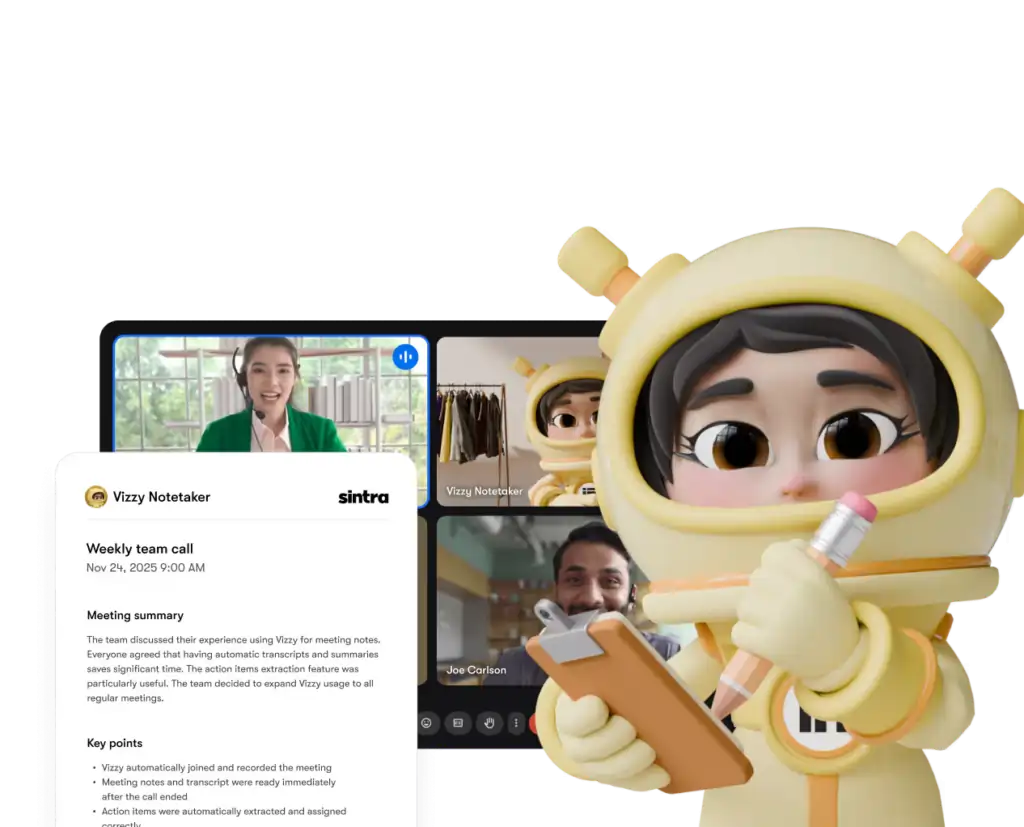
Cada asistente solo accede a las herramientas y permisos que usted le otorgue explícitamente, y puede desconectar cualquier integración de su panel de control en cualquier momento.
Sintra AI vs. Competidores: Profundidad de integración
Aquí's cómo Sintra's La configuración de integración se compara con plataformas similares en el mismo nivel de precios:
| Elemento | Sintra IA | Generic AI Chatbots | Plataformas de automatización (por ejemplo, Zapier) |
|---|---|---|---|
| Integraciones nativas (sin código) | 1,000+ | Ninguno al mínimo | Sí, pero no AI . |
| AI El asistente actúa sobre los datos. | ✅ sí | ❌No | ❌No |
| Complejidad de configuración | Autenticación con un solo clic | N/A | Medio-alto |
| Ayudantes específicos para cada rol empresarial | ✅ 12 especialistas | ❌ | ❌ |
| Automatización (tareas recurrentes) | ✅ | ❌ | ✅ |
| GDPR obediente | ✅ | Varíable | Varíable |
El factor diferenciador clave: plataformas como Zapier te ofrecen conectores, pero hay's ninguna capa inteligente encima que interprete y actúe sobre los datos. Sintra te ofrece ambas cosas: la integración y una AI que sabe qué hacer con ello.
La afirmación de más de 1,000 integraciones: ¿qué significa realmente?
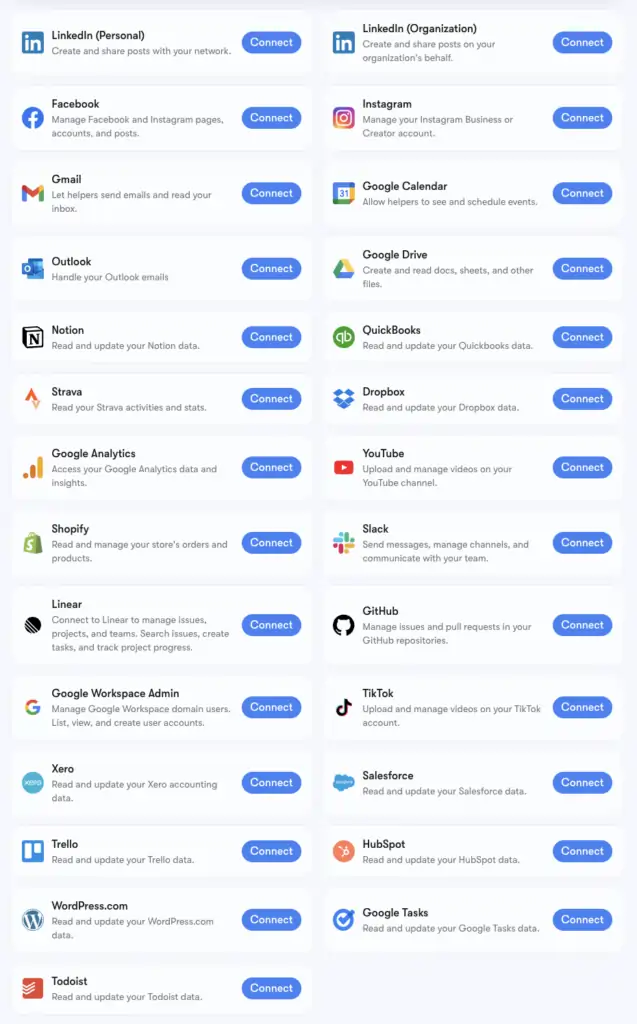
Sintra's La cifra de más de 1,000 integraciones es impulsada por composición, una infraestructura de conectores que admite aplicaciones de todas las categorías: herramientas de recursos humanosplataformas de programación, comercio electrónico, almacenes de datos y herramientas SaaS especializadas. AI Las plataformas no se tocan.
Puedes consultar la lista completa en composio.dev/toolkits . Las integraciones principales con soporte avanzado (Gmail, LinkedIn, Notion, Google Analytics, etc.) son las que vienen integradas de forma nativa en la IA Brain de Sintra. Las más de 1,000 integraciones adicionales están disponibles para usuarios que necesiten profundizar en flujos de trabajo específicos.
Si la herramienta que utilizas habitualmente no aparece en la lista, puedes solicitarla directamente desde tu panel de control de Sintra. Las nuevas integraciones se añaden periódicamente en función de la demanda de los usuarios.
Configurar Gmail y Google Calendar: Paso a paso
El conjunto de herramientas de Google Workspace es el grupo que se conecta con mayor frecuencia, así que aquí's El proceso exacto:
- Haga clic en Inteligencia artificial cerebral en la barra lateral izquierda
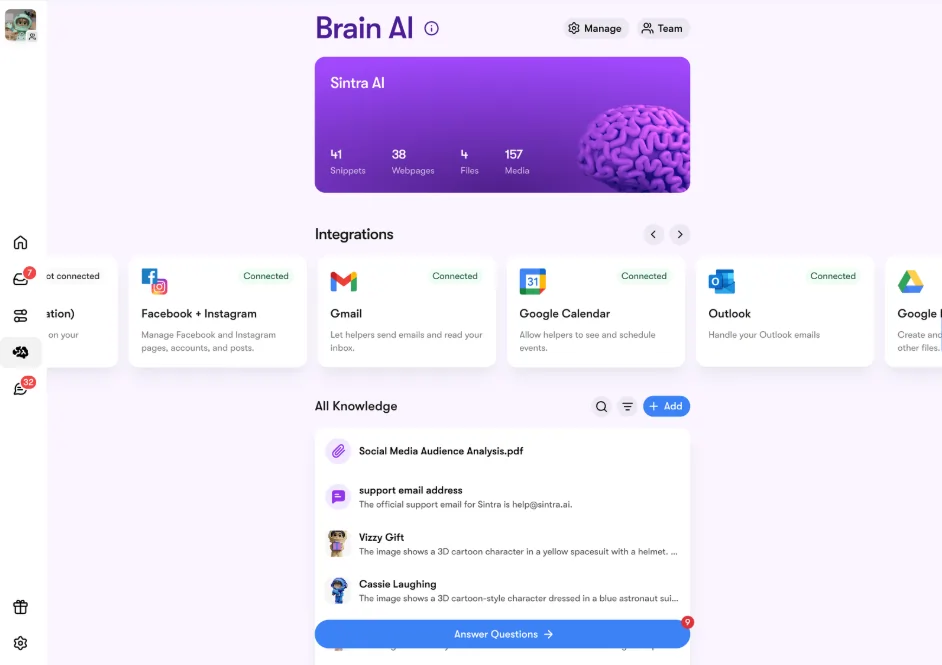
- Localice gmail, Calendario de Google, Google Drive, o Google Analytics en la sección Integraciones
- Haga clic en Conectar → entonces Conectar otra vez (o Agregar nueva cuenta (para varias cuentas)
- Aparecerá una ventana emergente en el navegador; seleccione la cuenta de Google que desea utilizar.
- Concede a la aplicación Sintra los permisos solicitados.
- El botón se pone verde: estás en directo.
Las cuatro herramientas de Google se pueden conectar de forma independiente o conjunta. Sintra solo solicita los permisos necesarios para cada tarea (por ejemplo, Calendario solo necesita permisos de lectura/escritura para los eventos, no para toda tu cuenta de Google).
Configurar Facebook e Instagram
Este tiene un pequeño requisito previo: primero debes vincular tu cuenta de Instagram a una página de Facebook para empresas.
- Inicia sesión en Facebook → haz clic en tu foto de perfil → cambia a tu página de empresa.
- Vaya al Configuración y privacidad → Configuración → Permisos → Cuentas vinculadas
- Haga clic en Instagram → Conectar cuenta y completa el enlace
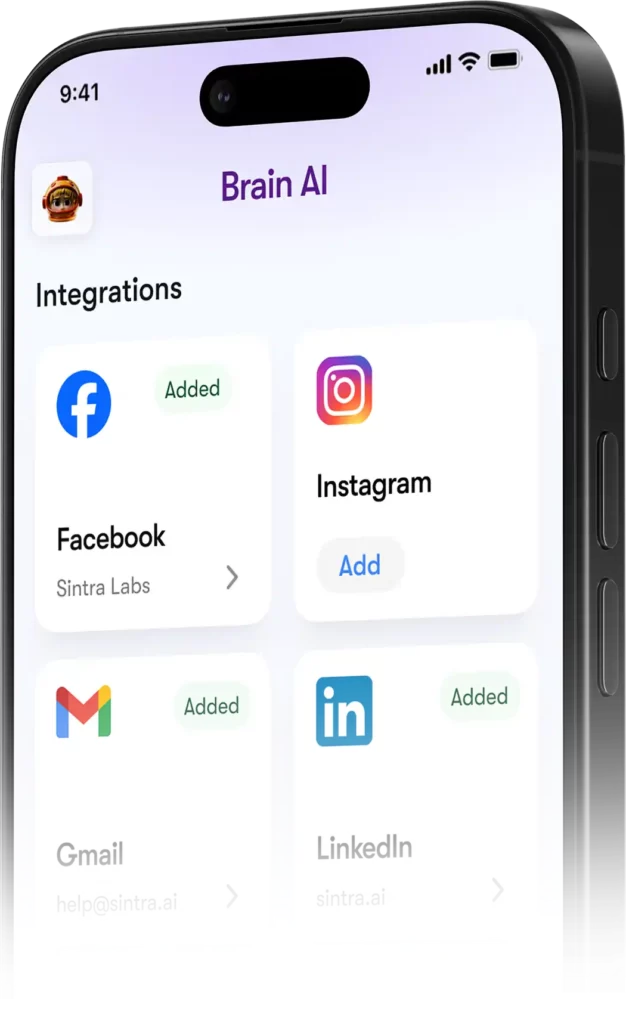
- En Sintra, diríjase a Cerebro AI → Integraciones → Facebook/Instagram → Conectar
- Inicia sesión con tus credenciales de Facebook y otorga los permisos.
- Marca de verificación verde = estás conectado en ambas plataformas
Una vez activada la publicación, Soshie (tu especialista en redes sociales) puede publicar en Facebook e Instagram directamente desde un mensaje de chat o mediante una programación automatizada.
Privacidad: lo que Sintra puede y no puede ver
Una pregunta razonable al conectar su Gmail o Google Analytics a cualquier AI plataforma. Aquí's Sintra's postura actual:
Los asistentes no actúan en tu nombre a menos que se lo hayas pedido explícitamente a través del chat o hayas configurado una automatización programada; no se ejecutan en segundo plano realizando tareas que no hayas aprobado.
Preguntas frecuentes
¿Qué herramientas hay en el Sintra oficial? AI ¿Lista de integraciones?
Las integraciones principales incluyen Gmail, Outlook, Google Calendar, Google Drive, LinkedIn, Facebook, Instagram, TikTok, Slack, Notion, HubSpot, Salesforce, QuickBooks, Google Analytics, GitHub, Strava, Shopify y más. La lista completa de más de 1,000 herramientas está disponible en composio.dev/toolkits.
¿Sintra? AI ¿Tienen una API pública?
No, Sintra no ofrece una API pública. Todas las integraciones son conectores listos para usar, integrados directamente en la plataforma a través de Composio.
¿Puedo conectar varias cuentas para la misma herramienta?
Sí. Pulsa “Conectar” → “Añadir nueva cuenta” dentro de Brain. AI para vincular cuentas adicionales en la misma plataforma. Cada cuenta se gestiona de forma independiente.
¿Funcionan las integraciones de Sintra dentro de las automatizaciones?
Sí, las herramientas conectadas permiten automatizaciones recurrentes como resúmenes diarios de la bandeja de entrada, publicaciones programadas en redes sociales e informes analíticos semanales. Los asistentes las ejecutan automáticamente sin que tengas que iniciar un chat.
¿Existe alguna integración con Strava?
Sí. Strava se conecta a través de Brain. AI y permite que tu asistente personal lea tus datos de actividad para ayudarte a realizar un seguimiento de tus objetivos de fitness en función de tu horario laboral.
¿Cuánto tiempo se tarda en configurar una integración con Sintra?
Menos de dos minutos. Todo el proceso se basa en OAuth: haz clic en Conectar, inicia sesión, aprueba los permisos y listo. No se requieren claves API ni configuración técnica.
¿Qué ocurre si una herramienta que utilizo no aparece en la lista de Sintra?'s integraciones?
Solicítalo directamente desde tu panel de control de Sintra: las nuevas integraciones se añaden continuamente según la demanda de los usuarios. También puedes consultar la lista completa en composio.dev/toolkits.
¿Son Sintra? AI ¿Es seguro utilizar las integraciones con datos empresariales?
Sí, Sintra cumple con el RGPD, no se entrena con sus datos y solo accede a lo que necesita.'s Necesario para la tarea específica que solicitas. Cada integración se puede desconectar del panel de control en cualquier momento.
AiMojo recomienda:


 BONUS: Obtenga nuestros $200 “AI “Mastery Toolkit” ¡GRATIS cuando te registras!