Pasar horas rotoscopiando una sola toma o rastreando un movimiento de cámara complejo ralentiza cualquier flujo de trabajo de posproducción. Los cineastas independientes y los editores freelance a menudo se topan con un obstáculo donde la ambición creativa supera su presupuesto o plazo de entrega. Simplemente quieren centrarse en la historia, no en la tediosa limpieza técnica que los mantiene en el escritorio hasta altas horas de la madrugada.
Afortunadamente, el software moderno finalmente puede encargarse de ese trabajo pesado. Para ayudarle a optimizar su cronograma, probamos el Top 6 AI Herramientas de efectos visuales Disponibles hoy. Esta reseña compara sus capacidades prácticas y cómo se integran en un flujo de trabajo de edición profesional.
Avanzado AI Herramientas para efectos visuales de calidad profesional
| arriba AI Herramienta de efectos visuales | Caso de uso principal | Nuestras AI Elemento |
|---|---|---|
| IA de Higgsfield | Creadores de cine independiente | Controles de cámara cinematográficos |
| Kling IA | Vídeo de alta fidelidad | Control de movimiento preciso |
| AKOOL AI | Marketing de marca empresarial | Contenido impulsado por API |
| Pykaso AI | Salida hiperrealista | Modelos LoRA personalizados |
| Pista | Flujos de trabajo profesionales de efectos visuales | Módulos de efectos visuales dedicados |
| movimiento profundo | Animación de personajes 3D | Captura de movimiento sin marcadores |
¿Por qué integrar? AI Las herramientas de efectos visuales son fundamentales para la producción cinematográfica moderna.
La industria de la postproducción ha cambiado, haciendo que la edición tradicional cuadro por cuadro sea insostenible para plazos ajustados. Entender por qué los estudios están adoptando rápidamente AI Las herramientas de efectos visuales son esenciales para mantener la competitividad.
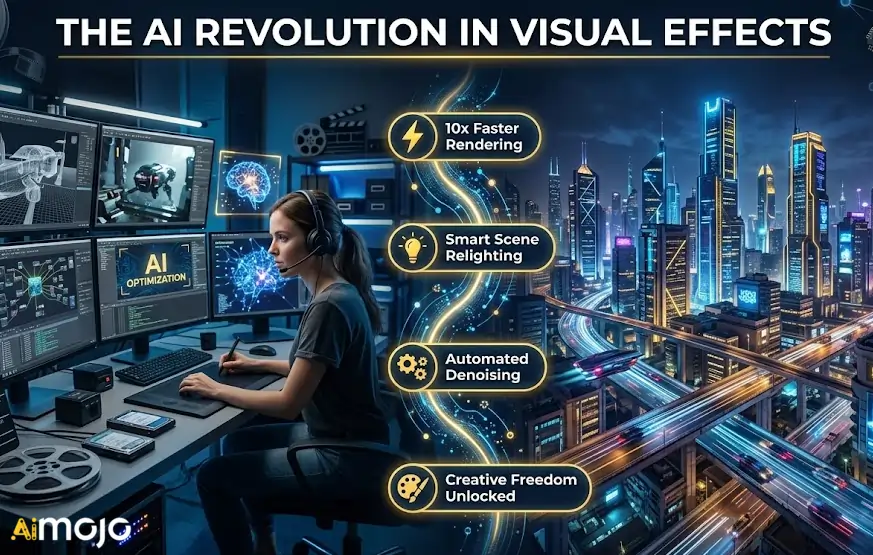
Los algoritmos de aprendizaje automático ahora manejan el tareas técnicas repetitivas que antes consumían días de un calendario de producción. Al automatizar estos procesos, los artistas de efectos visuales pueden dedicar más recursos al desarrollo creativo del aspecto visual.
Las principales ventajas que impulsan este cambio incluyen:
Teniendo en cuenta los claros beneficios de esta eficiencia impulsada por máquinas, dejemos...'s Explore el software específico que lidera esta transformación.
1. IA de Higgsfield
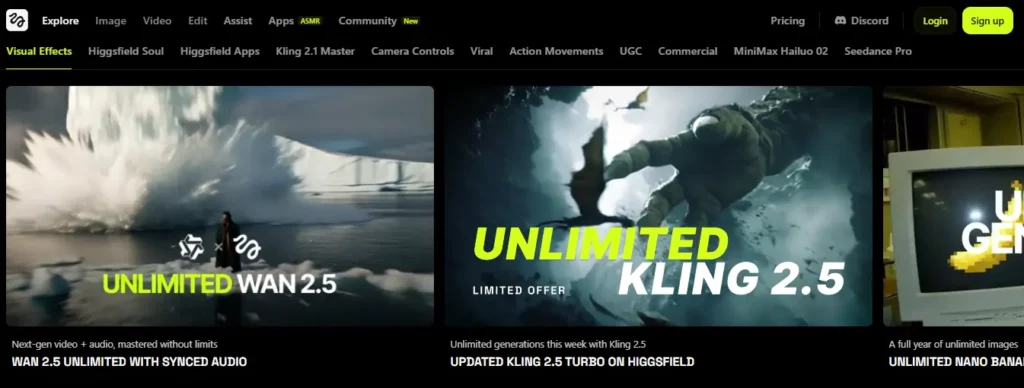
Higgsfield AI es un navegador basado en AI Herramienta de efectos visuales con controles de cámara integrados, transiciones fluidas y preajustes de efectos visuales con un solo clic que eliminan la necesidad de software costoso y semanas de trabajo de postproducción. Es compatible con múltiples modelos generativos, incluidos Kling 3.0 y Wan 2.6.
La plataforma está diseñada para creadores de contenido, cineastas independientes y productores de redes sociales Para quienes necesitan resultados de calidad profesional sin el presupuesto de un estudio. Funciones como Soul Cinema, intercambio de rostros y colocación de productos lo convierten en una herramienta versátil para cualquier flujo de trabajo de efectos visuales.
Higgsfield AI Pros y contras
Planes de precios: Existe una versión gratuita; los planes Pro comienzan desde aproximadamente $24/mes con créditos de generación ampliados.
Característica destacada: Generación de efectos visuales multimodo con control de cámara en tiempo real.
Ideal para: Creadores de contenido y cineastas independientes que buscan una calidad cinematográfica asequible AI efectos visuales sin hardware específico.
2. Kling IA
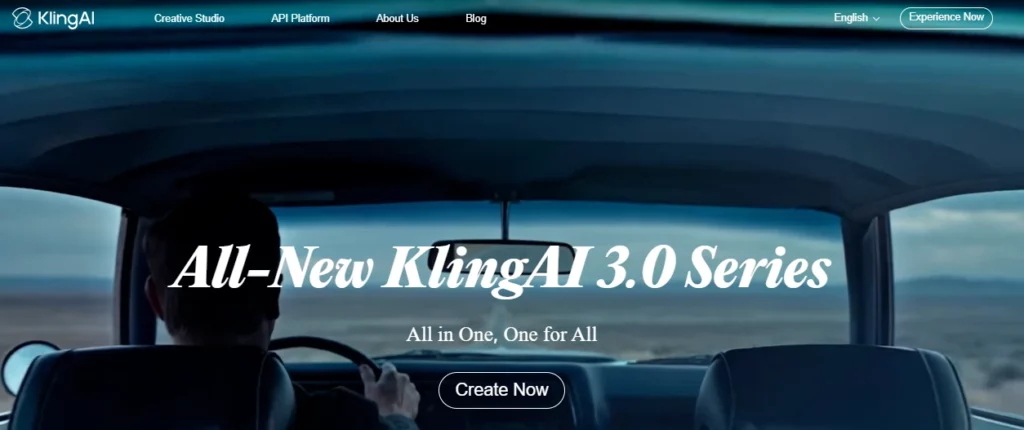
Generar movimiento realista y personajes consistentes a lo largo de los fotogramas es uno de los desafíos más difíciles en los efectos visuales impulsados por IA. Kling AI aborda esto con su motor de control de movimiento avanzado, Ofrece clips de hasta 30 segundos con acciones de personajes precisas y expresiones naturales.
Diseñado para creadores, especialistas en marketing y equipos de efectos visuales de todo el mundo, Kling AI Destaca en la producción de alta fidelidad. Vídeo a partir de indicaciones de texto o imagen.Su última actualización, la versión 3.0, introdujo un control de movimiento mejorado y una consistencia cinematográfica que rivalizan con los flujos de trabajo de composición tradicionales.
Kling AI Pros y contras
Planes de precios: El acceso básico es gratuito; los créditos premium se basan en el uso y varían según la plataforma de integración.
Característica destacada: 30 segundos AI Generación de vídeo con control de movimiento granular.
Ideal para: Equipos de efectos visuales y profesionales del marketing digital que necesitan vídeos generados por IA de alta fidelidad y con un movimiento de personajes controlable.
3. AKOOL

AKOOL es un generador todo en uno AI plataforma que ofrece intercambio de caras, traducción de videoCreación de avatares y reemplazo de fondos: todo accesible a través de un único panel de control o API. Resuelve el problema de escalar el contenido de vídeo personalizado en diferentes campañas.
Con la confianza de empresas de Fortune 500 como Canon y Coca-Cola, AKOOL está diseñado específicamente para flujos de trabajo de marketing empresarial. más de 300 millones de activos generados, Ofrece calidad de estudio AI Capacidades de efectos visuales a gran escala para la interacción con la marca, el aprendizaje electrónico y la producción de contenido multilingüe.
Ventajas y desventajas de AKOOL
Planes de precios: Plan gratuito con créditos limitados; planes de pago disponibles, con precios personalizados para empresas bajo petición.
Característica destacada: Escalable, basado en API AI Personalización de contenido para marcas.
Ideal para: Equipos y agencias de marketing empresarial que requieren seguridad y escalabilidad AI herramientas de vídeo para contenido de marca personalizado a gran escala.
4. Pykaso AI
Pykaso AI es un generativo AI plataforma que permite a los usuarios entrenar LoRa personalizado AI modelos y generar imágenes ultrarrealistas y vídeos en segundos. Con más de seis millones de generaciones atendidas, la plataforma ha demostrado su fiabilidad para contenido visual fotorrealista.
Este AI La herramienta VFX está diseñada para artistas digitales, creadores de retratos y entusiastas de los efectos visuales que necesitan resultados hiperrealistas. Su escalador de piel, intercambio de rostros y flujo de trabajo de imagen a vídeo ofrecen a los usuarios un control creativo preciso sobre cada fotograma.
Pykaso AI Pros y contras
Planes de precios: Sistema de crédito basado en gemas; paquetes de inicio disponibles con niveles premium para mayores volúmenes de generación.
Característica destacada: Modelos LoRA entrenados por el usuario para hiperrealismo AI generación.
Ideal para: Artistas digitales y creadores de retratos que necesitan imágenes ultrarrealistas y personalizables. AI herramientas de generación de imágenes y vídeos.
5. Pista ML
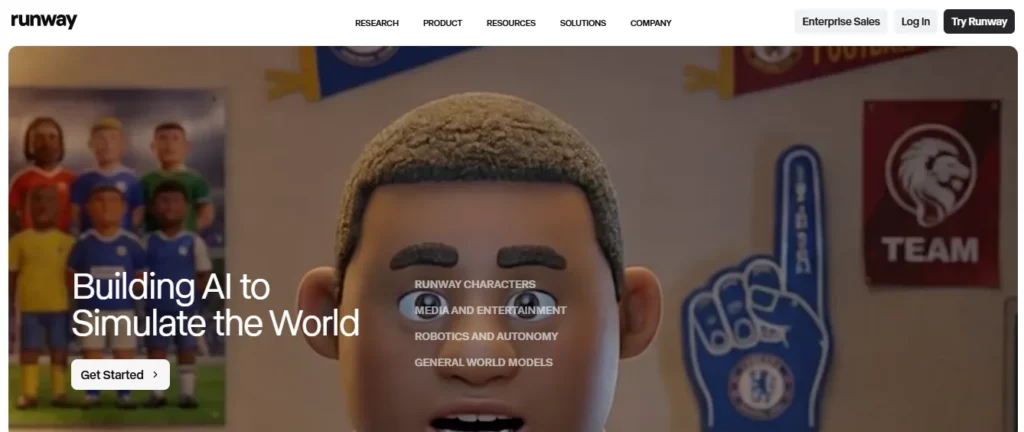
Runway ML es un producto de calidad profesional. AI Herramienta de efectos visuales que incluye seis módulos técnicos dedicados diseñados para integrarse directamente en sistemas ya establecidos. procesos de postproducción — desde previsualizaciones de alta fidelidad hasta tomas listas para la producción.
Utilizado por los principales estudios, Runway ofrece herramientas para el retoque fotográfico, rotoscopiaSeguimiento de movimiento y edición de vídeo generativa. Su programa de IA para efectos visuales está específicamente probado por profesionales de la industria, lo que lo convierte en uno de los más confiables. AI Herramientas de efectos visuales para reducir plazos de entrega y optimizar presupuestos.
Ventajas y desventajas de Runway ML
Planes de precios: Plan básico gratuito; Estándar desde 12 $/mes, Pro desde 28 $/mes, con planes empresariales disponibles.
Característica destacada: Generativo de calidad de estudio AI Módulos diseñados para flujos de trabajo de efectos visuales (VFX).
Ideal para: Estudios de efectos visuales profesionales y equipos de postproducción que buscan soluciones fiables e integradas en el flujo de trabajo. AI Herramientas con flujos de trabajo probados en la industria.
6. movimiento profundo
DeepMotion es una plataforma de captura de movimiento sin marcadores impulsada por IA que convierte vídeo estándar en datos de animación 3D listos para la producción, eliminando la necesidad de costosos trajes de captura de movimiento y espacios de estudio dedicados.
Este AI La herramienta VFX es ideal para desarrolladores de juegos, animadores, y producción virtual Equipos que necesitan un seguimiento esquelético preciso sin sobrecargar el hardware. Admite el seguimiento de cuerpo completo y de manos, lo que lo convierte en una solución práctica para la animación de personajes y flujos de trabajo de producción virtual en tiempo real.
Pros y contras de DeepMotion
Planes de precios: Plan básico gratuito; planes premium con minutos de seguimiento ampliados y licencias comerciales disponibles.
Característica destacada: Animación de vídeo a 3D sin trajes de captura de movimiento ni marcadores.
Ideal para: Desarrolladores de juegos y animadores que necesitan hardware asequible y sin complicaciones. AI captura de movimiento para animación de personajes flujos de trabajo.
Cómo evaluamos estos AI Herramientas de efectos visuales (Metodología)
Para ofrecer una reseña honesta, probamos cada software en un entorno de postproducción real. No nos basamos en afirmaciones de marketing; en cambio, procesamos material sin procesar y desafiante a través de estos programas. AI Para comprobar el rendimiento de las herramientas de efectos visuales bajo presión.
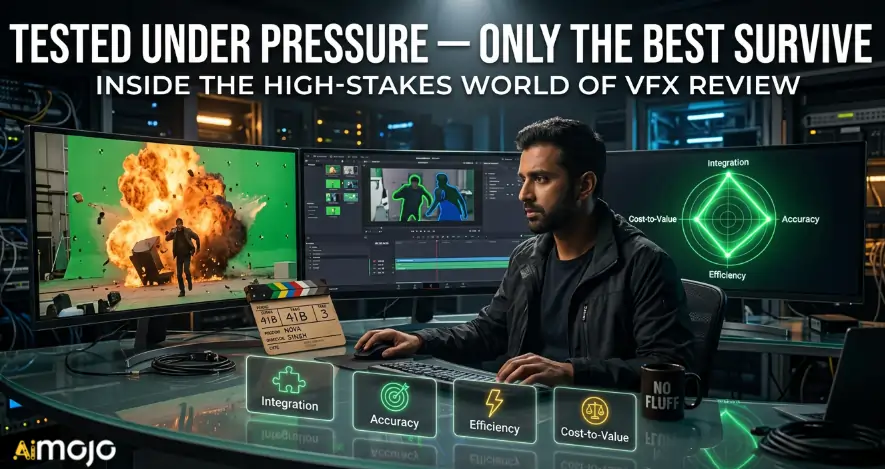
Nuestra evaluación se centró en cuatro indicadores de rendimiento críticos:
Esta metodología práctica destaca AI Herramientas de efectos visuales que realmente solucionan los problemas de posproducción, y no solo que resultan impresionantes en las demostraciones.
Resumiendo el poder de AI en la creación de efectos visuales
El panorama de la postproducción está cambiando rápidamente y es fácil sentirse abrumado por todas las nuevas actualizaciones de software. No es necesario aprender todas las plataformas para mantenerse relevante. Integrar solo una o dos de estas AI Herramientas de efectos visuales Incorporarlo a tu rutina diaria puede devolverte instantáneamente horas de tiempo perdido. Empieza poco a poco.
Elige el programa que resuelva tu mayor obstáculo inmediato, como el enmascaramiento tedioso o la captura de movimiento, y pruébalo en un proyecto de bajo riesgo. En definitiva, la tecnología debe estar al servicio de tu visión creativa, no complicarla.
AiMojo recomienda:


 BONUS: Obtenga nuestros $200 “AI “Mastery Toolkit” ¡GRATIS cuando te registras!