


Recording a podcast is the fun part. Editing it is where the hours disappear: trimming awkward pauses, cutting every “um”, fixing a guest’s echoey microphone and balancing levels before an episode is ready to publish.
AI podcast editing tools now handle much of that work automatically. A good AI podcast editor transcribes the episode, lets hosts edit audio like a text document, removes noise and filler words, and even cuts social clips and writes show notes. The trick is matching the podcast editing software to the show’s format and budget.
Бърз отговор: Най-добрият AI podcast editing tools in 2026 are Описание for editing episodes like a text document, Riverside for recording and editing remote interviews, and Adobe Podcast for cleaning up bad audio for free.
Auphonic and Cleanvoice are the best add-ons for automatic levelling and removing filler words.
Топ AI podcast editing tool picks at a glance
The 10 tools below were checked on each company’s site in November 2026. For creating a podcast from scratch with AI voices, the list of AI генератори на подкасти отива по-далеч.

Edit the next episode in minutes, not hours
Descript cuts audio and video through the transcript, with AI that removes filler words and fixes sound. Riverside records studio-quality remote interviews and edits them with AI в същото приложение.
Какво означава AI podcast editor do?
An AI podcast editor uses speech recognition and audio models to automate the slow parts of editing. Most tools combine several of these jobs.
- Transcript editing: edit the episode by deleting or moving text (Descript, Riverside, Async).
- Аудио подобрение: remove noise and echo so voices sound studio-quality (Adobe Podcast, Magic Dust, Studio Sound).
- Почисти: cut filler words, mouth sounds and long pauses (Cleanvoice, Descript, Auphonic).
- Levelling: balance speakers and hit podcast loudness standards (Auphonic).
- Преназначение: write show notes and make social clips (Castmagic, OpusClip, Riverside).
AI podcast editing tools compared by free plan and price
Each tool name below jumps to its full review.
| Инструмент | Най - доброто за | Безплатна опция | Платено от |
|---|---|---|---|
| Описание | Редактиране на базата на текст | 1 час/месец | $16/месец (годишно) |
| Крайречен | Remote recording plus editing | 2 hours one-off | $24/месец (годишно) |
| Async (formerly Podcastle) | All-in-one with AI гласове | Безплатна план | $ 11.99 / мес |
| Adobe подкаст | Безплатно почистване на аудио | 1 час/ден | Firefly Pro $19.99/mo |
| Ауфоничен | Levelling and loudness | 2 часа/месец | From 9 hours/month |
| чист глас | Премахване на пълнител | 30 минути | $ 11 / мес |
| castmagic | Show notes and content | Не | $19/месец (годишно) |
| OpusClip | Социални клипове | 60 кредита/месец | $ 9 / мес |
| Алиту | Начинаещи | 7-дневна пробна версия | About $21/mo (yearly) |
| дързост | Free manual editing | Безплатно | Безплатно |
10 AI podcast editing tools reviewed
The reviews below cover what each tool does best, its free allowance and current prices, starting with the full editors.
1. Описание
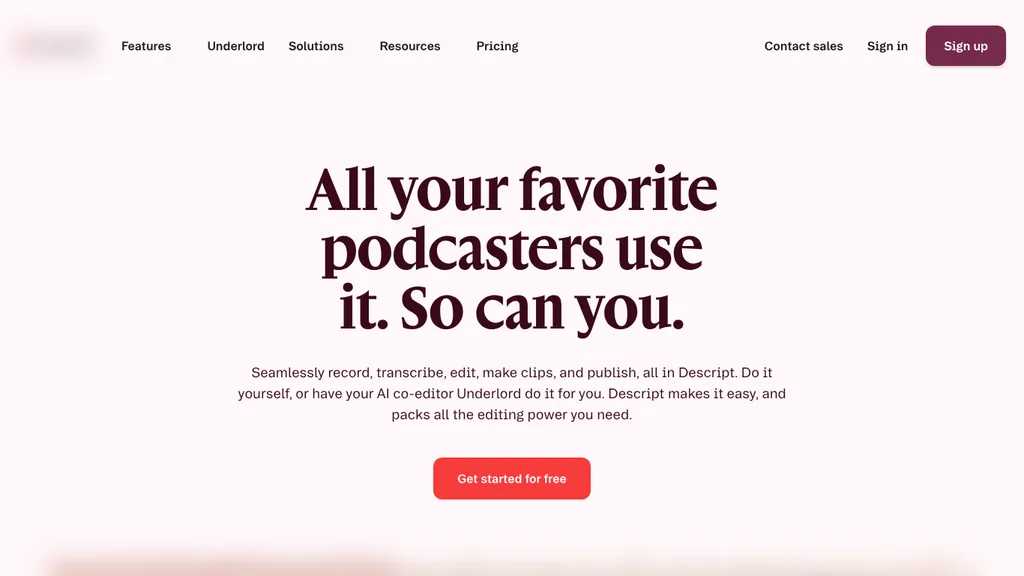
Descript transcribes a recording and edits the audio and video through the text, so deleting a sentence cuts it from the episode. Its AI co-editor Underlord removes filler words, tightens pauses, creates clips and writes show notes, and Studio Sound makes a laptop mic recording sound closer to a studio.
1
Descript text-based podcast editor
Best for editing podcasts like a text document
- Edit audio by editing text
- Underlord AI съредактор
- Studio Sound and filler word removal
Безплатно; от $16/месец
Таксува се годишно · Прочетете пълния преглед
The free plan includes 1 media hour a month and 100 one-time AI credits. Hobbyist costs $16 a month billed yearly ($24 monthly) for 10 hours, Creator costs $24 a month billed yearly ($35 monthly) for 30 hours with full Underlord access, and Business costs $50 a month billed yearly ($65 monthly).
Какво се откроява
- Fastest way to cut a long episode
- Handles video podcasts too
Внимавай за
- Media hours limit heavy users
- Lots of features to learn
2. Крайречен
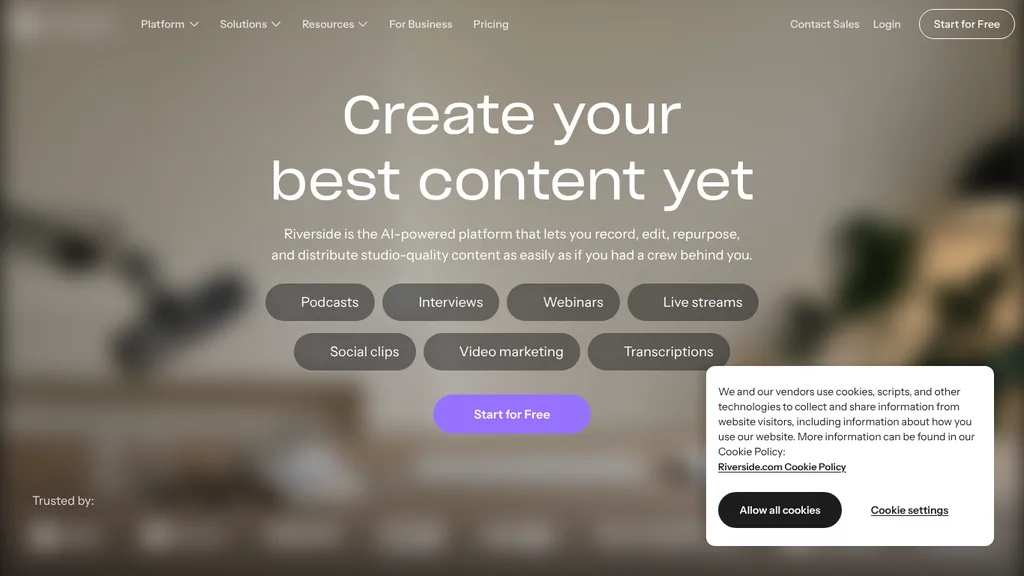
Riverside records each guest locally in high quality, even on a shaky connection, then adds a text-based editor, Magic Audio enhancement and an AI editing and repurposing agent. Magic Clips turns the episode into short social clips, and it writes show notes from the transcript.
2
Riverside remote podcast studio
Best for remote recording plus AI редактиране
- Studio-quality remote recording
- Text-based editing and Magic Audio
- Magic Clips and show notes
Безплатно; от $24/месец
Таксува се годишно
The free plan includes 2 hours of separate-track recording to try it. Pro costs $24 a month billed yearly ($29 monthly) with unlimited transcriptions and text-based editing, and Grow costs $34 a month billed yearly ($39 monthly).
Какво се откроява
- Best remote recording quality
- Record, edit and clip in one place
Внимавай за
- Recording hours vary by plan
- AI credits needed for some extras
3. Async (formerly Podcastle)
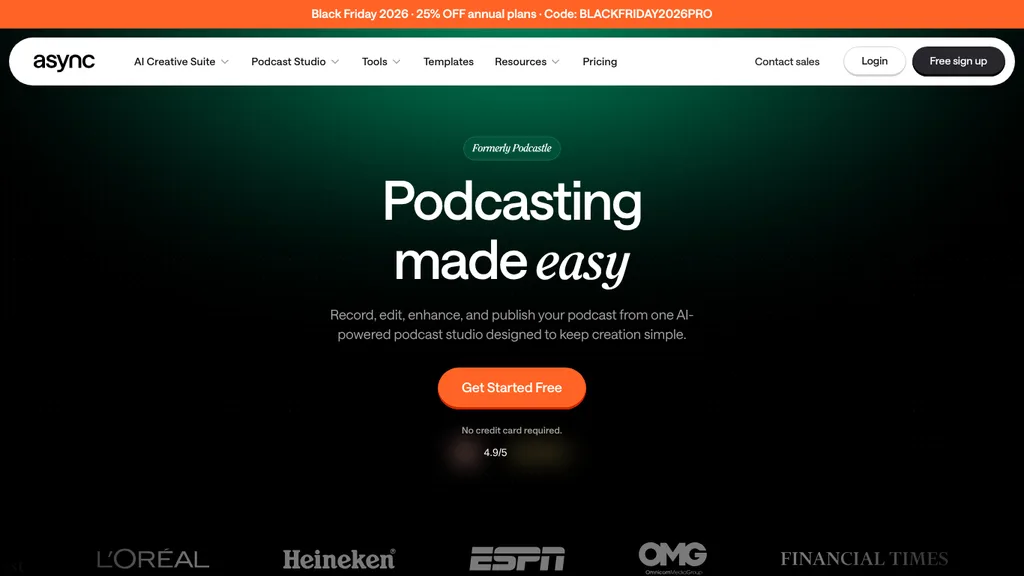
Podcastle rebranded as Async in January 2026, and its podcast studio still records, edits, enhances and publishes in one place. Magic Dust cleans up voice recordings, auto leveling and noise reduction even out the sound, and 1,000+ AI voices help with intros, ads or fixing a missed word. It also adds chat-based video editing and access to image and video models.
3
Async podcast studio and AI гласове
Best for recording, AI voices and publishing in one app
- Magic Dust audio enhancement
- 1,000 + AI гласове
- Recording, editing and hosting
Безплатно; от $11.99/месец
Save up to 40% yearly · Прочетете пълния преглед
There’s a free plan to start. Essentials costs $11.99 a month, Pro costs $23.99 a month and Teams costs $49.99 per creator, with savings of up to 40% on yearly plans.
Какво се откроява
- Good value for solo creators
- Много AI включени инструменти
Внимавай за
- Rebrand can be confusing
- Credits shared across many features
4. Adobe подкаст
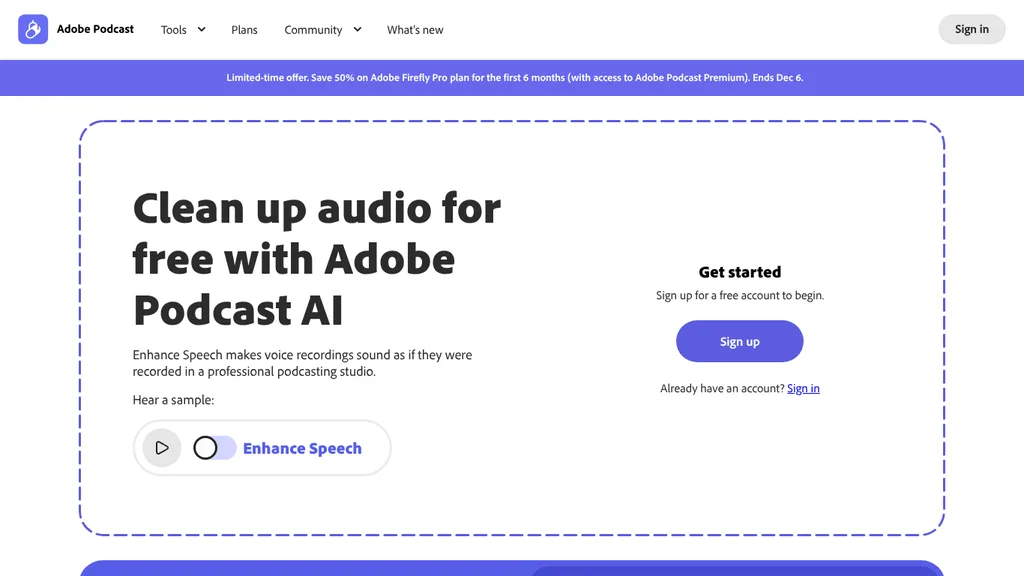
Adobe Podcast’s Enhance Speech is the quickest way to rescue a noisy or echoey recording. An uploaded file comes back sounding as if it was recorded in a studio. Mic Check analyses the microphone setup before recording, and Studio adds browser-based recording and transcript editing.
4
Adobe Podcast Enhance Speech tool
Best free tool for making bad audio sound good
- Enhance Speech noise and echo removal
- Mic Check before recording
- Free daily allowance
Безплатно
Firefly Pro $19.99/mo for more
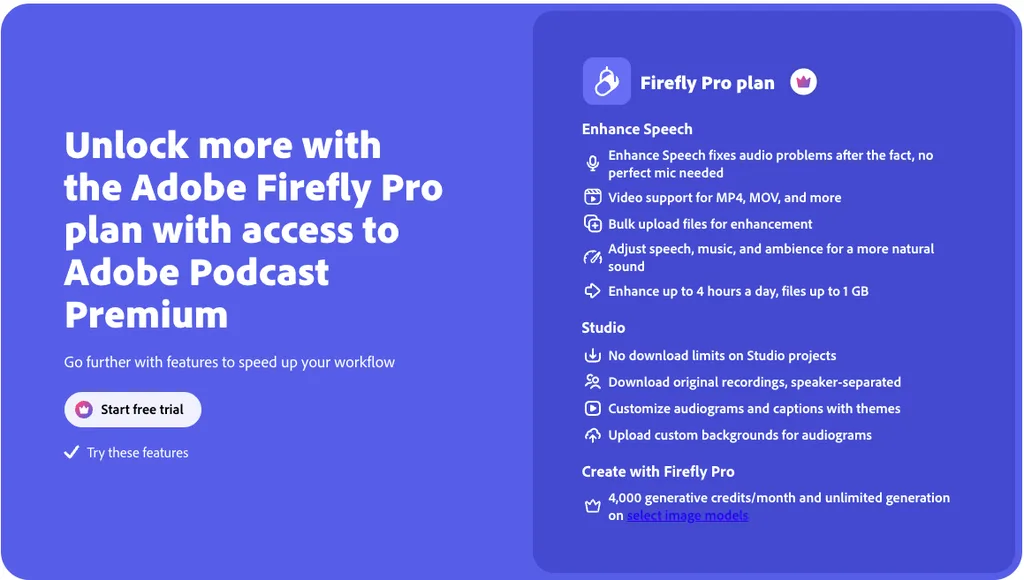
The free plan enhances audio-only files up to 30 minutes and 500 MB, for up to 1 hour a day. Adobe stopped selling Podcast Premium on its own on 30 August 2026, so higher limits now come with Firefly Pro at $19.99 a month, which raises Enhance Speech to 4 hours a day with files up to 1 GB, video support and bulk uploads.
Какво се откроява
- Remarkable results for free
- Не са необходими умения за редактиране
Внимавай за
- Free files capped at 30 minutes
- Strong settings can sound artificial
5. Ауфоничен
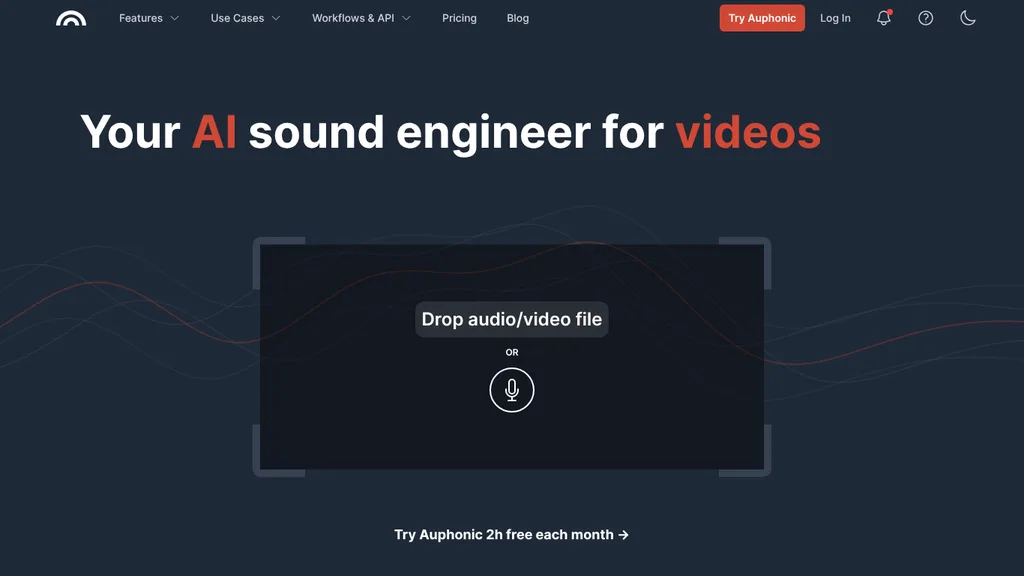
Auphonic works like an automatic sound engineer. Its Intelligent Leveler balances voices and music, noise and reverb reduction clean up the room, and it can cut filler words, coughs and silences. It also hits the loudness standards podcast apps and YouTube expect, and sends finished files straight to the podcast host.
5
Ауфоничен AI audio leveler
Best automatic levelling and loudness
- Интелигентен нивелир
- Noise, reverb and filler removal
- 2 free hours every month
2 hours free/mo
Paid plans from 9 hours/mo · Прочетете пълния преглед
Every account gets 2 hours of processed audio free each month. Paid plans add recurring hours from 9 hours a month, one-time credits are also available, and yearly billing saves 20%.
Какво се откроява
- Set-and-forget audio polish
- Generous free monthly hours
Внимавай за
- Не е пълноправен редактор
- Free files include an Auphonic jingle
6. чист глас
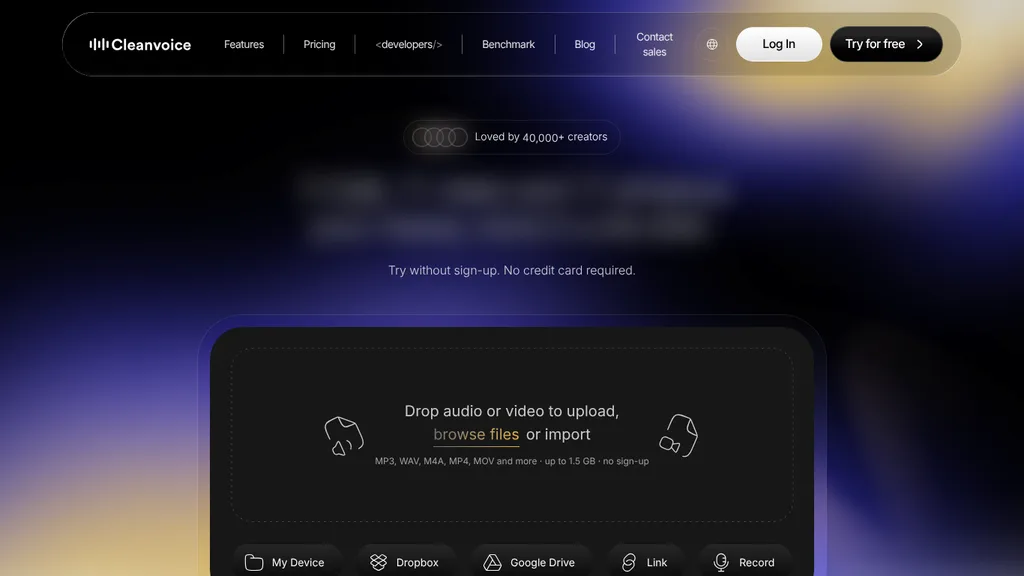
Cleanvoice focuses on the tedious clean-up jobs. It removes filler words, mouth sounds, breaths and long silences, reduces background noise and can add a studio sound effect. A timeline export keeps every cut under the editor’s control, and it handles video podcasts.
6
Cleanvoice filler word remover
Best for removing ums, mouth sounds and silences
- Filler word and mouth sound removal
- Silence and noise removal
- Timeline export to the editor
От $ 11 / мес
30 минути безплатно
The first 30 minutes are free without a credit card. Subscriptions start at $11 a month for 10 hours, and pay-as-you-go credits start at $11 for 5 hours.
Какво се откроява
- Saves hours of manual cleanup
- Works in many languages
Внимавай за
- Не е пълноправен редактор
- Over-cleaning can sound choppy
7. castmagic
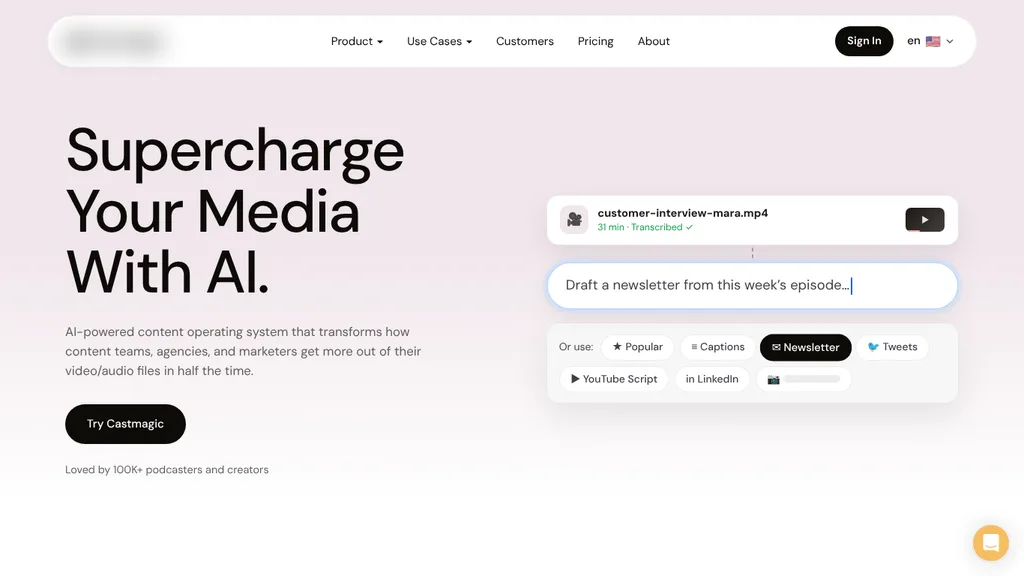
Castmagic handles everything after the edit. An uploaded episode is transcribed in 60+ languages, then turned into show notes, timestamps, newsletters, social posts and YouTube descriptions, with custom prompts for a particular style. Its studio also makes clips and audiograms.
7
Castmagic podcast show notes AI
Best for turning episodes into show notes and posts
- Show notes and timestamps
- Newsletters and social posts
- Clips and audiograms
От $ 19 / мес
Таксува се годишно · Прочетете пълния преглед
Hobby costs $19 a month billed yearly ($239 a year) for 30 transcribed hours, and Starter costs $48 a month billed yearly for 100 hours.
Какво се откроява
- Big time saver after recording
- Custom prompts for a house style
Внимавай за
- Doesn’t edit the audio itself
- Hours are capped per plan
8. OpusClip
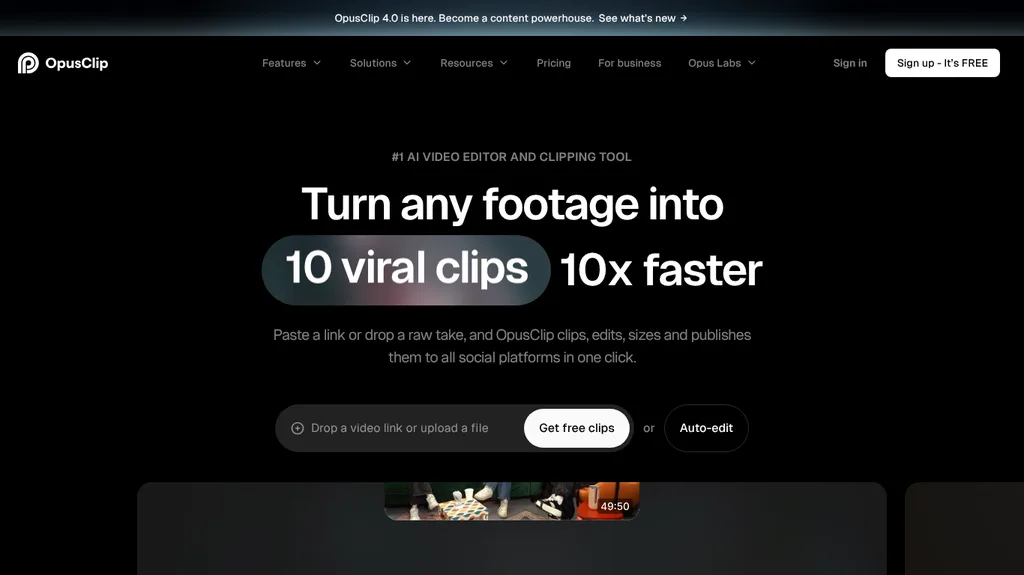
OpusClip finds the most engaging moments in a video podcast and turns them into vertical clips with captions, auto-reframing and a virality score. Clips can be edited, then scheduled and published to YouTube Shorts, TikTok and Instagram.
8
OpusClip podcast clip generator
Best for turning video podcasts into Shorts and Reels
- Finds the best moments
- Auto captions and reframing
- Schedules to social platforms
Безплатно; от $9/месец
Pro $9.50/mo yearly · Прочетете пълния преглед
The free plan gives 60 credits a month with watermarked clips. Starter is currently $9 a month (down from $15), and Pro is $9.50 a month billed yearly ($114).
Какво се откроява
- Great for growing a video podcast
- Fast clip picks
Внимавай за
- Free clips are watermarked
- Long uploads use credits quickly
9. Алиту
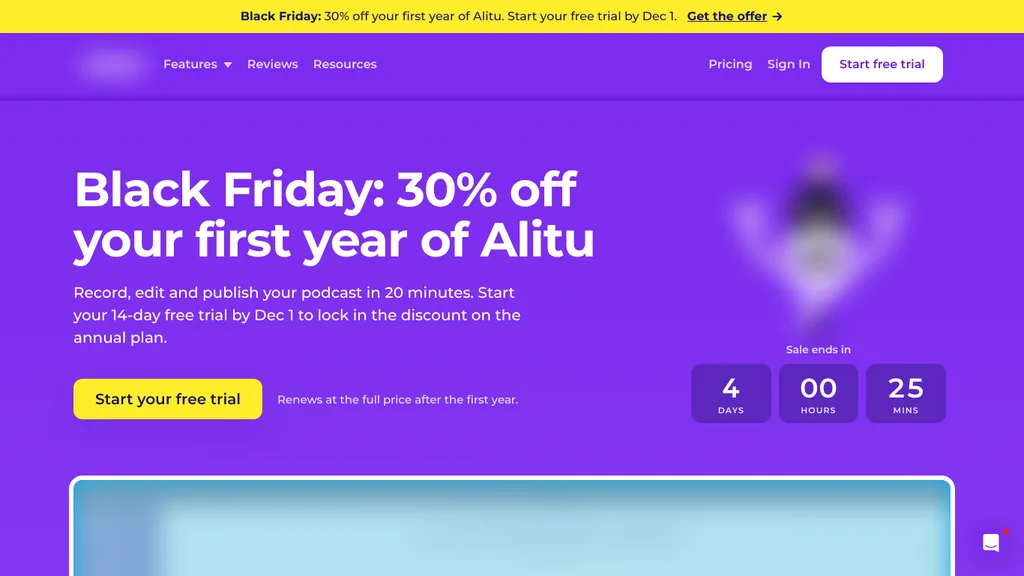
Alitu is built for people who want a finished episode without learning audio editing. It records calls, removes background noise automatically, uses Magic Filters to cut filler words and silences, and edits by text or a simple waveform. It also writes AI show notes, creates transcripts in 17 languages and includes free hosting up to 1,000 downloads a month.
9
Alitu beginner podcast maker
Best simple podcast maker for beginners
- Automatic noise cleanup
- Magic Filters for fillers and silence
- Вграден хостинг
7-дневен безплатен пробен период
About $21/mo billed yearly
There’s a 7-day free trial. The yearly plan works out at about $21 a month at its current sale price, and done-for-you editing starts at $295 a month.
Какво се откроява
- Много приятелски за начинаещи
- Включен хостинг
Внимавай за
- Less control than Descript
- Audio-first, limited video
10. дързост
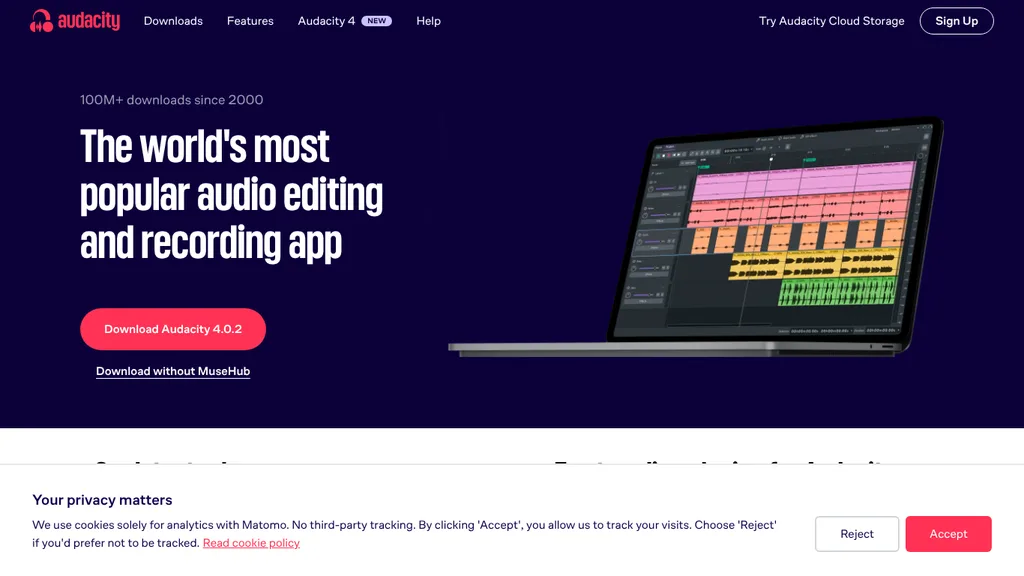
Audacity is the free, open-source audio editor many podcasters start with, and Audacity 4 is now available for Windows, Mac and Linux. It has little built-in AI, but it’s reliable for cutting, mixing and adding music, and pairs well with Adobe Podcast or Auphonic for AI clean-up.
10
Audacity free podcast editor
Best free editor for manual fine-tuning
- Безплатна и с отворен код
- Windows, Mac and Linux
- Пълно ръчно управление
Безплатно
Отворен код
Audacity is completely free, with optional cloud storage for projects through its own service.
Какво се откроява
- No cost at all
- Huge community and tutorials
Внимавай за
- Little built-in AI
- Manual editing takes longer
How to edit a podcast with AI, step by step
А просто AI workflow takes a raw recording to a published episode with clips and show notes. Each step can use a different tool from this list.
Step 1: Record clean audio. Use Riverside or Async for remote guests, and run Adobe Podcast Mic Check before the session.
Step 2: Make a rough cut by text. Edit the transcript in Descript or Riverside to remove tangents, false starts and mistakes.
Step 3: Clean up fillers and pauses. Descript or Cleanvoice removes ums, uhs and long silences. Keeping a few makes the conversation sound natural, so a gentle setting works best.
Step 4: Polish the sound. Studio Sound, Magic Dust, Auphonic or Adobe Podcast Enhance Speech fixes noise and echo. Adobe’s free plan covers an hour a day, and Firefly Pro raises that to 4 hours a day with video and bulk uploads.
Step 5: Level and export. Auphonic balances the speakers and hits the loudness standard podcast apps expect, then sends the file to the host.
Step 6: Repurpose the episode. Castmagic writes show notes and social posts, and OpusClip or Riverside Magic Clips cut vertical clips. The guide to AI Shorts generators covers more clip tools.
Какво AI podcast editors cost
Most tools have a free tier, and paid plans start between $9 and $24 a month.
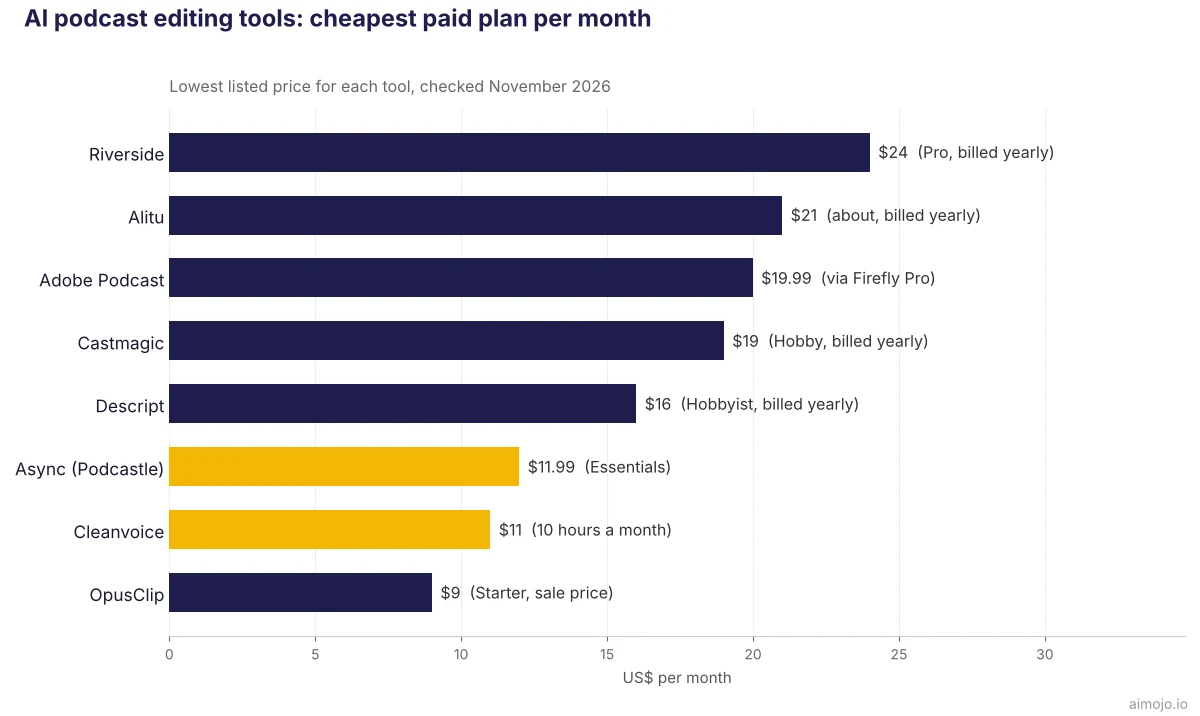
OpusClip’s Starter plan is the cheapest at $9 a month for clips, and Cleanvoice and Async are the cheapest for cleaning and editing audio, while Descript and Riverside cost more but cover recording or full editing. A free stack of Audacity, Adobe Podcast and Auphonic’s 2 monthly hours costs nothing at all.
Как да изберем правилното AI редактор на подкасти
The right tool depends on the show format, the budget and how much editing work the host wants to do.
Контролен списък за бързо закупуване
- Interview shows: Riverside or Async handle remote recording too.
- Video podcasts: Descript, Riverside and OpusClip handle video best.
- No editing skills: Alitu or Adobe Podcast need almost none.
- Zero budget: Audacity plus Adobe Podcast and Auphonic’s free hours.
- Weekly publishing: add Castmagic to save time on show notes and posts.
Често задавани въпроси относно AI инструменти за редактиране на подкасти
Кое е най-доброто AI podcast editing software?
Descript is the best overall because it edits audio and video through the transcript, with AI tools for filler words, sound quality and clips. Riverside is best for remote recording too, and Adobe Podcast is the best free option for cleaning up audio.
Има ли безплатен AI podcast editor?
Yes. Descript has a free plan with 1 media hour a month, Adobe Podcast enhances up to 1 hour of audio a day for free, Auphonic gives 2 free hours a month, and Audacity is completely free for manual editing.
What happened to Podcastle?
Podcastle rebranded as Async in January 2026. Accounts and features carried over, and the podcast studio still offers recording, Magic Dust audio enhancement, AI voices and publishing.
What happened to Adobe Podcast Premium?
Adobe stopped selling Podcast Premium on its own on 30 August 2026. Its features now come with the Firefly Pro plan at $19.99 a month, including Enhance Speech for up to 4 hours a day, video support and bulk uploads.
Мога AI remove filler words from a podcast?
Yes. Descript, Cleanvoice, Auphonic and Alitu detect and remove ums, uhs, repeated words and long silences automatically, usually with a chance to review the cuts first.
Мога AI make a podcast sound studio-recorded?
Tools such as Adobe Podcast Enhance Speech, Descript Studio Sound and Async’s Magic Dust greatly reduce noise and echo. Very poor recordings may still sound processed, so a decent microphone and a quiet room help most.
Is a human podcast editor still needed?
For many shows, AI handles most of the work. A human editor still adds value for storytelling, pacing and complex productions, and services like Alitu offer done-for-you editing.
Окончателна присъда: най-добрият AI podcast editing tool
Descript is the best all-round AI podcast editor thanks to text-based editing and Underlord. Riverside is the better pick for interview shows that need remote recording, and Adobe Podcast is the best free fix for poor audio.
Auphonic, Cleanvoice and Castmagic slot in around a main editor to handle levelling, clean-up and show notes. Creators building a wider toolkit will find more options in the list of AI инструменти за създатели.
Дневник на актуализациите: какво се промени в тази статия
- 28 ноември 2026 г.: Rewrote the list with current tools and prices, including Podcastle’s rebrand to Async and Adobe Podcast Premium moving into Firefly Pro, plus a step-by-step editing guide, a price chart and a buying checklist.


