Every tool your business runs on — Gmail, Notion, LinkedIn, Google Analytics, QuickBooks, and 1,000+ more — can now plug directly into Sintra AI.
هنا's the complete breakdown of what connects, how it works, and what your AI helpers actually do once you flip the switch.
What “Integrations” Actually Means in Sintra
Sintra integrations are not third-party plugins you bolt on manually. They are built-in, one-click connectors baked directly into the platform — no webhooks, no developer tickets, no Zapier middleware required (though Zapier support does exist for extending even further).
Once connected, your Sintra AI helpers get direct read/write access to those tools. That means they don't just “see” the data — they act on it. Draft and send an email in Gmail. Post to LinkedIn. Pull a Google Analytics report. Create a Notion page. All triggered from inside one chat window.
The integration layer is powered by التركيب, which is what lets Sintra hit the 1,000+ integrations mark across every major business category.

The Full Sintra AI Integrations List (By Category)
هنا's a structured rundown of every category and tool currently supported:
📧 البريد الإلكتروني
| أداة | What Your Helper Can Do |
|---|---|
| جوجل | Send emails, reply to threads, read inbox, run outreach campaigns |
| مايكروسوفت أوتلوك | Send, reply, read — full إدارة البريد الوارد for Microsoft users |
📅 Calendar & Scheduling
| أداة | What Your Helper Can Do |
|---|---|
| مفكرة | Create events, read schedule, set reminders, plan content calendar |
| MS Calendar | Same calendar capabilities for Microsoft 365 users |
🗂️ File Storage
| أداة | What Your Helper Can Do |
|---|---|
| في Google Drive | Save reports, pull files, store AI-generated outputs automatically |
| Dropbox | File storage and retrieval for Dropbox-based workflows |
📱 Social Media
| أداة | What Your Helper Can Do |
|---|---|
| LinkedIn (Personal) | Schedule posts, publish content, manage profile activity |
| LinkedIn (Company Page) | Manage page posts, grow company presence |
| فيسبوك | Publish posts, view page insights, manage page content |
| إنستغرام | Post to feed (via Facebook Business link), manage content |
| تيك توك | Publish and schedule short-form video content |
| يو توب YouTube | Manage video uploads and channel content |
💬 Team Communication
| أداة | What Your Helper Can Do |
|---|---|
| فترة ركود | Send messages, post to channels, automate team notifications |
| فرق مايكروسوفت | Collaborate and communicate across Microsoft-based teams |
✅ Productivity & Project Management
| أداة | What Your Helper Can Do |
|---|---|
| Notion | Create pages, update databases, organize projects |
| Trello | Manage boards, cards, and task lists |
| أسانا | Create tasks, track project progress |
| مهام Google | Add and manage tasks inside Google Workspace |
| Todoist | Task creation and to-do list management |
| خطي | Engineering and product team task tracking |
| Airtable | Database management and project tracking |
💼 CRM & Sales
| أداة | What Your Helper Can Do |
|---|---|
| HubSpot | Manage contacts, track deals, update CRM entries |
| ساليسفورسي | CRM updates, lead tracking, إدارة خط أنابيب المبيعات |
| Pipedrive | Deal management and sales workflow automation |
📊 Analytics & Data
| أداة | What Your Helper Can Do |
|---|---|
| Google Analytics | Fetch traffic reports, surface insights, track performance |
| صفائح جوجل | Read and write spreadsheet data for reporting |
💰 Accounting & Finance
| أداة | What Your Helper Can Do |
|---|---|
| QuickBooks | Create/send invoices, read financials, generate reports |
| Xero | Accounting and bookkeeping automation |
🛠️ أدوات المطور
| أداة | What Your Helper Can Do |
|---|---|
| GitHub جيثب: | Manage repositories, track issues, automate dev workflows |
| GitLab | Code management and CI/CD pipeline interaction |
| Jira | Issue tracking and sprint management |
| سوباباس | Database interaction and backend management |
🎨 التصميم والإبداع
| أداة | What Your Helper Can Do |
|---|---|
| FIGMA | Access design files, reference assets in content workflows |
📣 Marketing & Advertising
| أداة | What Your Helper Can Do |
|---|---|
| SEMrush | Pull keyword data, track rankings, surface SEO opportunities |
| إعلانات ميتا | Manage ad campaigns and ad account data |
🏃 Health & Fitness
| أداة | What Your Helper Can Do |
|---|---|
| Strava | Read activity data so your personal coach can track fitness goals and adjust your schedule |
🌐 CMS & E-Commerce
| أداة | What Your Helper Can Do |
|---|---|
| WordPress.com | Manage posts, pages, and content publishing |
| Webflow | الموقع و الصفحة المقصودة إدارة |
| شوبيفاي | E-commerce product and order management |
How to Connect Any Integration in Sintra (3 Steps)
No setup headaches. The entire process takes under two minutes per tool:
- Go to Brain AI — Click the Brain AI button in your Sintra sidebar to open your integration hub
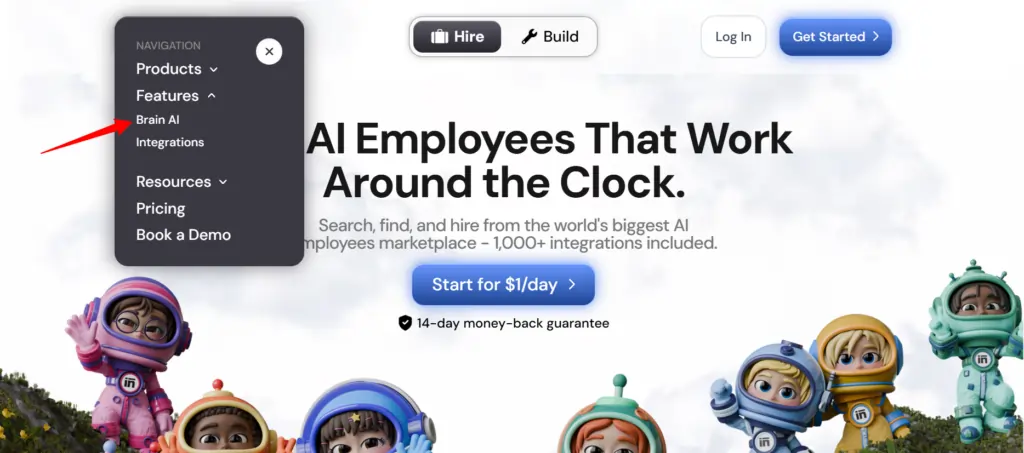
- Find the tool — Locate the integration you want (Gmail, Notion, LinkedIn, etc.) and click "الاتصال"
- Authorize the account — A popup window opens, log in and grant permissions — the Connect button flips to a green checkmark
أن's it. From that point forward, the relevant helper (مسوق البريد الإلكتروني, data analyst, social media manager, etc.) works with live data from your actual account — no copy-pasting, no manual inputs.
؟؟؟؟ معلومات سريعة: Need to add another account for the same tool (e.g., a second Facebook Page)? Hit “Connect” → “Add new account” inside Brain AI and log in with the second account directly from there.
What Your Sintra Helpers Actually Do With These Integrations
Sintra has 12 pre-built AI specialists, and each one is wired to the integrations that make sense for their role:

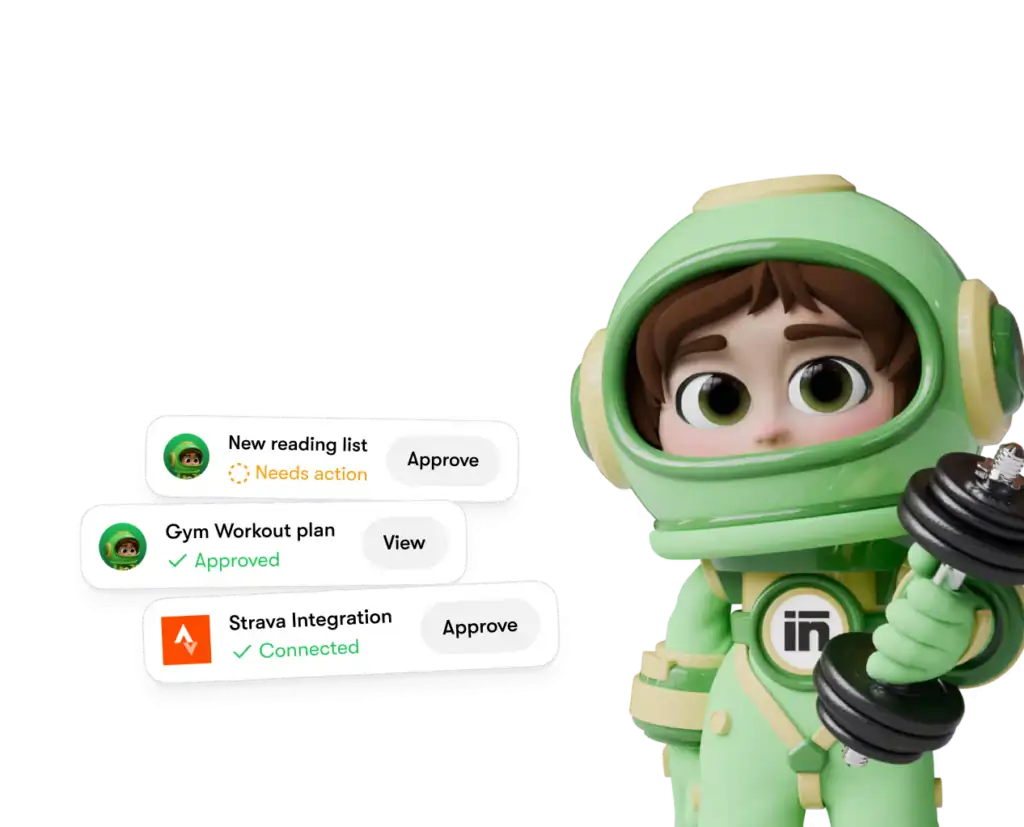
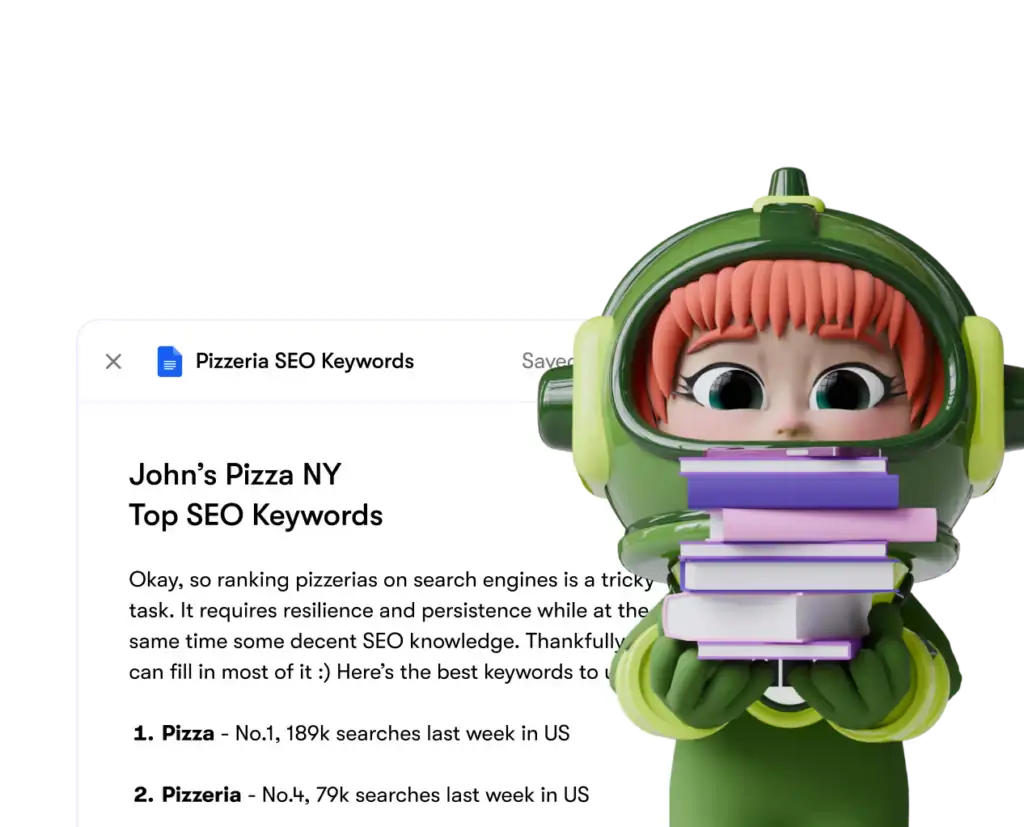
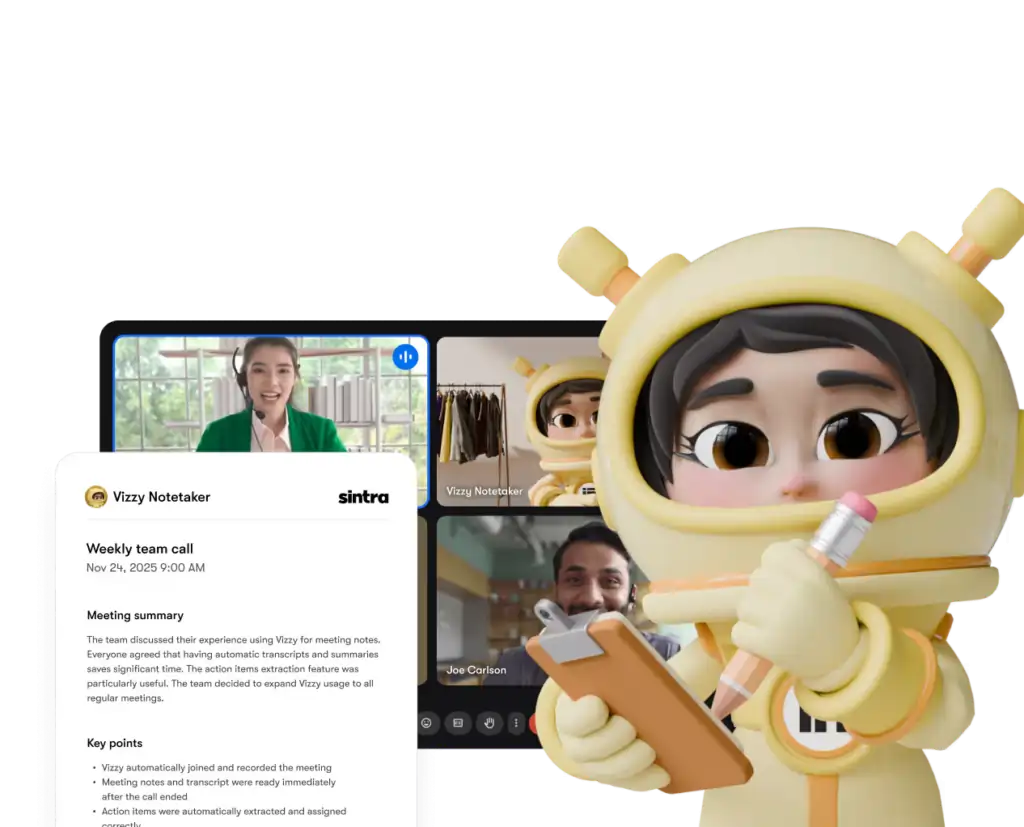
Each helper only accesses the tools and permissions you explicitly grant — and you can disconnect any integration from your dashboard at any time.
سينترا AI vs. Competitors: Integration Depth
هنا's how Sintra's integration setup compares to similar platforms at the same price tier:
| الميزات | سينترا الذكاء الاصطناعي | عام AI Chatbots | Automation Platforms (e.g., Zapier) |
|---|---|---|---|
| Native integrations (no code) | 1,000+ | لا شيء إلى الحد الأدنى | Yes, but no AI طبقة |
| AI helper acts on data | نعم | ❌ لا | ❌ لا |
| تعقيد الإعداد | One-click auth | لا يوجد | متوسطة إلى عالية |
| Business-role-specific helpers | ✅ 12 specialists | ❌ | ❌ |
| Automation (recurring tasks) | ✅ | ❌ | ✅ |
| متوافقة مع الناتج المحلي الإجمالي | ✅ | يختلف | يختلف |
The key differentiator: platforms like Zapier give you موصلات، لكن هناك's no intelligent layer on top interpreting and acting on the data. Sintra gives you both — the integration and an AI that knows what to do with it.
The 1,000+ Integrations Claim — What Does It Actually Mean?
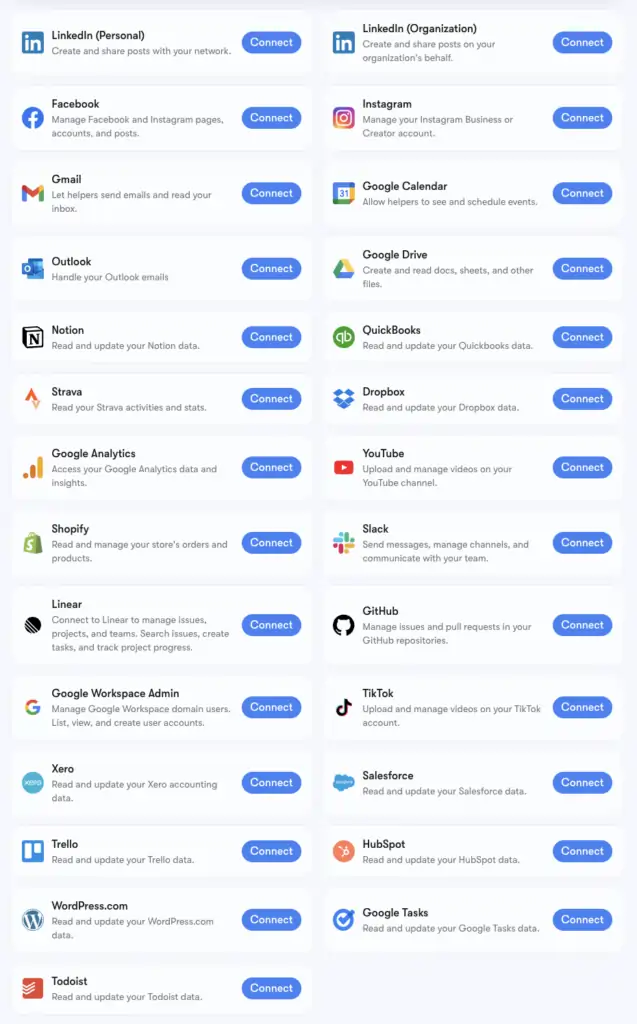
سينترا's 1,000+ integrations figure is powered by التركيب, a connector infrastructure that supports apps across every category: أدوات الموارد البشرية, scheduling platforms, e-commerce, data warehouses, and niche SaaS tools most AI platforms don't touch.
You can browse the full extended list at composio.dev/toolkits. The core integrations with deep helper support (Gmail, LinkedIn, Notion, Google Analytics, etc.) are the ones built natively into Sintra's Brain AI. The extended 1,000+ are accessible for users who need to go deeper into specific workflows.
If a tool you rely on isn't listed, you can request it directly from your Sintra dashboard. New integrations get added based on user demand on a rolling basis.
Setting Up Gmail + Google Calendar: Step-by-Step
The Google Workspace stack is the most commonly connected group, so here's the exact process:
- انقر الذكاء الاصطناعي في الدماغ في الشريط الجانبي الأيسر
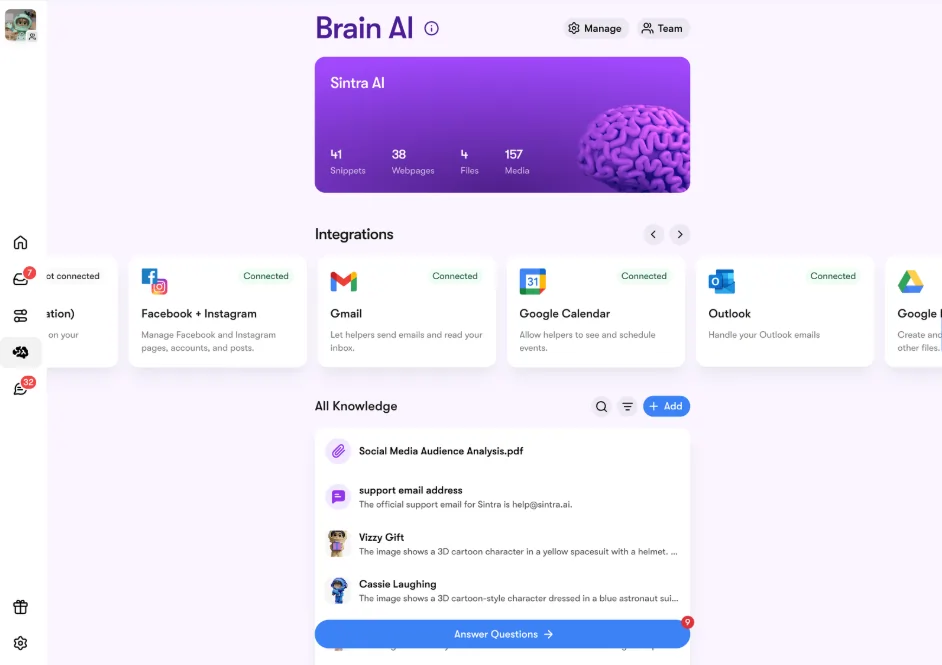
- حدد جوجل, مفكرة, في Google Drive أو Google Analytics in the Integrations section
- انقر التواصل → ثم التواصل again (or إضافة حساب جديد for multiple accounts)
- A browser popup appears — select the Google account you want to use
- Grant Sintra App the requested permissions
- The button turns green — you're live
All four Google tools can be connected independently or together. Sintra only requests the permissions needed for each task (e.g., Calendar only needs read/write for events — not your entire Google account).
Setting Up Facebook & Instagram
This one has a small prerequisite — your Instagram must be linked to a Facebook Business Page first:
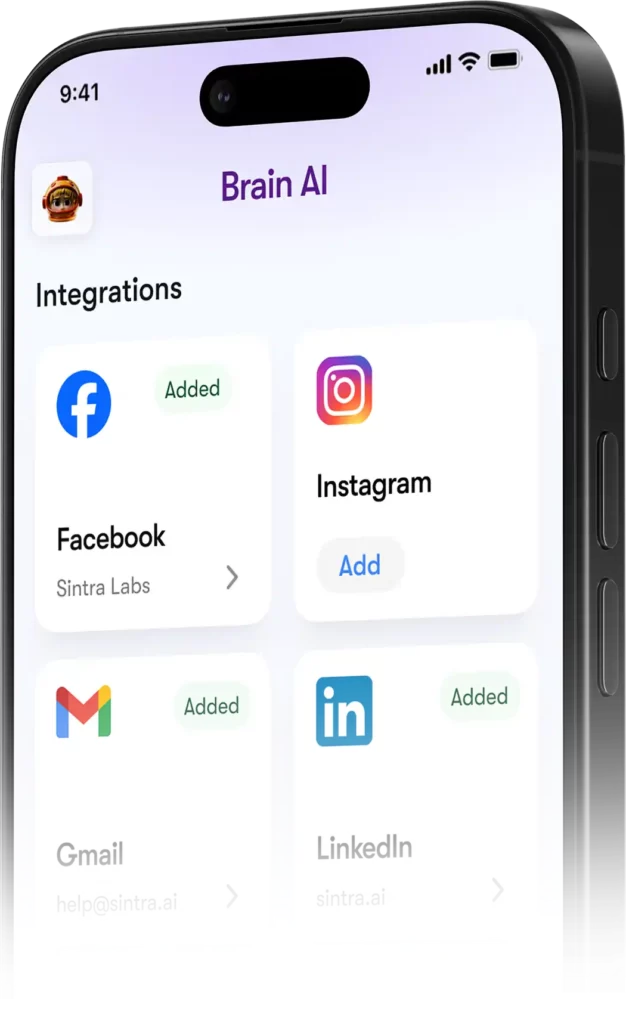
- Log into Facebook → click your profile photo → switch to your Business Page
- انتقل إلى البرنامج المساعد في التأليف Settings & Privacy → Settings → Permissions → Linked Accounts
- انقر Instagram → Connect account and complete the link
- In Sintra, go to دماغ AI → Integrations → Facebook/Instagram → Connect
- Log in with your Facebook credentials and grant permissions
- Green checkmark = you're connected on both platforms
Once live, Soshie (your social media specialist) can post to both Facebook and Instagram directly from a chat message or via an automated schedule.
Privacy: What Sintra Can and Can't See
A reasonable question when connecting your Gmail or Google Analytics to any AI platform. Here's سينترا's actual stance:
Helpers do not act on your behalf unless you've explicitly asked them to via chat or set up a scheduled automation — they don't run in the background doing things you haven't approved.
الأسئلة الشائعة
What tools are on the official Sintra AI integrations list?
Core integrations include Gmail, Outlook, Google Calendar, Google Drive, LinkedIn, Facebook, Instagram, TikTok, Slack, Notion, HubSpot, Salesforce, QuickBooks, Google Analytics, GitHub, Strava, Shopify, and more. The full extended list of 1,000+ tools is available at composio.dev/toolkits.
Does Sintra AI have a public API?
No — Sintra does not offer a public API. All integrations are ready-to-use connectors built directly into the platform via Composio.
Can I connect multiple accounts for the same tool?
Yes. Hit “Connect” → “Add new account” inside Brain AI to link additional accounts for the same platform. Each account is managed independently.
Do Sintra integrations work inside automations?
Yes — connected tools power recurring automations like daily inbox summaries, scheduled social posts, and weekly analytics reports. Helpers run these on autopilot without you having to initiate a chat.
Is there an integration for Strava?
Yes. Strava connects via Brain AI and lets your personal coach helper read your activity data to help track fitness goals alongside your work schedule.
How long does it take to set up a Sintra integration?
Under two minutes. The whole process is OAuth-based — click Connect, log in, approve permissions, done. No API keys or technical setup required.
What if a tool I use isn't listed in Sintra's تكامل؟
Request it directly from your Sintra dashboard — new integrations are added based on user demand on a rolling basis. You can also browse the full extended list at composio.dev/toolkits.
Are Sintra AI integrations safe to use with business data?
Yes — Sintra is GDPR compliant, doesn't train on your data, and only accesses what's needed for the specific task you request. Every integration can be disconnected from the dashboard at any time.
توصي AiMojo بـ:



 BONUS: احصل على 200 دولارAI "مجموعة أدوات الإتقان" مجانية عند التسجيل!